To give your Mac a Classic Mac OS look, describe it in DesignMyMac — for example “A classic Mac OS 9 inspired desktop: platinum grey windows, pinstripes, pixel icons, retro chrome”. It researches the style, proposes three directions with a painted wallpaper and icon sample, and applies your choice to the wallpaper, app icons, folders, Dock, widgets and windows together. Every original is backed up and one click restores it.
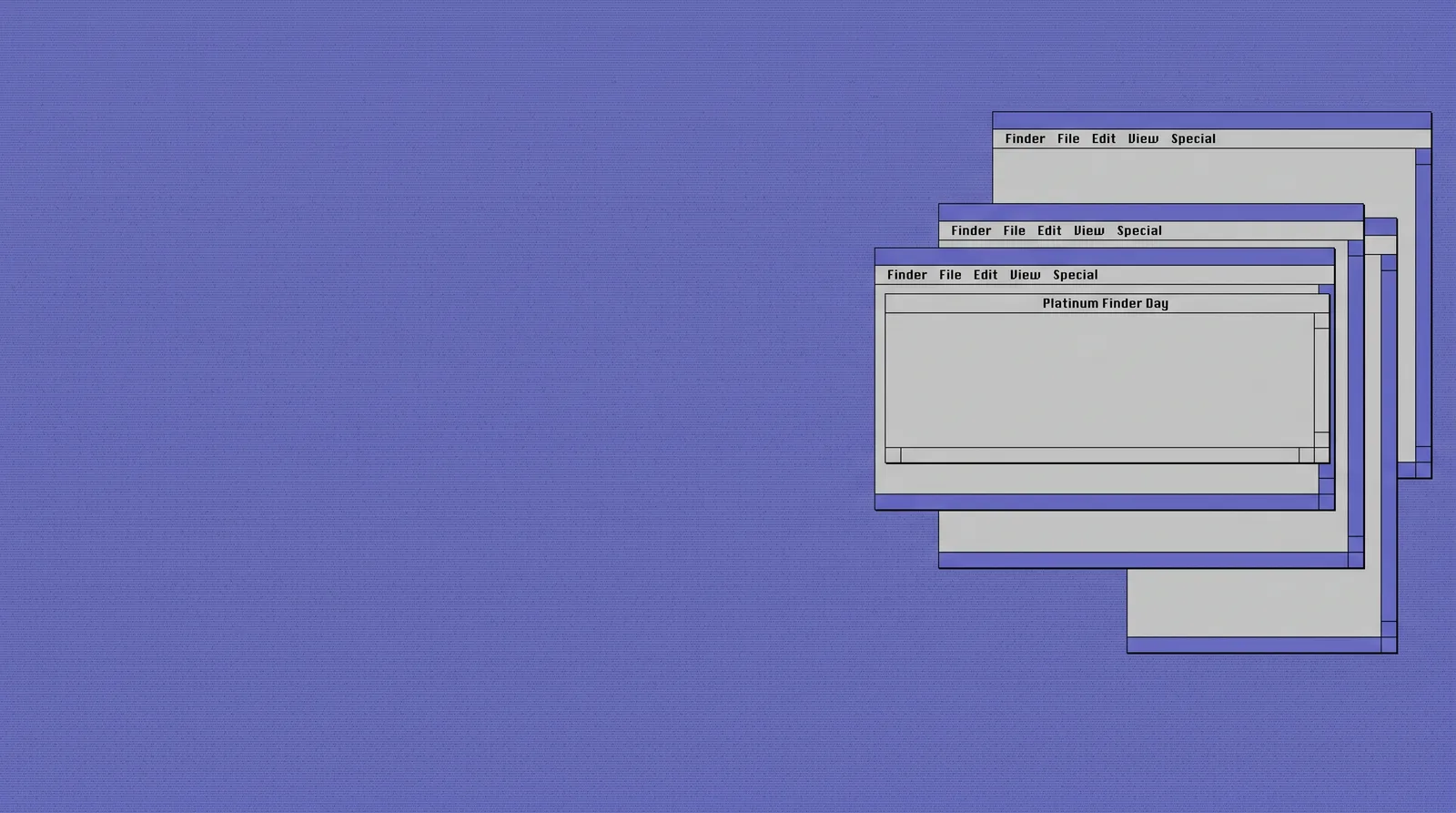
Platinum Finder Day — painted by DesignMyMac from the prompt below.
Prompt
“A classic Mac OS 9 inspired desktop: platinum grey windows, pinstripes, pixel icons, retro chrome”
You want a Mac OS 9 desktop: platinum grey, pinstripe chrome, pixel icons. I'll offer three different ways to get there, each leading with a different layer.
Three directions DesignMyMac proposed
Direction A
Platinum Finder Day
A calm, faithful 1999 Finder desktop. Grey windows, blue-violet highlights, Charcoal-style type.
Grounded in: Mac OS 9 Platinum appearance
Wallpaper
Flat Platinum-style blue-violet (#6666cc) desktop with a fine 2px pinstripe weave and a faint tiled Apple-logo-free dither pattern. Wide empty space.
App icons & Dock
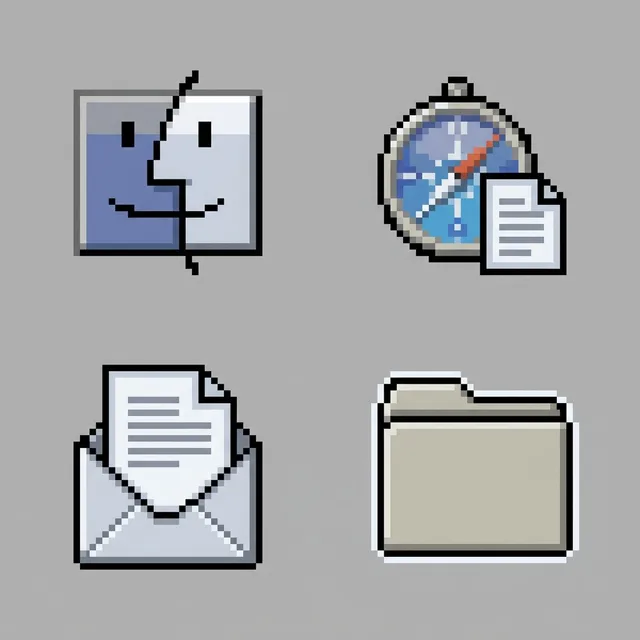
32px pixel icons with 1px black outlines, grey bevels, floppy, disk and document silhouettes in a limited 16-colour palette.
Folders
Classic Platinum manila-grey folders with a beveled tab, a 1px black outline and a soft white highlight edge.
Widgets
Solid grey cards with pinstripe title bars, Charcoal-like pixel font; clock, date, month calendar and a checklist.
Windows
Platinum windows with pinstripe title bars, square close and zoom boxes, solid grey body, outline selection.
Direction B
Bondi Translucent Desk
Late-90s translucent plastic: Bondi-blue shells over a grey desktop, with shiny chrome trim.
Grounded in: Bondi-blue iMac G3 era industrial design
Wallpaper
Macro studio photo-style render of a Bondi-blue translucent plastic shell with ice-green internals, chrome screws and soft grey backdrop. Product-shot light from the upper left, clear space at the right.
App icons & Dock
Glossy chrome-rimmed icons with a teal translucent plastic body, rounded square silhouettes and bright specular highlights.
Folders
Translucent teal plastic folders with a polished chrome tab and a visible inner shadow.
Widgets
Frosted glass cards with chrome hairline borders; analog clock, weather, battery and nowPlaying with bars.
Dense and utilitarian: a retro-computing workbench of beige plastic, floppy labels and green-phosphor readouts.
Grounded in: Early Macintosh beige hardware and floppy-disk labelling
Wallpaper
Top-down photo-style scene of a beige desk with a stack of 3.5-inch floppies in grey cases, a ribbon cable and a green-phosphor CRT glow in one corner. Flat daylight, empty centre.
App icons & Dock
Stencilled black-on-beige icons with a green label stripe, blocky silhouettes like floppy-disk labels, printed ink texture.
Folders
Beige card-stock folders with a stamped green index tab and a black typewritten label strip.
Widgets
Printed beige cards with mono type: system stats, a 24-hour progress bar, a quote and a reminders list.
Windows
Integrated solid beige windows, compact header, thin dark rule, filled selection in green.
What changes on your Mac
Wallpaper — an original painting for every display, with optional motion.
App icons & Dock — matching icons for your apps in the DesignMyMac Dock, in its own colour.
Folders — every folder in your home in the same style, and new ones as you make them.
Widgets — clocks, calendars, weather and more, designed to match.
Windows — the DesignMyMac Files and Apps windows in your palette.
Questions
How do I make my Mac look Classic Mac OS?
To give your Mac a Classic Mac OS look, describe it in DesignMyMac — for example “A classic Mac OS 9 inspired desktop: platinum grey windows, pinstripes, pixel icons, retro chrome”. It researches the style, proposes three directions with a painted wallpaper and icon sample, and applies your choice to the wallpaper, app icons, folders, Dock, widgets and windows together. Every original is backed up and one click restores it.
What colours suit a Classic Mac OS Mac desktop?
A strong starting palette is #dddddd, #bbbbbb, #6666cc, #ffffff, #333333, led by the accent #6666cc. DesignMyMac uses it across your wallpaper, icons, folders, widgets and windows.
What widgets fit a Classic Mac OS setup?
Solid grey cards with pinstripe title bars, Charcoal-like pixel font; clock, date, month calendar and a checklist.
Is DesignMyMac free?
You can start for free. Designing with AI has a daily limit per account.
Which Macs does it work on?
Apple silicon and Intel Macs running macOS 14 Sonoma or later. Download it free at designmymac.com/download.
Does it change my files?
No. DesignMyMac only changes how things look — wallpaper, icons, folders' appearance, the Dock, widgets and window styling.
 CottagecoreMeadow at Hay Time
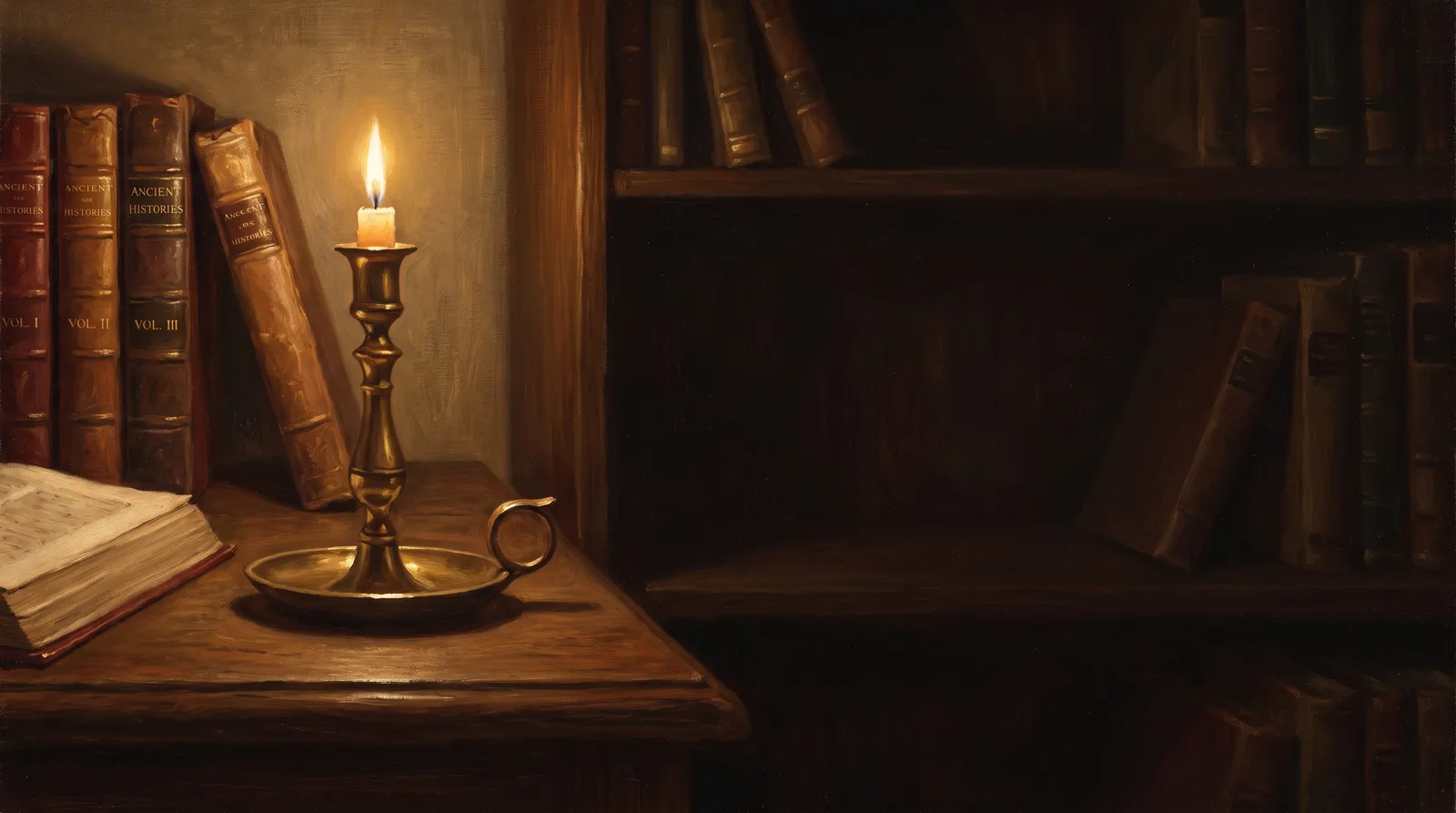 Dark AcademiaReading Room at Last Candle
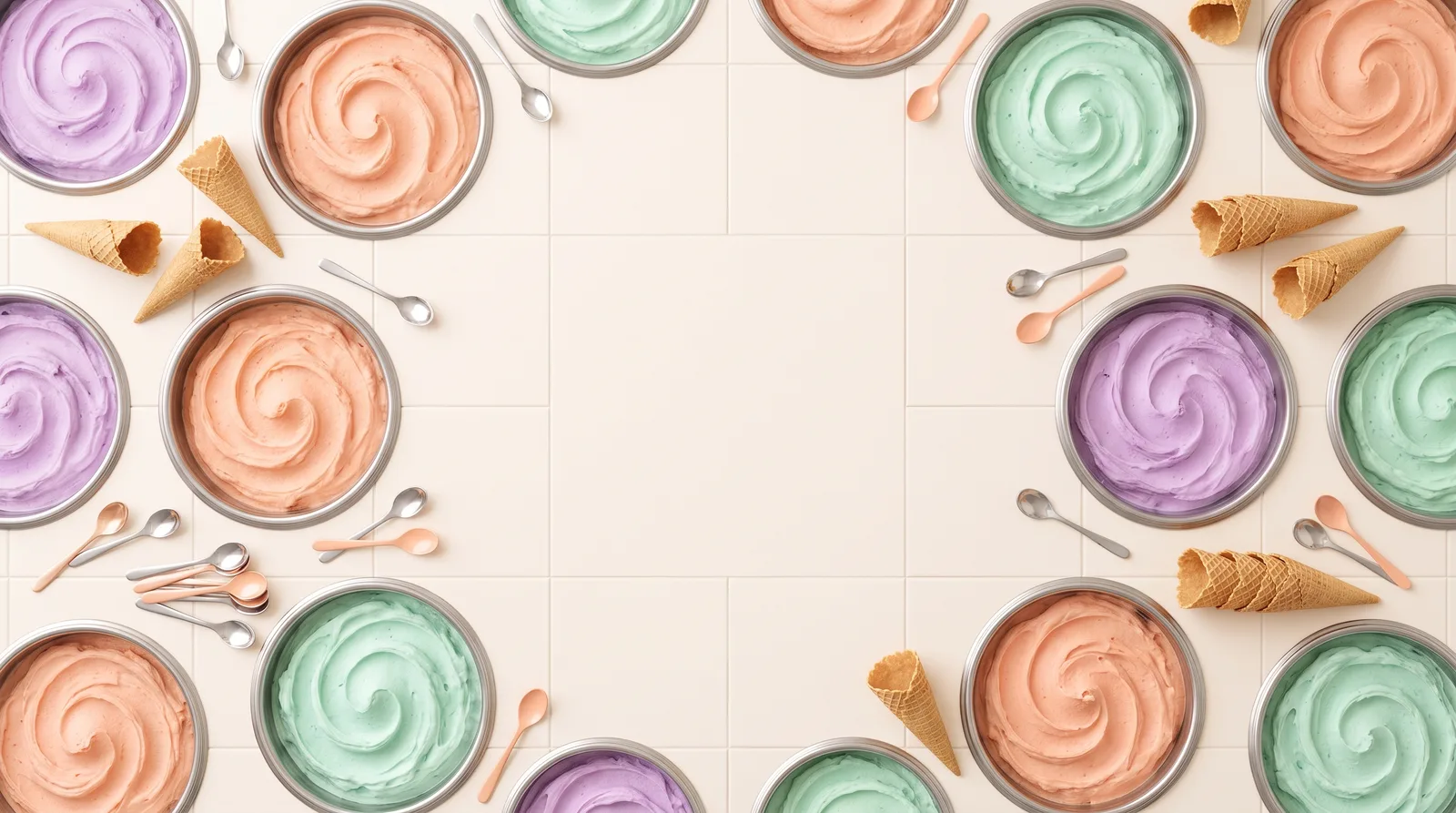 Pastel AestheticGelato Counter
 Lo-fi StudyRain on the Desk Window
 AnimeCumulonimbus Crossing
 VaporwavePlaza of Dead Malls