To give your Mac a Minimal look, describe it in DesignMyMac — for example “A calm minimal desktop: soft off-white, one quiet accent, thin line icons and lots of space”. It researches the style, proposes three directions with a painted wallpaper and icon sample, and applies your choice to the wallpaper, app icons, folders, Dock, widgets and windows together. Every original is backed up and one click restores it.
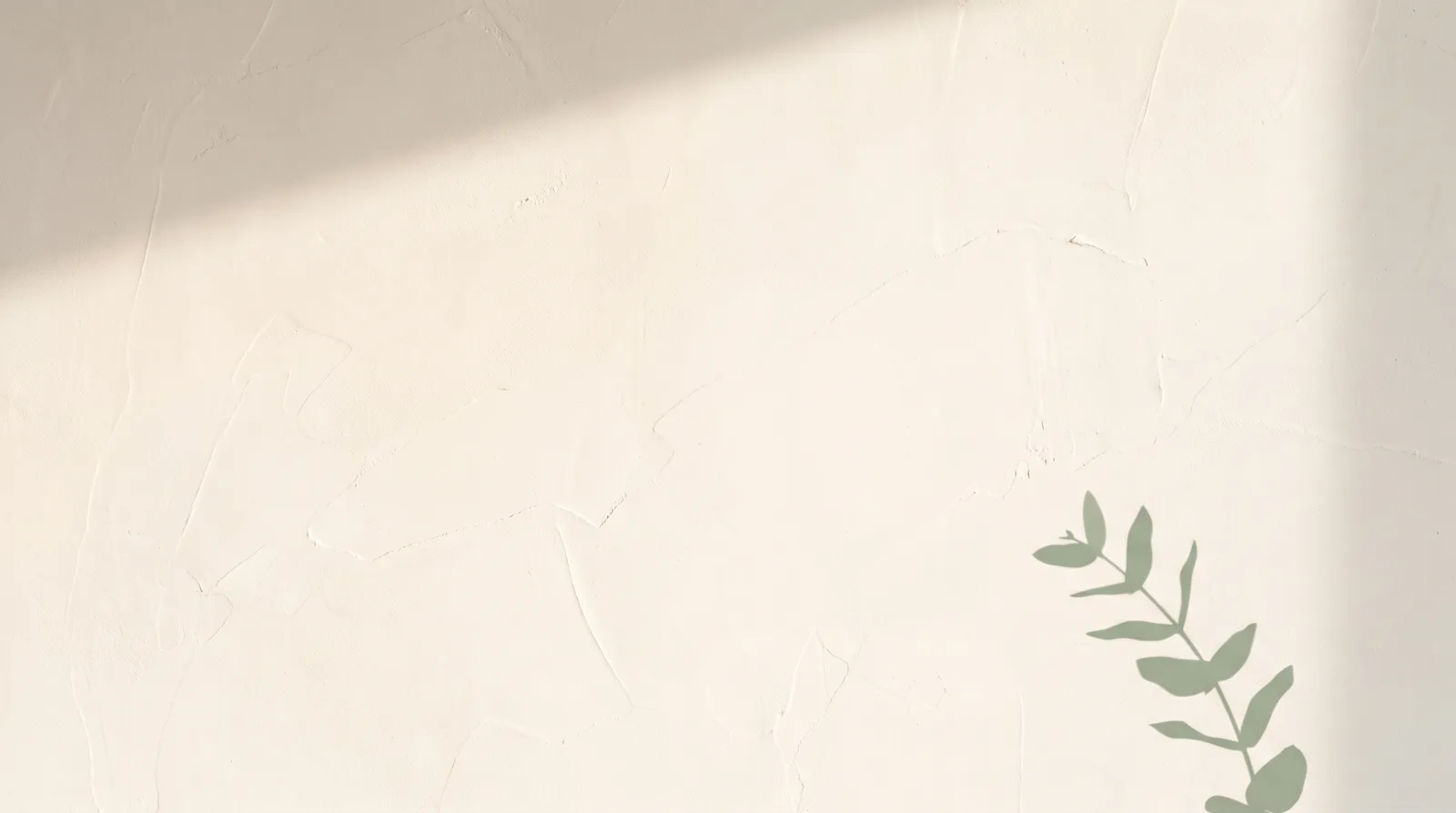
Bare Plaster Wall — painted by DesignMyMac from the prompt below.
Prompt
“A calm minimal desktop: soft off-white, one quiet accent, thin line icons and lots of space”
You want a quiet, airy desktop: off-white ground, a single restrained accent, thin line icons and generous empty space. Three directions below keep that calm but use different materials, scenes and lead layers.
Three directions DesignMyMac proposed
Direction A
Bare Plaster Wall
Morning light on limewashed plaster, one sage leaf shadow, nothing else.
Grounded in: Japanese wabi-sabi limewash interiors
Wallpaper
Limewashed plaster wall in warm off-white with faint trowel texture, one soft diagonal window-light band and a single sage eucalyptus branch shadow in the lower right; 70% empty space.
App icons & Dock
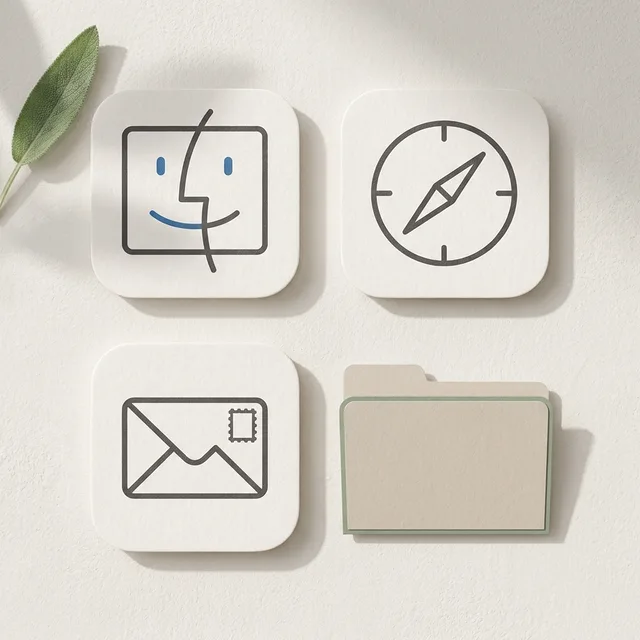
Thin 1px charcoal-grey line icons on off-white paper tiles, rounded-square silhouette, matte uncoated paper feel.
Folders
Flat folded-paper folders in pale plaster beige with a hairline sage edge and no gradient.
Widgets
Paper cards on the right: a large thin-serif clock, a month calendar and a short checklist, with one sage progress line.
Windows
Native solid windows in off-white, compact header, hairline dividers, filled selection in pale sage.
Overcast seascape in near-white fog, a perfectly flat horizon at lower third drawn as one thin dusty-blue line, soft grey-white gradient sky, no objects, large open sky for icons.
A drafting sheet with one red-orange pencil mark and measured emptiness.
Grounded in: Swiss architectural drafting sheets
Wallpaper
Off-white drafting paper with an extremely faint 40px grey grid, one small vermilion circle and a thin measured line near the top left, rest left blank.
App icons & Dock
Monoline stencil-cut glyphs in graphite grey, square silhouette, printed ink on matte card, vermilion only on the active state.
Folders
Flat card-stock folders in light grey-beige with a printed hairline label strip and one vermilion dot.
Widgets
Single three-column printed card in a condensed font: date, countdown, habit ticks and a thin vermilion year progress bar.
Windows
Editorial floating solid windows, large light title header, outline selection in vermilion.
Wallpaper — an original painting for every display, with optional motion.
App icons & Dock — matching icons for your apps in the DesignMyMac Dock, in its own colour.
Folders — every folder in your home in the same style, and new ones as you make them.
Widgets — clocks, calendars, weather and more, designed to match.
Windows — the DesignMyMac Files and Apps windows in your palette.
Questions
How do I make my Mac look Minimal?
To give your Mac a Minimal look, describe it in DesignMyMac — for example “A calm minimal desktop: soft off-white, one quiet accent, thin line icons and lots of space”. It researches the style, proposes three directions with a painted wallpaper and icon sample, and applies your choice to the wallpaper, app icons, folders, Dock, widgets and windows together. Every original is backed up and one click restores it.
What colours suit a Minimal Mac desktop?
A strong starting palette is #f4f1ea, #e6e1d6, #c9c2b3, #8fa58a, led by the accent #8fa58a. DesignMyMac uses it across your wallpaper, icons, folders, widgets and windows.
What widgets fit a Minimal setup?
Paper cards on the right: a large thin-serif clock, a month calendar and a short checklist, with one sage progress line.
Is DesignMyMac free?
You can start for free. Designing with AI has a daily limit per account.
Which Macs does it work on?
Macs with Apple silicon running macOS 14 Sonoma or later. You can also design in your browser at designmymac.com/studio.
Does it change my files?
No. DesignMyMac only changes how things look — wallpaper, icons, folders' appearance, the Dock, widgets and window styling.
 Pastel AestheticGelato Counter
 Lo-fi StudyRain on the Desk Window
 AnimeCumulonimbus Crossing
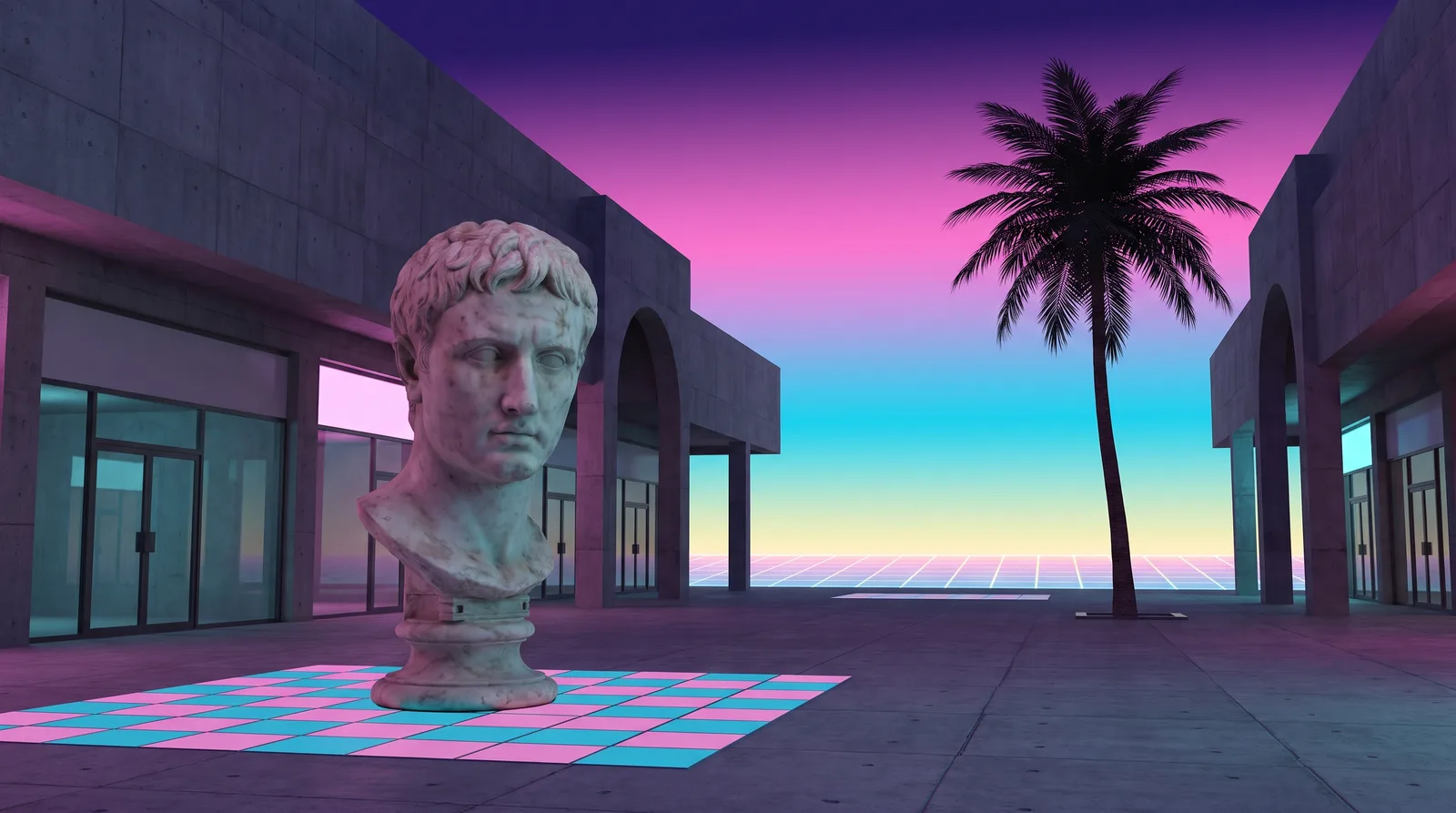 VaporwavePlaza of Dead Malls
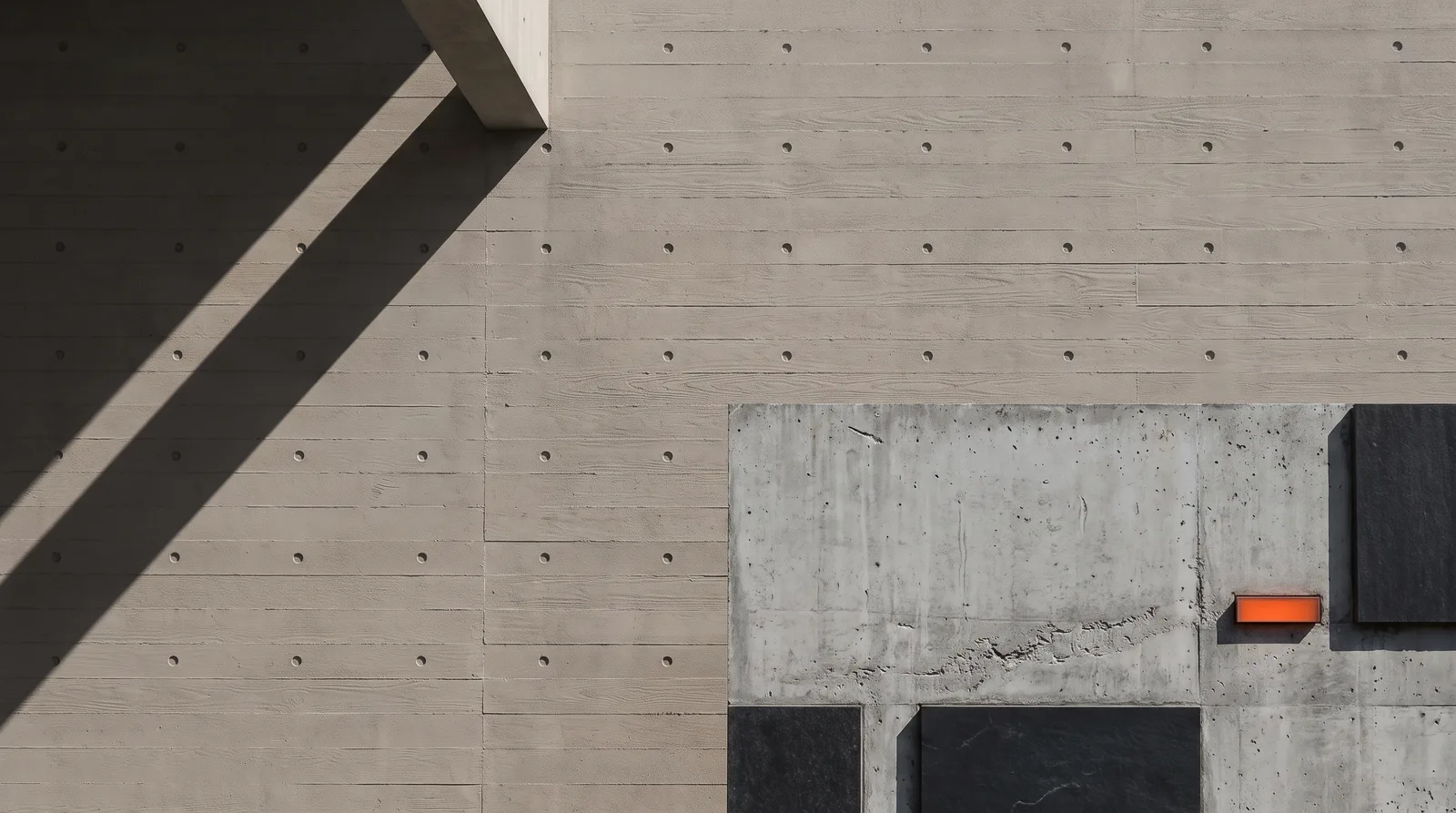 BrutalistPoured Slab
 ScandinavianBirch Veneer Studio