How to change app icons on a Mac
To change an app icon on a Mac, copy a new image, select the app in Applications, press ⌘I and paste onto the small icon at the top left. Apple's own apps are protected and app updates can reset custom icons, so DesignMyMac gives every app a matching icon in its themed Dock instead — and can also change the real icon of apps you choose.
The built-in way
- Copy the new icon image (open it in Preview, ⌘A, ⌘C).
- Open Applications in Finder, select the app and press ⌘I.
- Click the small icon at the top left of the Info window and press ⌘V. Enter your password if asked.
- If the Dock still shows the old icon, quit and reopen the app.
What it can't do
- Apple's built-in apps (Safari, Mail, Finder…) are protected by macOS and can't be changed this way.
- Some apps reset their icon after every update.
- Changing apps from other developers may require the App Management permission in System Settings › Privacy & Security.
With DesignMyMac
- Describe the icon style you want — “pixel art”, “glossy chrome”, “hand-drawn botanical”.
- DesignMyMac paints a matching icon for each app in your Dock, including Apple's apps, and shows them in the DesignMyMac Dock.
- Optionally pick specific apps under Apply › App icons to change their real icon too.
- Restore puts the original icons back.
Describe the look you want — DesignMyMac designs every layer and applies it only when you approve.
Download for MacQuestions
Why can't I change Safari's or Finder's icon?
macOS protects Apple's own apps. DesignMyMac's themed Dock shows a matching icon for them without modifying the app.
Will custom app icons survive updates?
Sometimes not — updates can replace the app bundle. Re-apply your look to restore them.
Can I tint all icons at once?
macOS Tahoe can tint system icons under System Settings › Appearance. DesignMyMac can set this to your theme's colour when you apply.
Does it change my files?
No. DesignMyMac only changes how things look — wallpaper, icons, folders' appearance, the Dock, widgets and window styling.
Can I undo everything?
Yes. You approve every change, originals are backed up first, and ⇧⌘R restores your previous look.
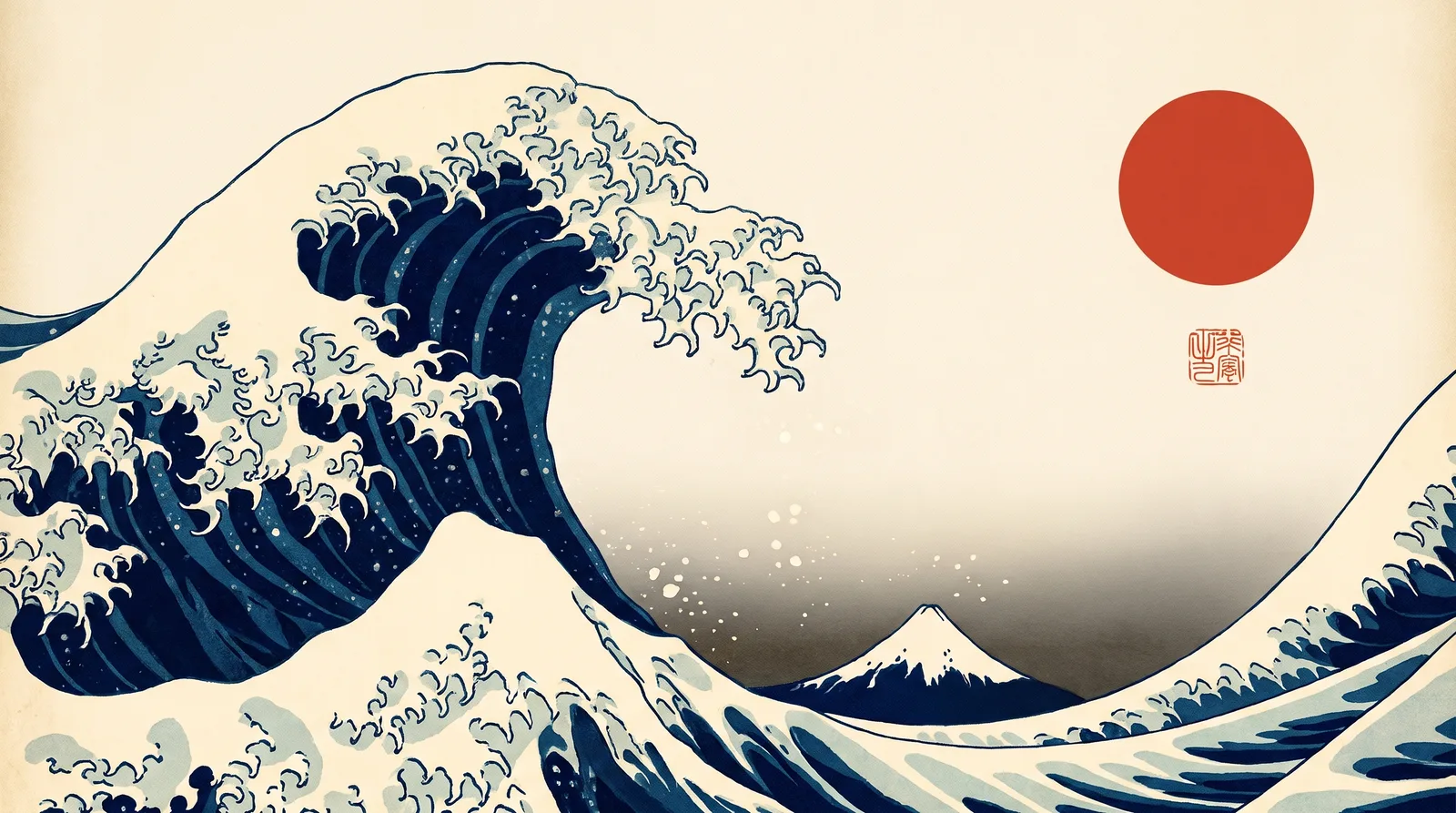 Japanese Ukiyo-eGreat Wave Indigo
 MinimalBare Plaster Wall
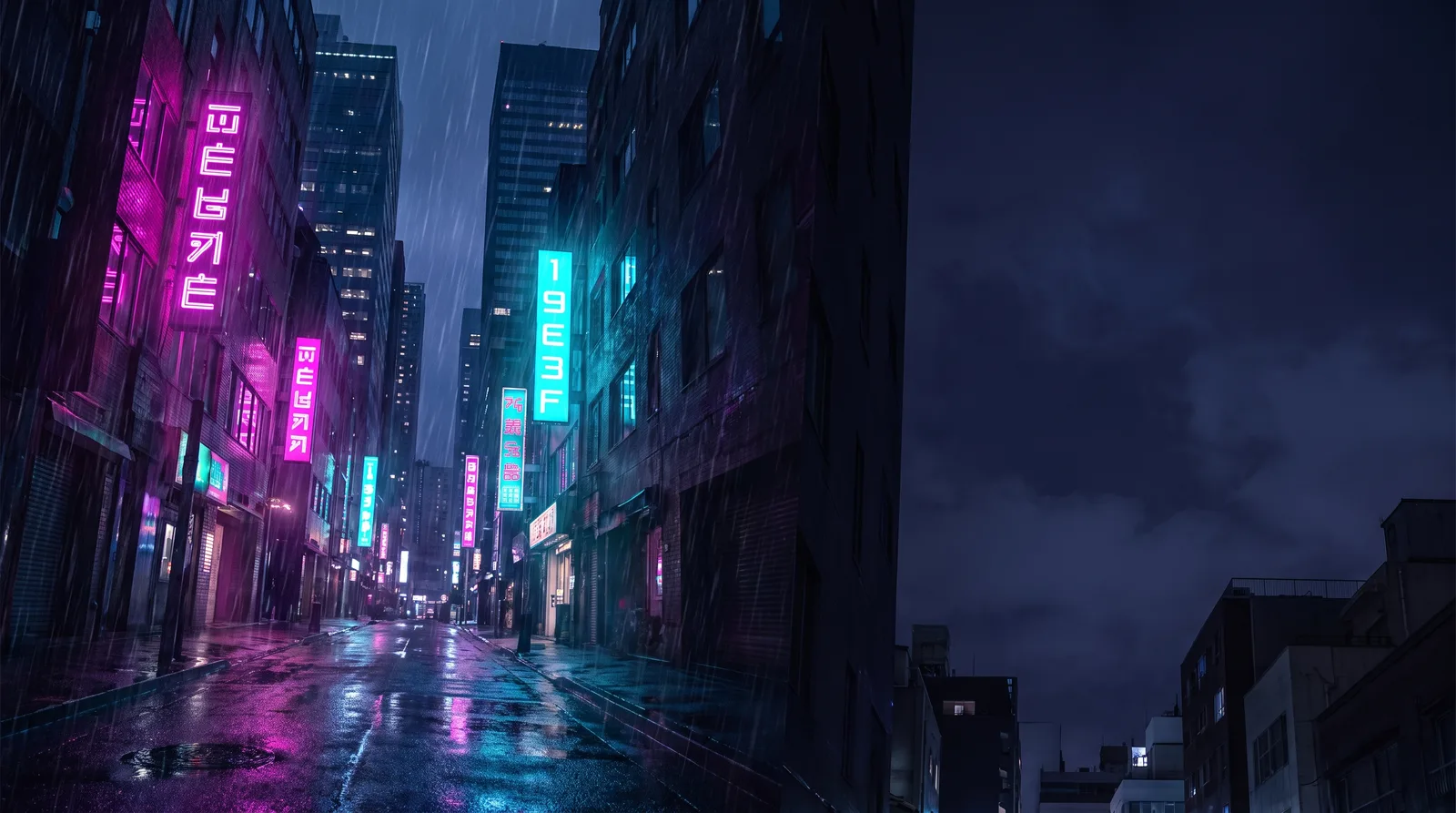 CyberpunkRain Alley 2049
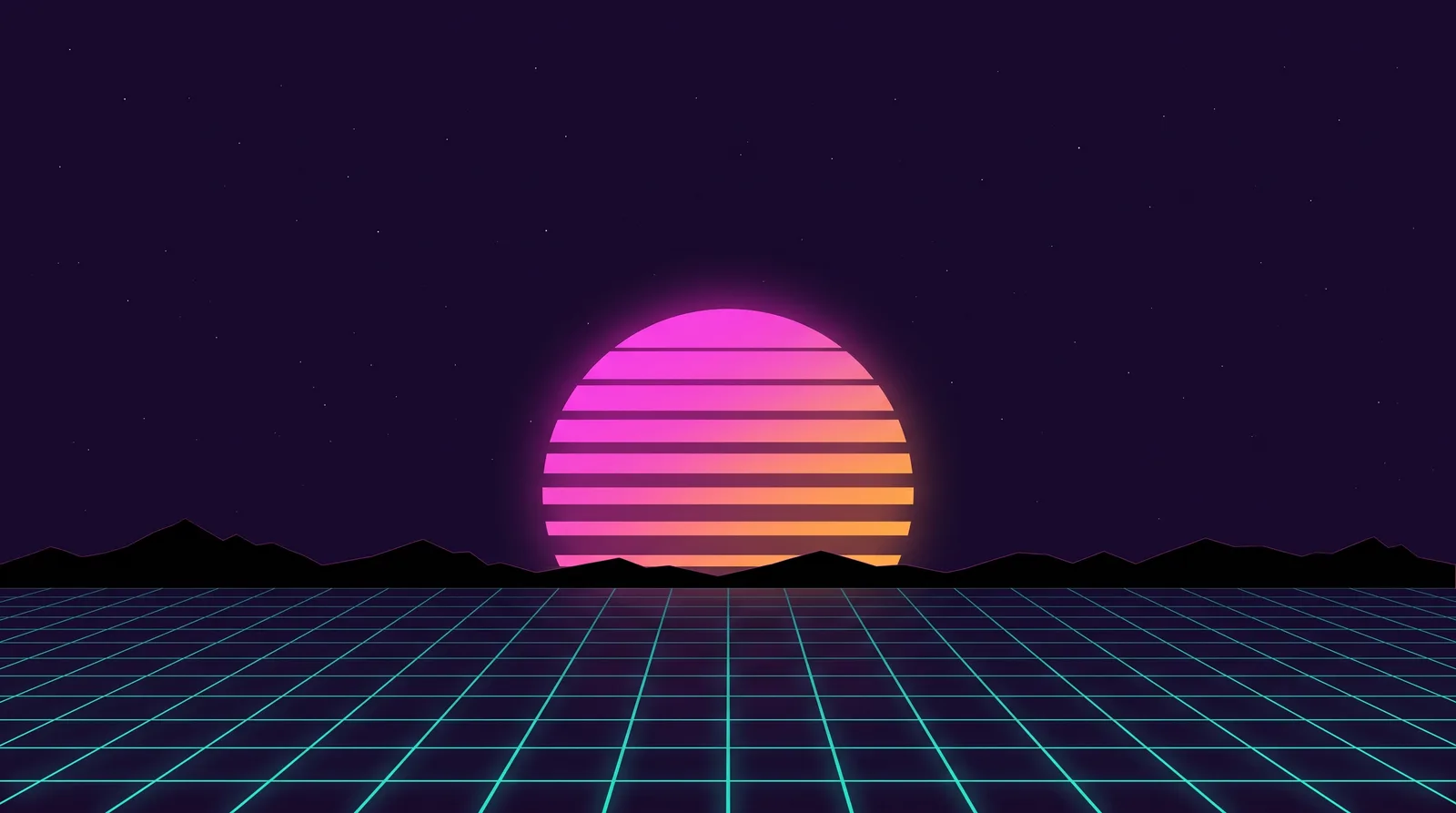 Retro 80s SynthwaveHorizon Run
 CottagecoreMeadow at Hay Time
 Dark AcademiaReading Room at Last Candle