Drink up
💧
glasses today
0 / 8
To add a water tracker widget to your Mac desktop, describe it in DesignMyMac — “A bubbly water tracker: an aqua gradient, a rounded font and 8 glasses to tap through the day.” — and it designs the widget in any style, font and colour, then places it on your desktop behind your windows. You can resize it, move it, and edit it on its own later.
“A bubbly water tracker: an aqua gradient, a rounded font and 8 glasses to tap through the day.”
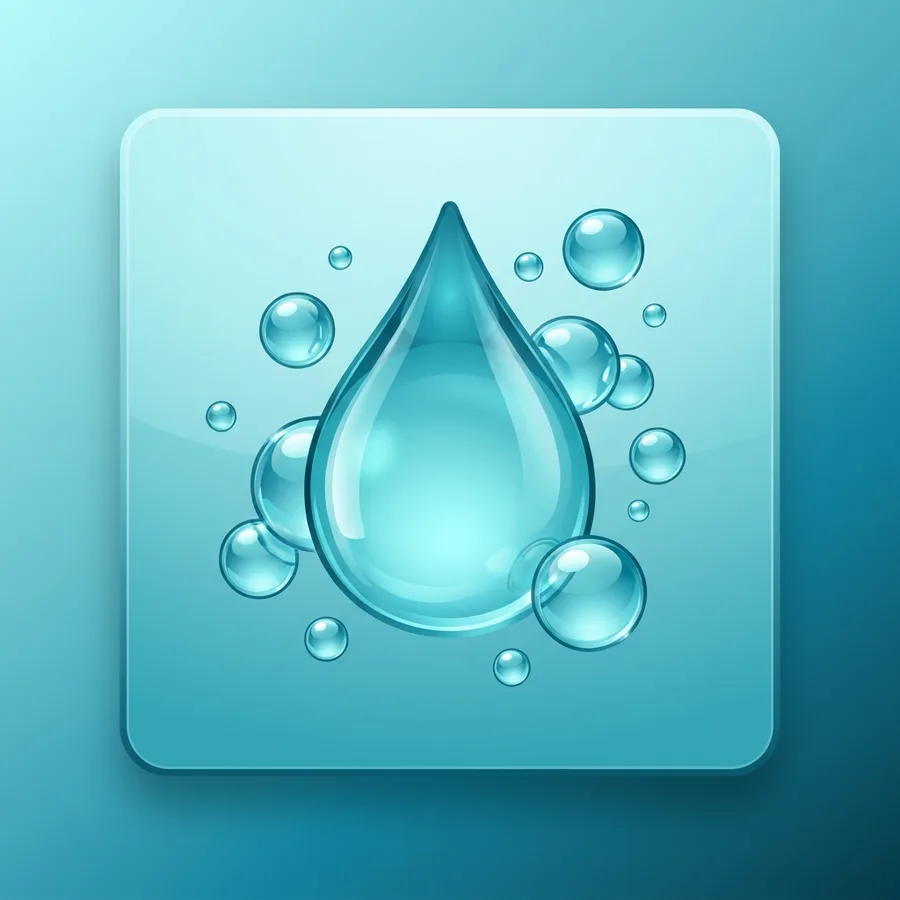
Download for MacA soft aqua gradient card holds a big counter with eight glasses to tap through the day. Rounded lettering and a glossy bubble illustration keep it playful and easy to read.
To add a water tracker widget to your Mac desktop, describe it in DesignMyMac — “A bubbly water tracker: an aqua gradient, a rounded font and 8 glasses to tap through the day.” — and it designs the widget in any style, font and colour, then places it on your desktop behind your windows. You can resize it, move it, and edit it on its own later.
Yes — any font (including pixel, handwritten and typewriter), colours, size, frame, glass effect and even painted artwork. Edit it by hand or ask the AI to restyle just that widget.
Yes. DesignMyMac widgets sit on your desktop next to any macOS widgets you use.
You can start for free. Designing with AI has a daily limit per account.
Apple silicon and Intel Macs running macOS 14 Sonoma or later. Download it free at designmymac.com/download.