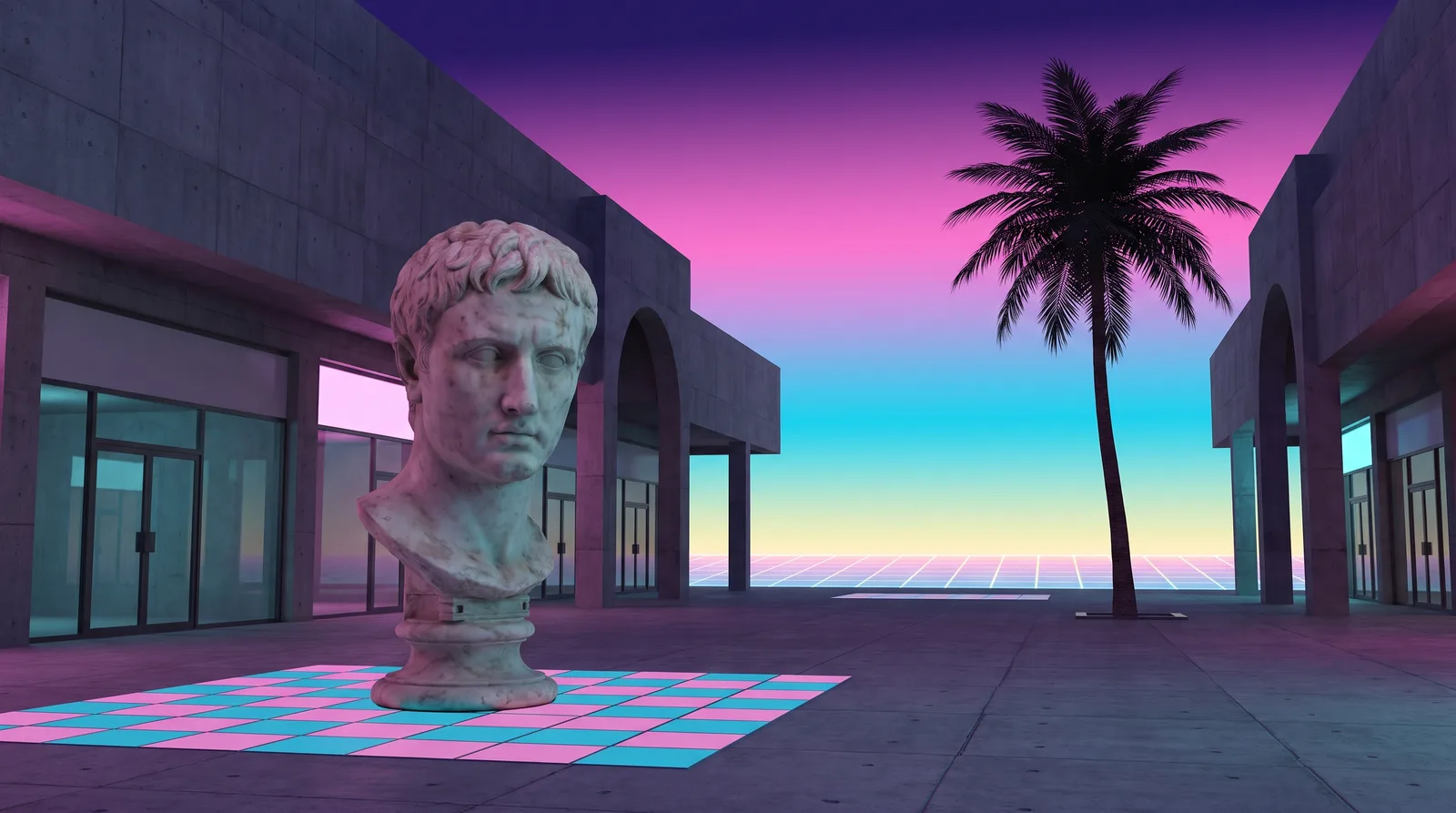
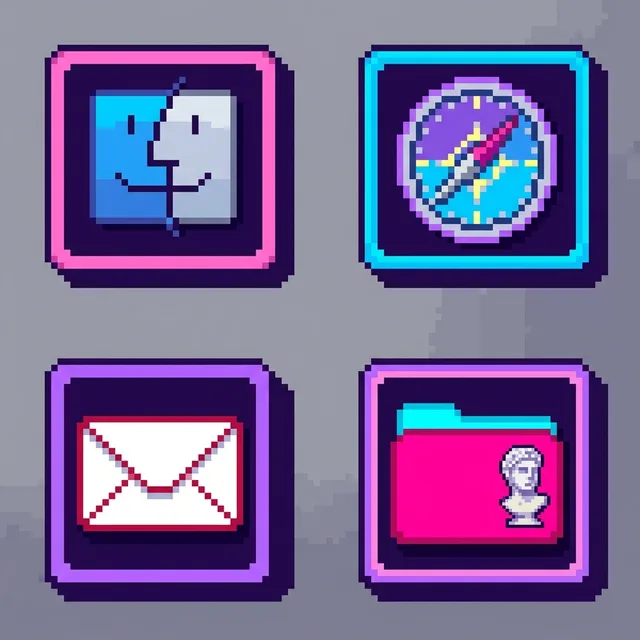
To give your Mac a Vaporwave look, describe it in DesignMyMac — for example “A vaporwave desktop: marble statues, pink and cyan gradients, 90s window frames, pixel icons”. It researches the style, proposes three directions with a painted wallpaper and icon sample, and applies your choice to the wallpaper, app icons, folders, Dock, widgets and windows together. Every original is backed up and one click restores it.
You want vaporwave: marble statues, pink and cyan gradients, 90s window frames and pixel icons. I'm offering three scenes that each lead with a different layer while keeping those elements.
Questions
How do I make my Mac look Vaporwave?
To give your Mac a Vaporwave look, describe it in DesignMyMac — for example “A vaporwave desktop: marble statues, pink and cyan gradients, 90s window frames, pixel icons”. It researches the style, proposes three directions with a painted wallpaper and icon sample, and applies your choice to the wallpaper, app icons, folders, Dock, widgets and windows together. Every original is backed up and one click restores it.
What colours suit a Vaporwave Mac desktop?
A strong starting palette is #2b1055, #ff71ce, #01cdfe, #b967ff, #fffb96, led by the accent #ff71ce. DesignMyMac uses it across your wallpaper, icons, folders, widgets and windows.
What widgets fit a Vaporwave setup?
One enamel card with a pixel frame: digital clock, date, weather, and a checklist, in a pixel font on a pink to violet gradient.
Is DesignMyMac free?
You can start for free. Designing with AI has a daily limit per account.
Which Macs does it work on?
Apple silicon and Intel Macs running macOS 14 Sonoma or later. Download it free at designmymac.com/download.
Does it change my files?
No. DesignMyMac only changes how things look — wallpaper, icons, folders' appearance, the Dock, widgets and window styling.
 BauhausDessau Poster
 Art DecoChrysler Spire
 Y2KBubble Bath Chrome
 ForestFog Between Pines
 OceanShallows From Above
 Deep SpaceCarina Pillars