To give your Mac a Ocean look, describe it in DesignMyMac — for example “A calm ocean desktop: turquoise water and white sand, sea-glass icons, breezy light widgets”. It researches the style, proposes three directions with a painted wallpaper and icon sample, and applies your choice to the wallpaper, app icons, folders, Dock, widgets and windows together. Every original is backed up and one click restores it.
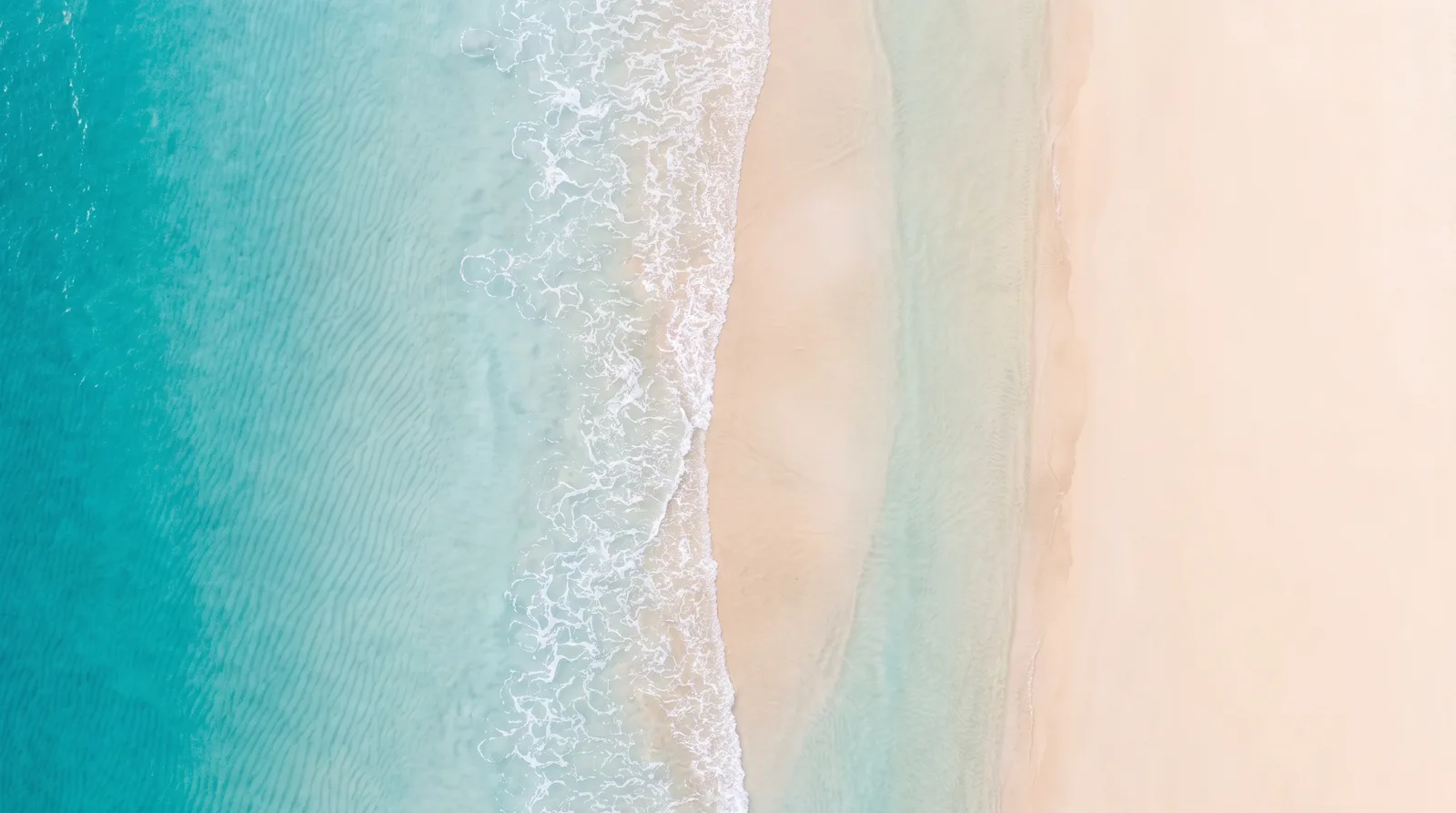
Shallows From Above — painted by DesignMyMac from the prompt below.
Prompt
“A calm ocean desktop: turquoise water and white sand, sea-glass icons, breezy light widgets”
You want a calm turquoise and white-sand ocean desktop with sea-glass icons and light, breezy widgets. I'm offering three different ways to get there: a shoreline seen from above, a sea-glass collection on a table, and a mid-century travel poster.
Three directions DesignMyMac proposed
Direction A
Shallows From Above
Aerial view of a quiet shore. Clear turquoise water, pale sand, slow light.
Grounded in: Aerial shoreline photography
Wallpaper
Drone-view shoreline: turquoise shallows fading to white sand, soft foam lines, ripple shadows on the seabed, clear space on the right.
App icons & Dock
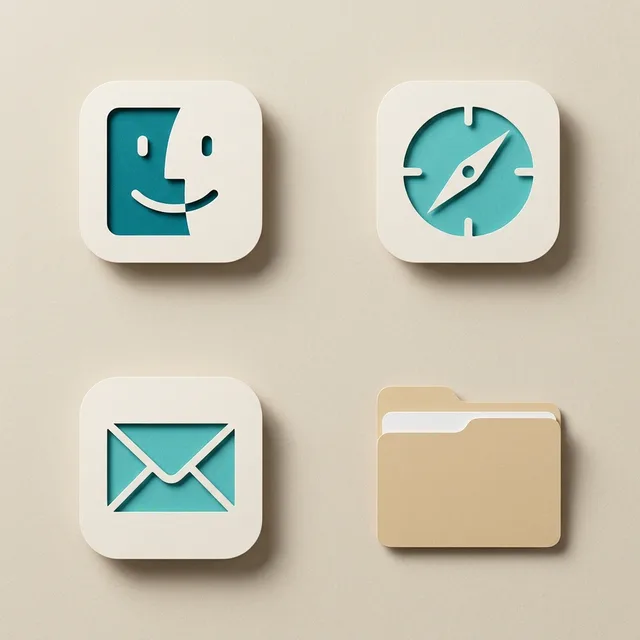
Paper-cut tiles in sand white with turquoise glyphs, rounded squares, soft shadow.
Folders
Sand-coloured folders with a thin foam-white edge and a small wave notch on the tab.
Widgets
Light paper cards on the right: weather, sky for sunrise and sunset, a month calendar, a tide-style day progress ring. Rounded font.
Mid-century screen-print seascape: layered turquoise wave bands, a single white sailboat, a curved cream sand beach, grain texture, a flat sun disc.
App icons & Dock
Stencil-cut glyphs in one-colour print: turquoise on cream, bold rounded squares with slight misregistration.
Folders
Flat cream folders with a turquoise stripe and a small sailboat stamp.
Widgets
One printed card on the left with a 2-column grid: date, weather, a countdown to the next holiday, and a daily quote. Display font.
Windows
Editorial, floating cream, editorial header, outline selection in turquoise.
What changes on your Mac
Wallpaper — an original painting for every display, with optional motion.
App icons & Dock — matching icons for your apps in the DesignMyMac Dock, in its own colour.
Folders — every folder in your home in the same style, and new ones as you make them.
Widgets — clocks, calendars, weather and more, designed to match.
Windows — the DesignMyMac Files and Apps windows in your palette.
Questions
How do I make my Mac look Ocean?
To give your Mac a Ocean look, describe it in DesignMyMac — for example “A calm ocean desktop: turquoise water and white sand, sea-glass icons, breezy light widgets”. It researches the style, proposes three directions with a painted wallpaper and icon sample, and applies your choice to the wallpaper, app icons, folders, Dock, widgets and windows together. Every original is backed up and one click restores it.
What colours suit a Ocean Mac desktop?
A strong starting palette is #f4efe4, #bfe8e1, #2bb5b0, #e6d7b8, led by the accent #2bb5b0. DesignMyMac uses it across your wallpaper, icons, folders, widgets and windows.
What widgets fit a Ocean setup?
Light paper cards on the right: weather, sky for sunrise and sunset, a month calendar, a tide-style day progress ring. Rounded font.
Is DesignMyMac free?
You can start for free. Designing with AI has a daily limit per account.
Which Macs does it work on?
Apple silicon and Intel Macs running macOS 14 Sonoma or later. Download it free at designmymac.com/download.
Does it change my files?
No. DesignMyMac only changes how things look — wallpaper, icons, folders' appearance, the Dock, widgets and window styling.
 BauhausDessau Poster
 Art DecoChrysler Spire
 Y2KBubble Bath Chrome
 ForestFog Between Pines
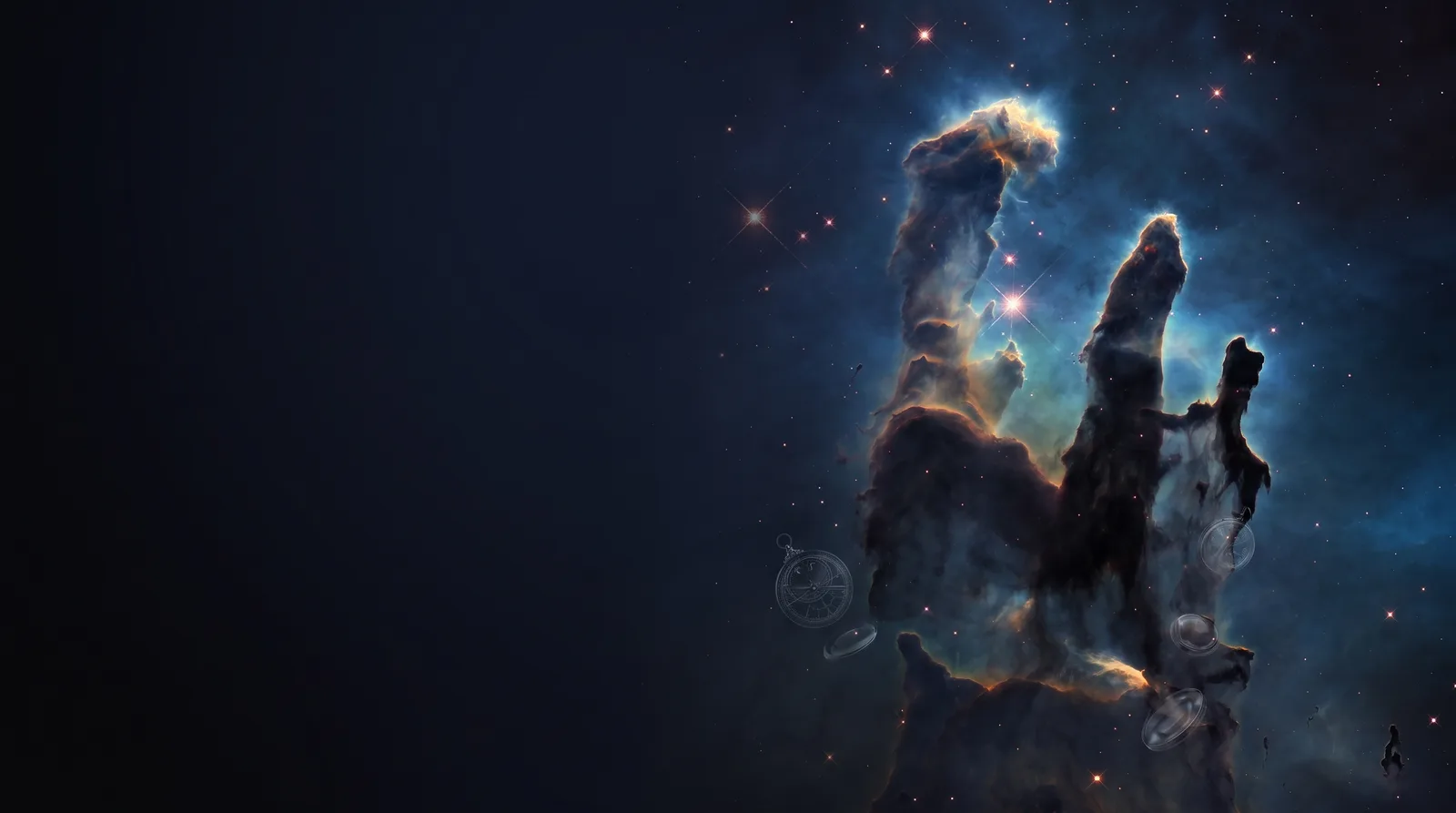 Deep SpaceCarina Pillars
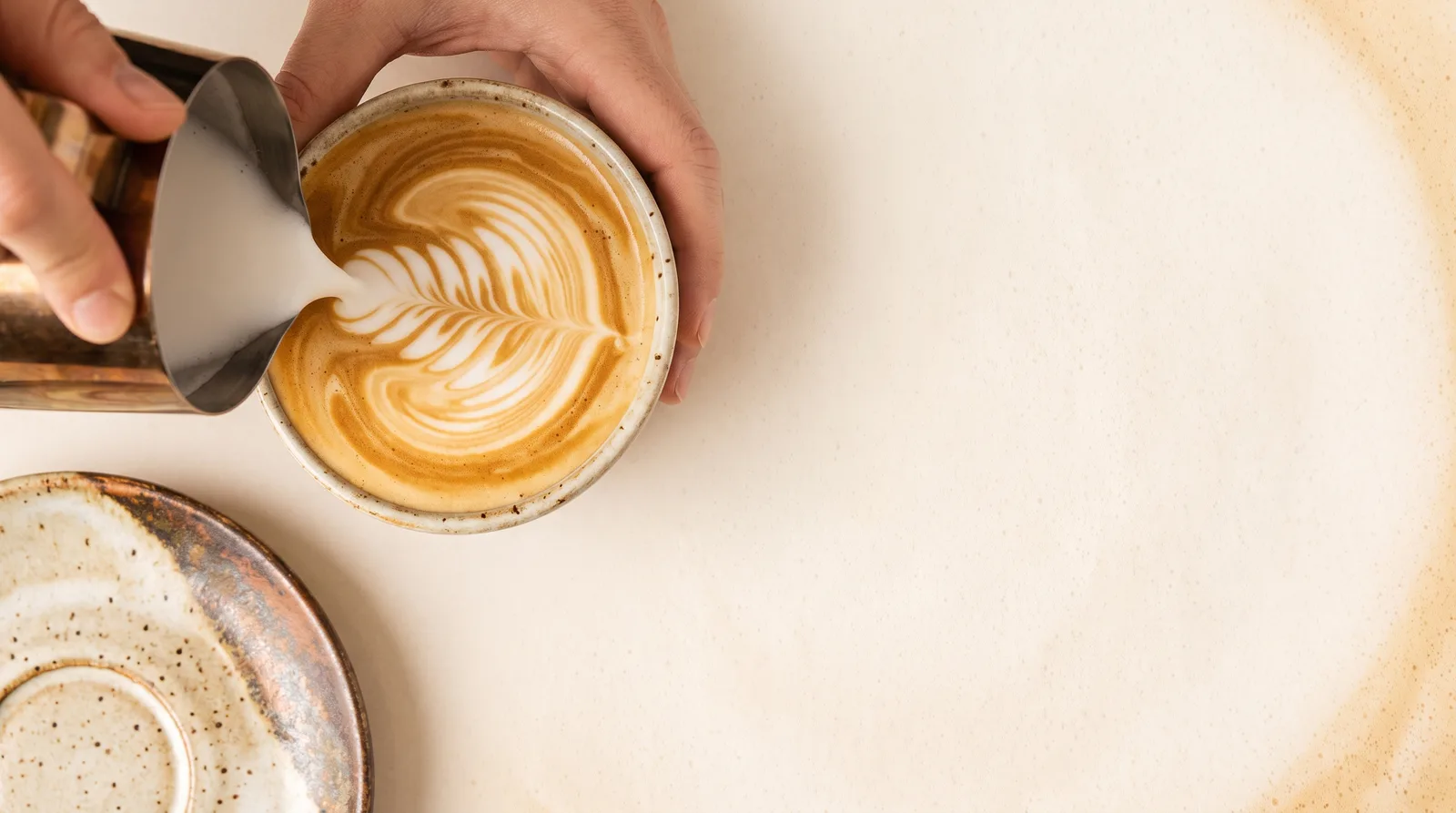 Coffee ShopLatte Pour Overhead