To give your Mac a Y2K look, describe it in DesignMyMac — for example “A Y2K desktop: glossy chrome bubbles, iridescent blue and silver, translucent jelly icons”. It researches the style, proposes three directions with a painted wallpaper and icon sample, and applies your choice to the wallpaper, app icons, folders, Dock, widgets and windows together. Every original is backed up and one click restores it.
Bubble Bath Chrome — painted by DesignMyMac from the prompt below.
Prompt
“A Y2K desktop: glossy chrome bubbles, iridescent blue and silver, translucent jelly icons”
You want a Y2K desktop with glossy chrome bubbles, iridescent blue and silver, and translucent jelly icons. Here are three different takes: a chrome bubble wallpaper, a jelly-icon-led option, and a late-90s tech-catalog look.
Three directions DesignMyMac proposed
Direction A
Bubble Bath Chrome
Floating liquid-chrome spheres on a pearly blue gradient, shiny and weightless.
Grounded in: Y2K liquid chrome and iridescent bubbles
Wallpaper
Wallpaper-led: large mirror-chrome spheres with soap-film iridescence in baby blue and silver, drifting over a pearly white-to-sky gradient, with empty space at the right.
App icons & Dock
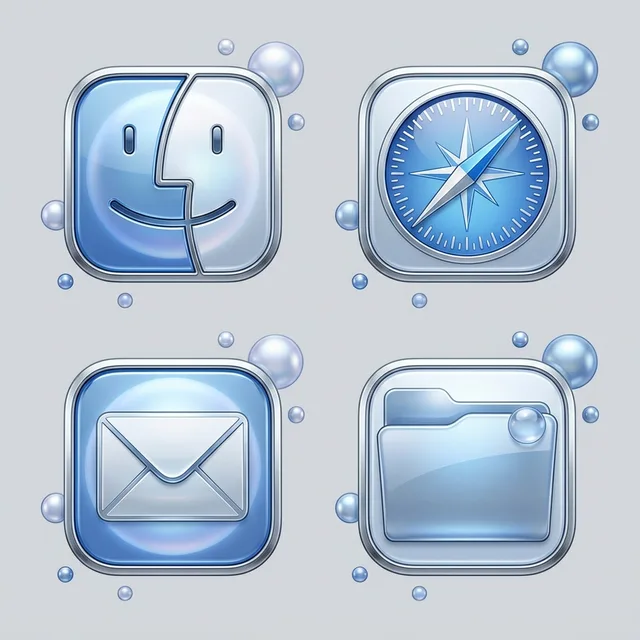
Polished chrome rounded-square icons with a bevelled silver rim, blue reflective gloss highlights and a sphere-like glow.
Folders
Silver-blue chrome folders with a glossy top highlight and a small bubble reflection on the tab.
Widgets
Frosted glass cards on the right: a digital clock, weather, and a calendar, with silver rounded corners and a thin blue edge.
Windows
Floating frosted glass windows with a compact header, pale blue tint and a soft silver border.
Direction B
Gummy Aqua Candy
Squishy translucent jelly in aqua and ice blue, like a 1999 gadget on a lightbox.
Dark navy field with a perspective wireframe grid in silver, an iridescent blue-violet chrome orbit ring, and small star sparkles, with the main sphere low left.
App icons & Dock
Flat silver stencil icons with sharp geometry and a blue-violet gradient edge, like printed brochure pictograms.
Folders
Brushed-silver folders with a thin iridescent blue edge and a small star mark.
Widgets
Solid navy cards in a left layout: a system monitor, a countdown, and a progress ring, set in a condensed font with silver rules.
Windows
Floating editorial windows with a deep navy background, an editorial header and outline selection in blue-violet.
What changes on your Mac
Wallpaper — an original painting for every display, with optional motion.
App icons & Dock — matching icons for your apps in the DesignMyMac Dock, in its own colour.
Folders — every folder in your home in the same style, and new ones as you make them.
Widgets — clocks, calendars, weather and more, designed to match.
Windows — the DesignMyMac Files and Apps windows in your palette.
Questions
How do I make my Mac look Y2K?
To give your Mac a Y2K look, describe it in DesignMyMac — for example “A Y2K desktop: glossy chrome bubbles, iridescent blue and silver, translucent jelly icons”. It researches the style, proposes three directions with a painted wallpaper and icon sample, and applies your choice to the wallpaper, app icons, folders, Dock, widgets and windows together. Every original is backed up and one click restores it.
What colours suit a Y2K Mac desktop?
A strong starting palette is #e8f1fb, #9cc4f2, #c9d2de, #5fa8ff, #f4f7fb, led by the accent #5fa8ff. DesignMyMac uses it across your wallpaper, icons, folders, widgets and windows.
What widgets fit a Y2K setup?
Frosted glass cards on the right: a digital clock, weather, and a calendar, with silver rounded corners and a thin blue edge.
Is DesignMyMac free?
You can start for free. Designing with AI has a daily limit per account.
Which Macs does it work on?
Apple silicon and Intel Macs running macOS 14 Sonoma or later. Download it free at designmymac.com/download.
Does it change my files?
No. DesignMyMac only changes how things look — wallpaper, icons, folders' appearance, the Dock, widgets and window styling.

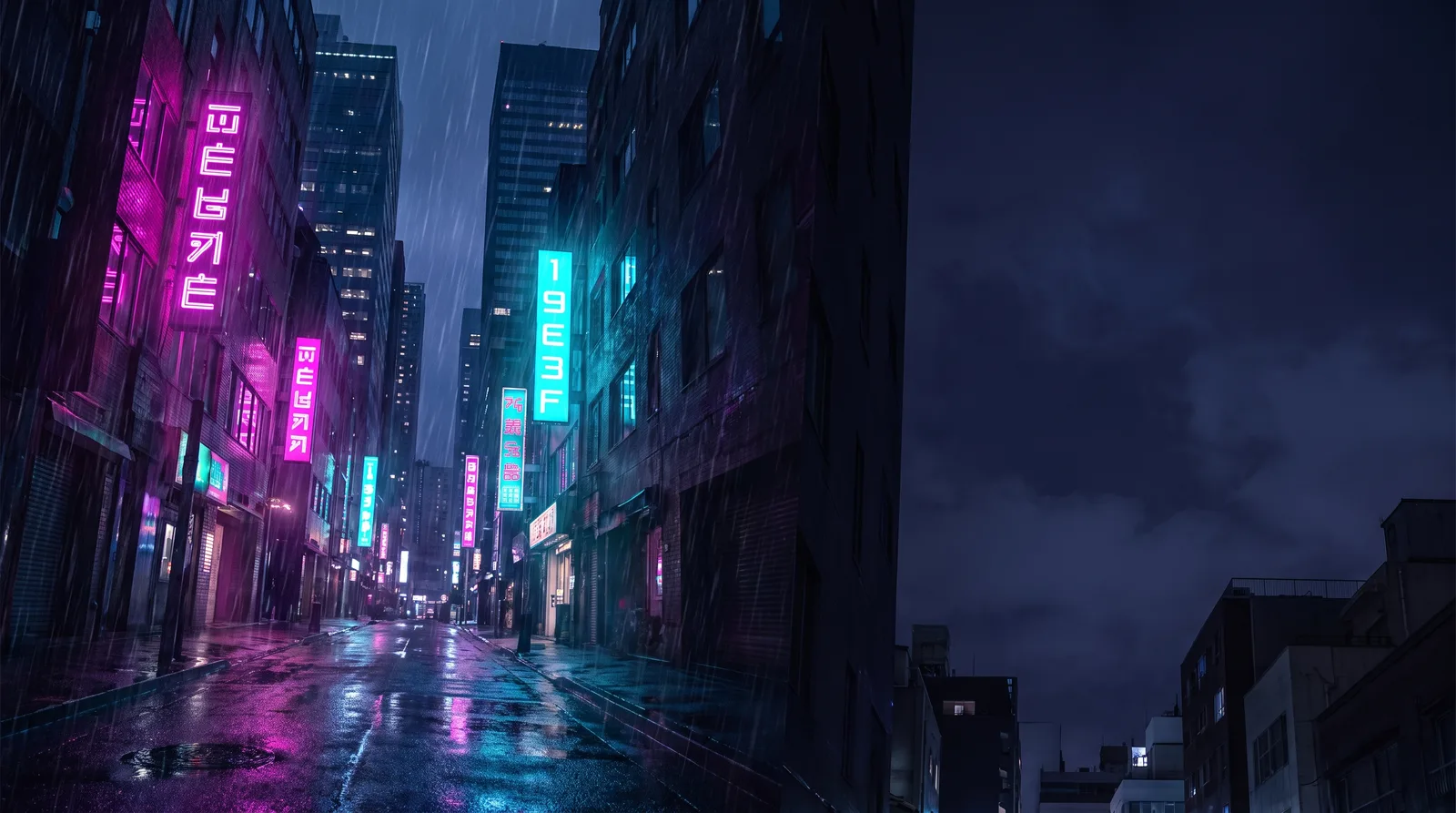 CyberpunkRain Alley 2049
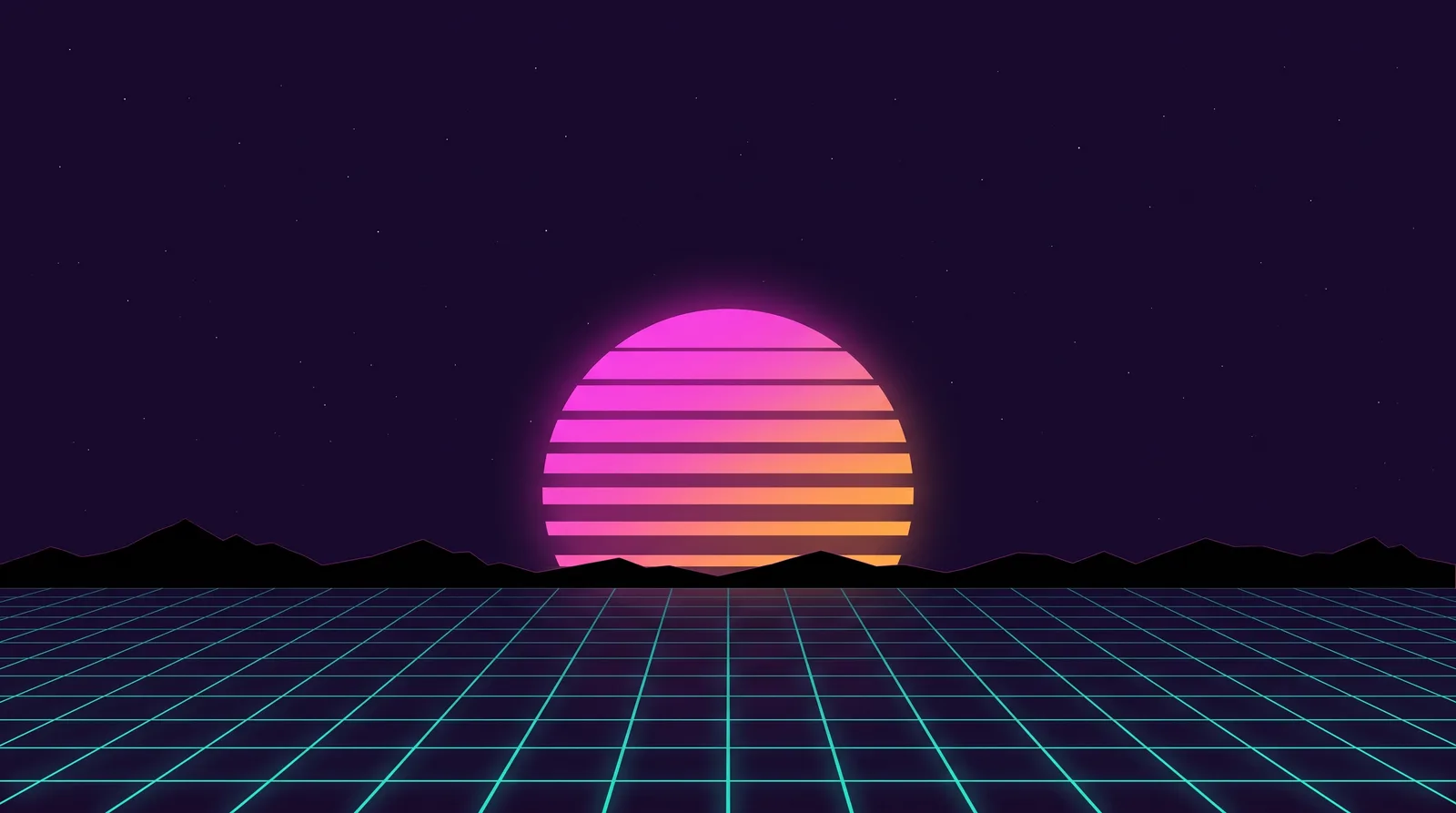 Retro 80s SynthwaveHorizon Run
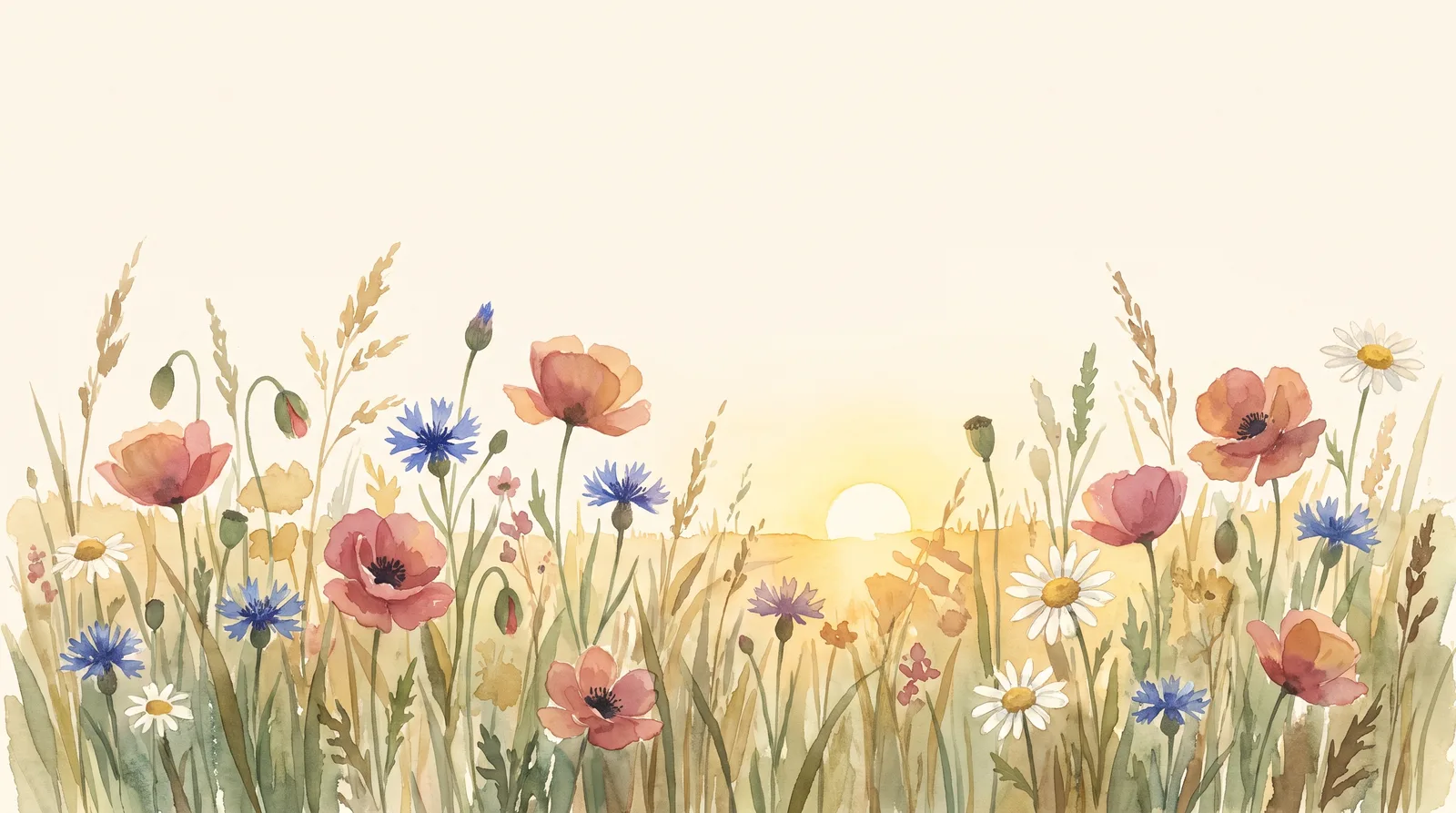 CottagecoreMeadow at Hay Time
 Dark AcademiaReading Room at Last Candle
 Pastel AestheticGelato Counter
 Lo-fi StudyRain on the Desk Window