How to change folder icons on a Mac
On a Mac you can change one folder's icon at a time: copy an image, select the folder in Finder, press ⌘I (Get Info), click the small icon at the top left and press ⌘V. To restyle every folder at once — and keep new folders matching — describe the look you want in DesignMyMac and apply it to Folders.
The built-in way
- Open the image you want in Preview, press ⌘A then ⌘C to copy it.
- In Finder, select the folder and choose File › Get Info (⌘I).
- Click the small folder icon at the top left of the Info window so it's highlighted.
- Press ⌘V to paste. The folder now shows your image.
- To undo it, select that small icon in Get Info again and press Delete.
What it can't do
- It's one folder at a time, so a whole home folder takes hours.
- Folders you create later still get the default blue icon.
- You need artwork that's square and at least 512×512 to look sharp in Finder.
With DesignMyMac
- Describe a look — for example “cozy autumn paper folders” — or pick one from the design directory.
- Choose Apply › Folders › Every folder. DesignMyMac paints Documents, Downloads, Pictures, Music and every other folder in one consistent style.
- Folders you create later get the same look automatically while DesignMyMac runs.
- Your original icons are saved first; Restore puts every folder back.
Describe the look you want — DesignMyMac designs every layer and applies it only when you approve.
Download for MacQuestions
Can I change folder colours without an app?
Yes, one at a time: paste a coloured image into Get Info. Newer versions of macOS also let you tint a folder and add a symbol, but only individually.
Will changing folder icons move or change my files?
No. A folder icon is cosmetic. DesignMyMac never moves, renames or opens your files.
Does DesignMyMac change folders inside code repositories?
No. It skips Library, git repositories and dependency folders so your projects stay clean.
Does it change my files?
No. DesignMyMac only changes how things look — wallpaper, icons, folders' appearance, the Dock, widgets and window styling.
Can I undo everything?
Yes. You approve every change, originals are backed up first, and ⇧⌘R restores your previous look.
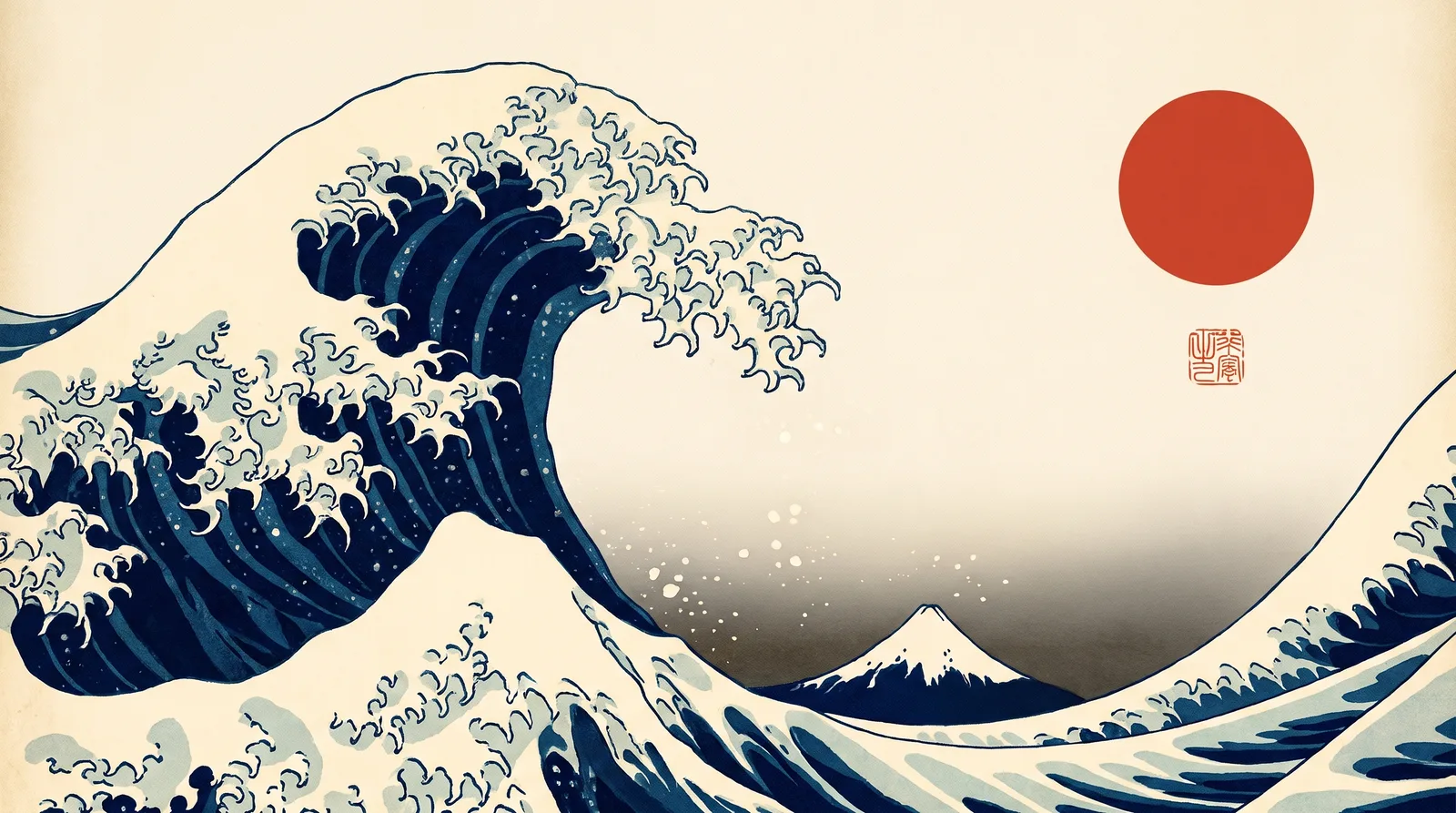 Japanese Ukiyo-eGreat Wave Indigo
 MinimalBare Plaster Wall
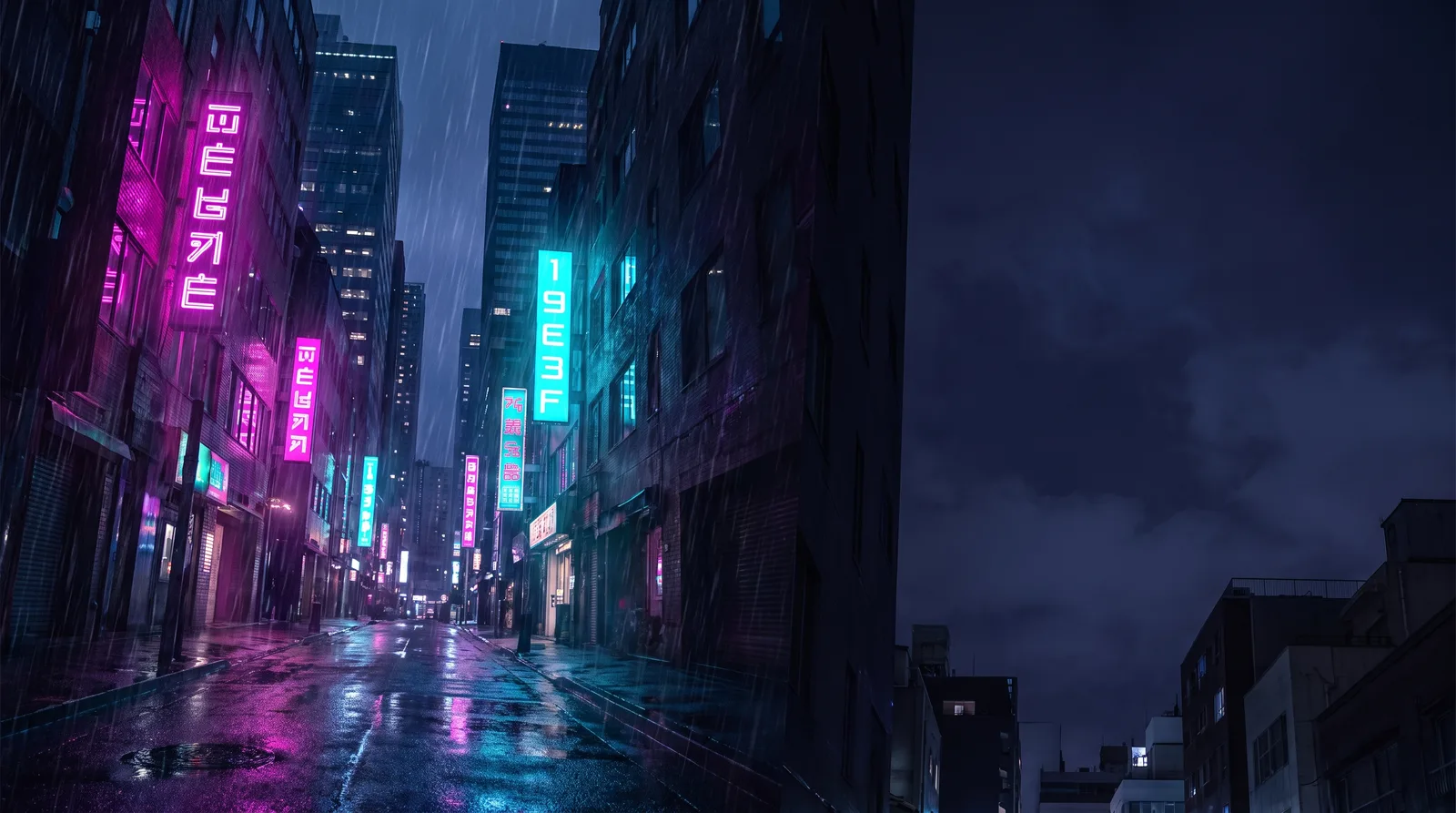 CyberpunkRain Alley 2049
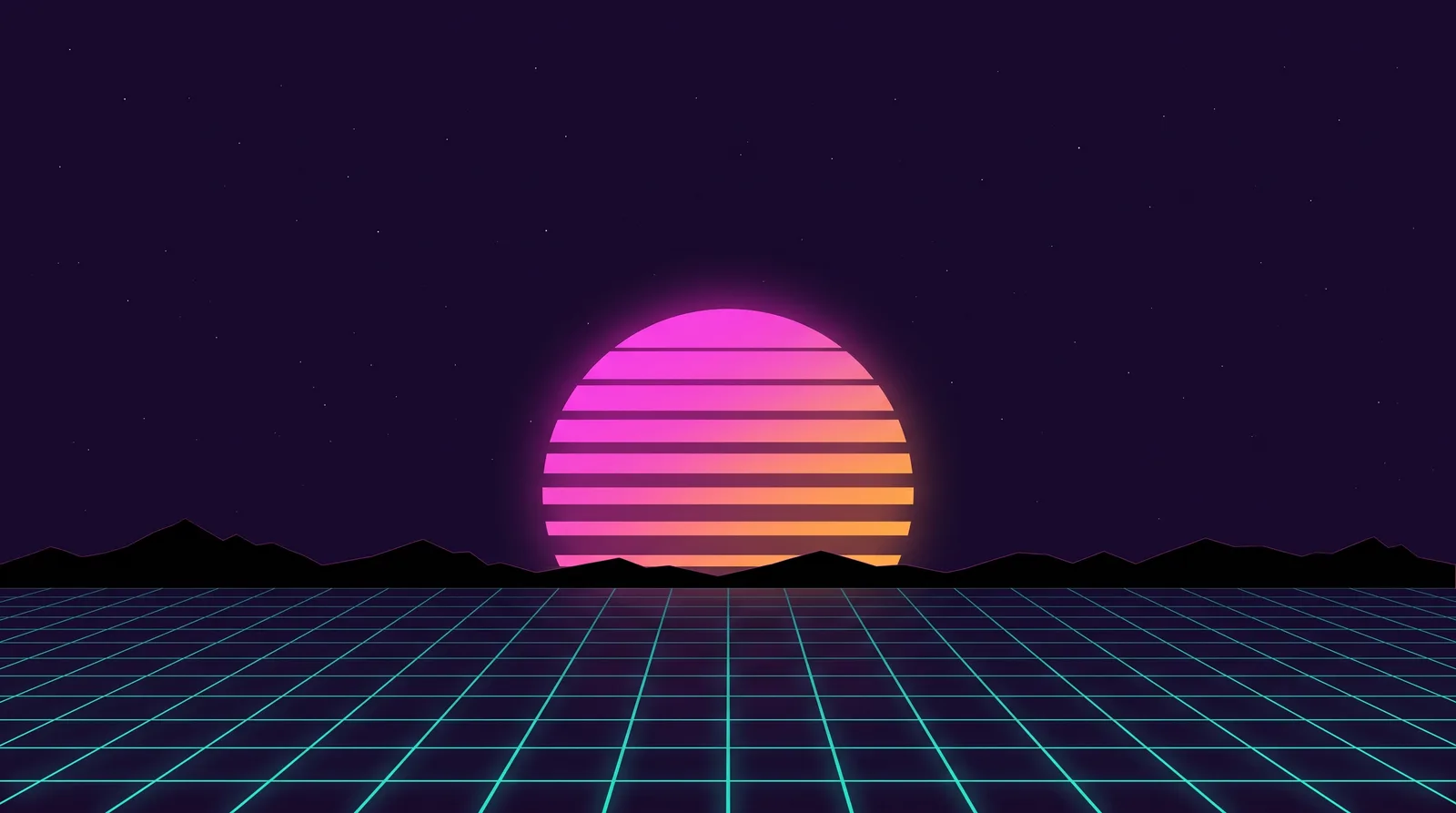 Retro 80s SynthwaveHorizon Run
 CottagecoreMeadow at Hay Time
 Dark AcademiaReading Room at Last Candle