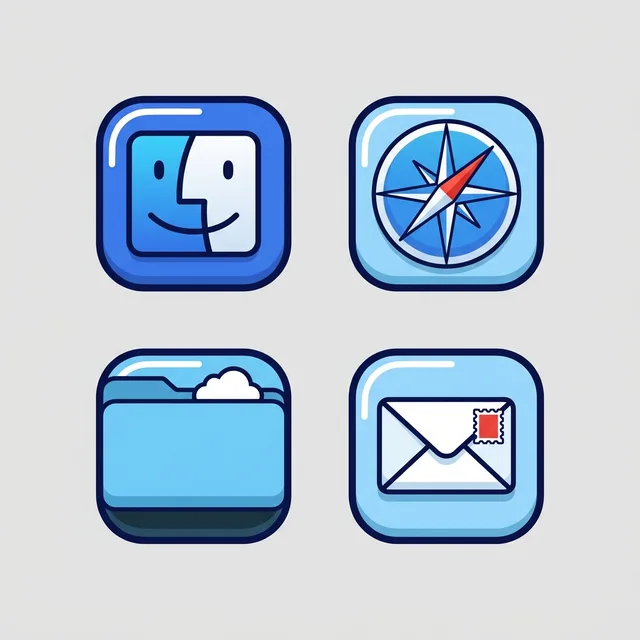
To give your Mac a Anime look, describe it in DesignMyMac — for example “An anime-style desktop: painted summer sky and city, cel-shaded icons, bright clean widgets”. It researches the style, proposes three directions with a painted wallpaper and icon sample, and applies your choice to the wallpaper, app icons, folders, Dock, widgets and windows together. Every original is backed up and one click restores it.
You want an anime look: a painted summer sky over a city, cel-shaded icons with flat shading and clean outlines, and bright, clear widgets. Here are three different scenes and ways to lead.
Questions
How do I make my Mac look Anime?
To give your Mac a Anime look, describe it in DesignMyMac — for example “An anime-style desktop: painted summer sky and city, cel-shaded icons, bright clean widgets”. It researches the style, proposes three directions with a painted wallpaper and icon sample, and applies your choice to the wallpaper, app icons, folders, Dock, widgets and windows together. Every original is backed up and one click restores it.
What colours suit a Anime Mac desktop?
A strong starting palette is #f4fbff, #2f8fff, #bfe6ff, #ffffff, #ff5a4f, led by the accent #2f8fff. DesignMyMac uses it across your wallpaper, icons, folders, widgets and windows.
What widgets fit a Anime setup?
One bright card with a big flat digital clock, weather forecast, a month calendar and a day progress bar, on solid white with cobalt text.
Is DesignMyMac free?
You can start for free. Designing with AI has a daily limit per account.
Which Macs does it work on?
Apple silicon and Intel Macs running macOS 14 Sonoma or later. Download it free at designmymac.com/download.
Does it change my files?
No. DesignMyMac only changes how things look — wallpaper, icons, folders' appearance, the Dock, widgets and window styling.

 Pastel AestheticGelato Counter
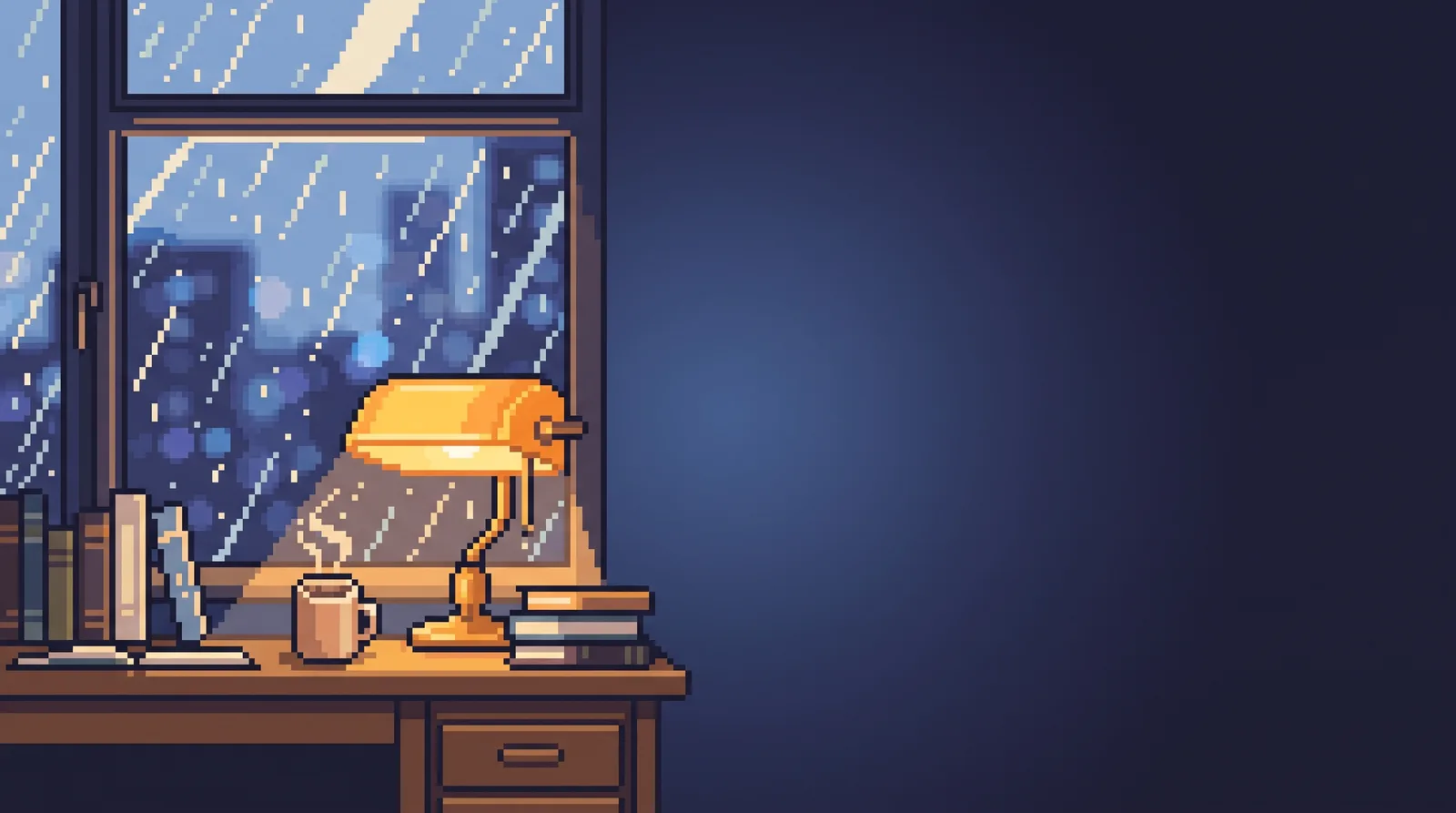 Lo-fi StudyRain on the Desk Window
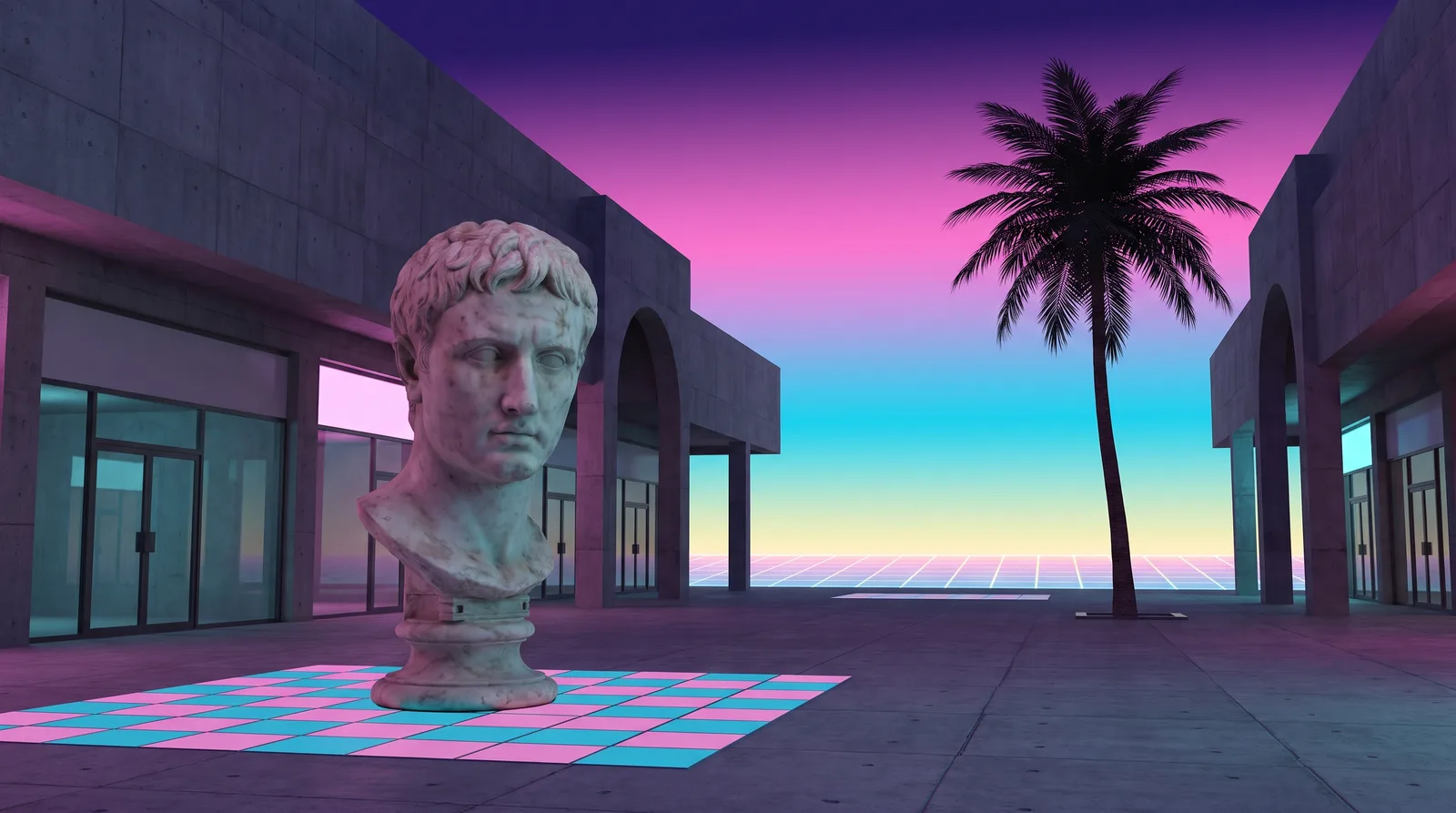 VaporwavePlaza of Dead Malls
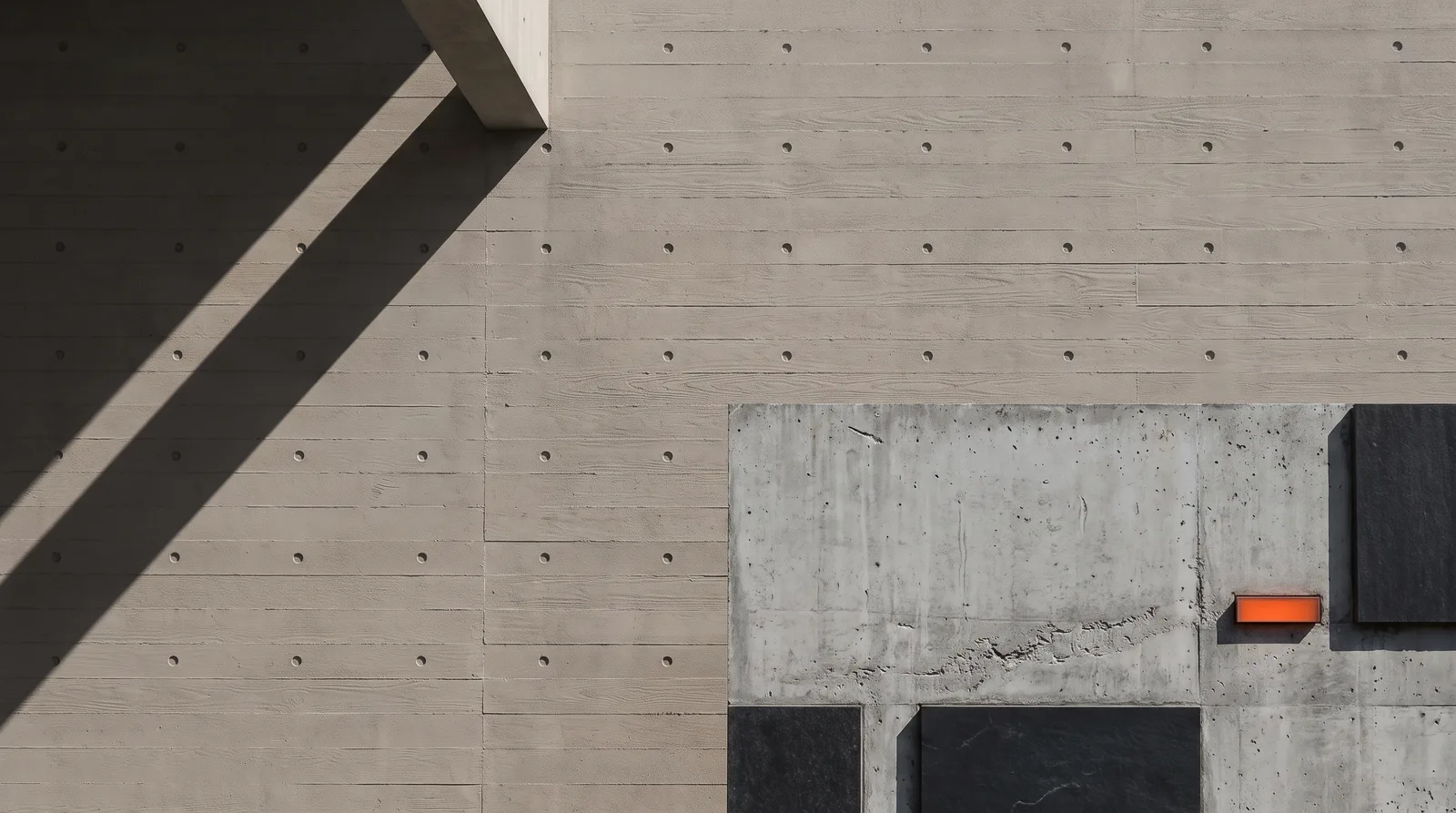 BrutalistPoured Slab
 ScandinavianBirch Veneer Studio
 BauhausDessau Poster