To give your Mac a Scandinavian look, describe it in DesignMyMac — for example “A Scandinavian desktop: pale birch wood, soft grey and sage, simple rounded icons, airy widgets”. It researches the style, proposes three directions with a painted wallpaper and icon sample, and applies your choice to the wallpaper, app icons, folders, Dock, widgets and windows together. Every original is backed up and one click restores it.
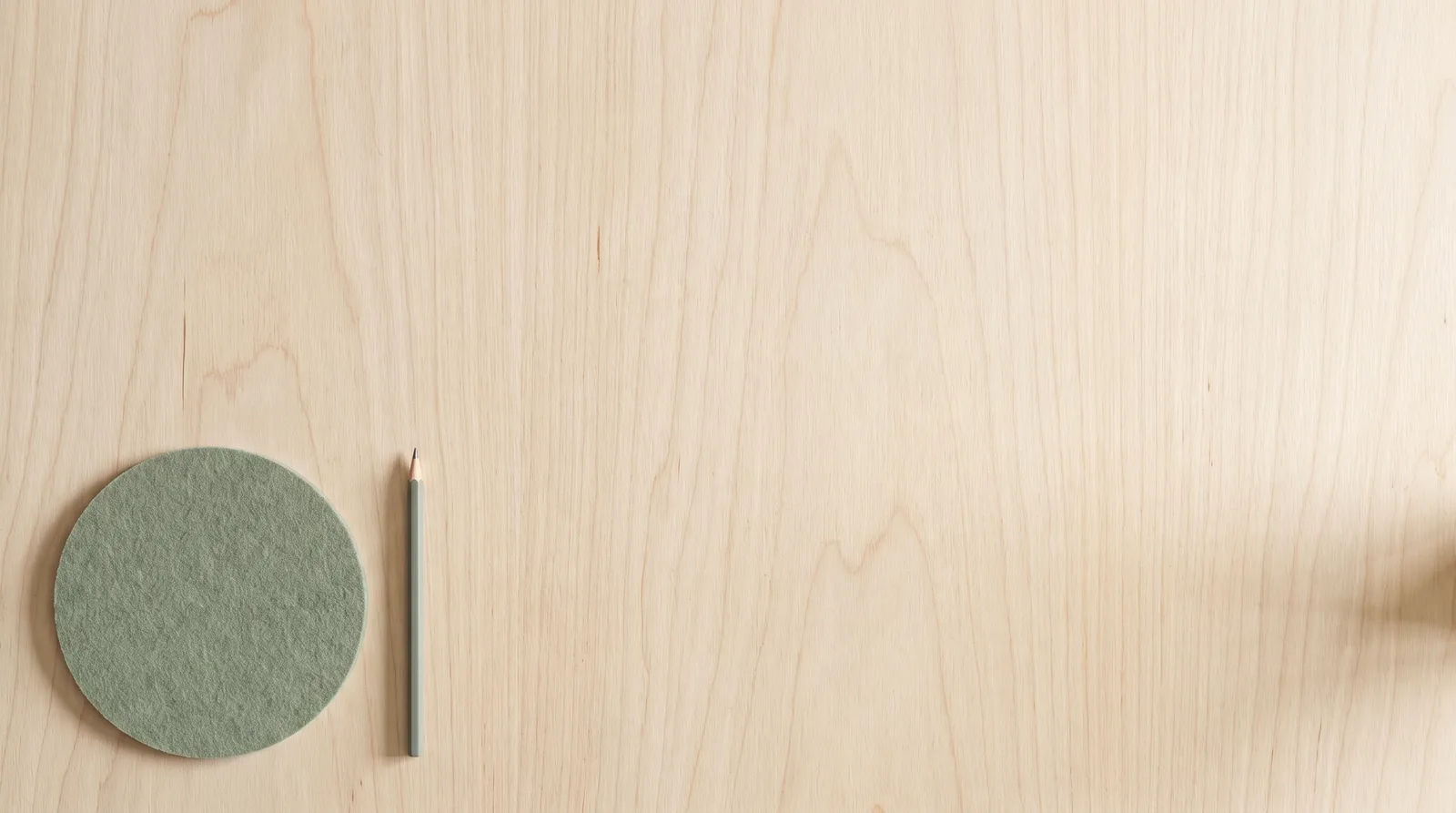
Birch Veneer Studio — painted by DesignMyMac from the prompt below.
Prompt
“A Scandinavian desktop: pale birch wood, soft grey and sage, simple rounded icons, airy widgets”
You want a calm Scandinavian desktop with pale birch, soft grey and sage, simple rounded icons and light, airy widgets. I'm offering three different ways to read that: a material-led birch scene, a muted-light landscape, and a graphic textile take.
Three directions DesignMyMac proposed
Direction A
Birch Veneer Studio
A bright workshop table: pale wood grain, quiet shadows, nothing crowded.
Grounded in: Scandinavian birch plywood joinery
Wallpaper
Top-down pale birch plywood with fine straight grain in warm cream, a single sage-green felt coaster and a thin grey pencil placed low left, wide empty wood on the right.
App icons & Dock
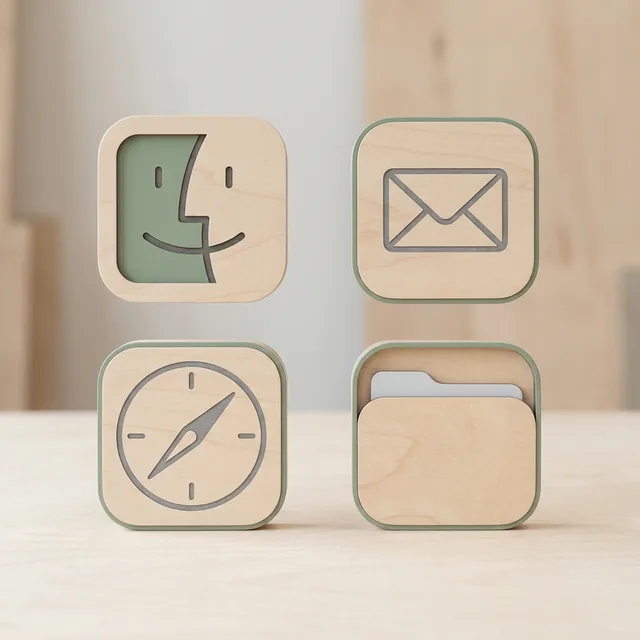
Soft rounded-square icons in matte laminated birch, with simple engraved grey glyphs and a sage inlay on the active app.
Folders
Folders as thin birch-veneer sleeves with rounded corners, a pale grey tab, and a sage edge band.
Widgets
Airy paper cards on the right in cream with a hairline grey border; a large clock, a month calendar and a short checklist, all in a light serif.
Windows
Floating editorial windows in warm off-white, with a quiet serif header and thin sage outline selection.
Direction B
Fjord Mist Morning
Cool grey water and pale sky, with sage pines fading into fog.
Grounded in: Nordic fjord landscape in fog, soft atmospheric perspective
Wallpaper
Misty fjord at dawn: layered pine ridges in sage and grey fading into pale fog, still water below, a faint birch-cream glow at the horizon, large calm sky for space.
App icons & Dock
Rounded frosted-glass icons in pale grey with soft white highlights, thin sage glyphs and no harsh chrome edges.
Folders
Frosted grey-blue glass folders with rounded corners and a faint sage glow along the tab.
Widgets
Frosted glass cards, centred, with a light rounded sans: a weather forecast, sunrise and sunset sky block, and a slim day progress ring.
Windows
Floating frosted glass windows in near-white mist, with a compact header and a filled soft sage selection.
Direction C
Marimekko Linen Grid
Printed textile calm: big quiet shapes in grey and sage on natural linen.
Grounded in: Scandinavian mid-century textile print on linen
Wallpaper
Natural linen weave in cream with oversized, simple birch-leaf and circle shapes block-printed in sage, soft grey and a touch of birch tan, spaced widely on a loose grid.
App icons & Dock
Rounded stencil-cut icons printed in a single sage or grey ink on cream tiles, each with one bold simple shape.
Folders
Flat printed sage folders with rounded corners and a cream circle motif, each tab in a different soft grey.
Widgets
Printed-look cards on the left with generous margins: a date, a habit tracker and a quote, set in a round geometric sans on cream.
Windows
Native solid windows in warm white with a compact header and a filled sage selection.
What changes on your Mac
Wallpaper — an original painting for every display, with optional motion.
App icons & Dock — matching icons for your apps in the DesignMyMac Dock, in its own colour.
Folders — every folder in your home in the same style, and new ones as you make them.
Widgets — clocks, calendars, weather and more, designed to match.
Windows — the DesignMyMac Files and Apps windows in your palette.
Questions
How do I make my Mac look Scandinavian?
To give your Mac a Scandinavian look, describe it in DesignMyMac — for example “A Scandinavian desktop: pale birch wood, soft grey and sage, simple rounded icons, airy widgets”. It researches the style, proposes three directions with a painted wallpaper and icon sample, and applies your choice to the wallpaper, app icons, folders, Dock, widgets and windows together. Every original is backed up and one click restores it.
What colours suit a Scandinavian Mac desktop?
A strong starting palette is #efe6d8, #d9c8ae, #c9cfc6, #8fa58a, #5f6761, led by the accent #8fa58a. DesignMyMac uses it across your wallpaper, icons, folders, widgets and windows.
What widgets fit a Scandinavian setup?
Airy paper cards on the right in cream with a hairline grey border; a large clock, a month calendar and a short checklist, all in a light serif.
Is DesignMyMac free?
You can start for free. Designing with AI has a daily limit per account.
Which Macs does it work on?
Apple silicon and Intel Macs running macOS 14 Sonoma or later. Download it free at designmymac.com/download.
Does it change my files?
No. DesignMyMac only changes how things look — wallpaper, icons, folders' appearance, the Dock, widgets and window styling.
 Spring BlossomHanami Riverbank
 HalloweenMoonlit Pumpkin Patch
 ChristmasVelvet Parlour Hearth
 Neon NoirKowloon Downpour
 MonochromeSumi Brushwork
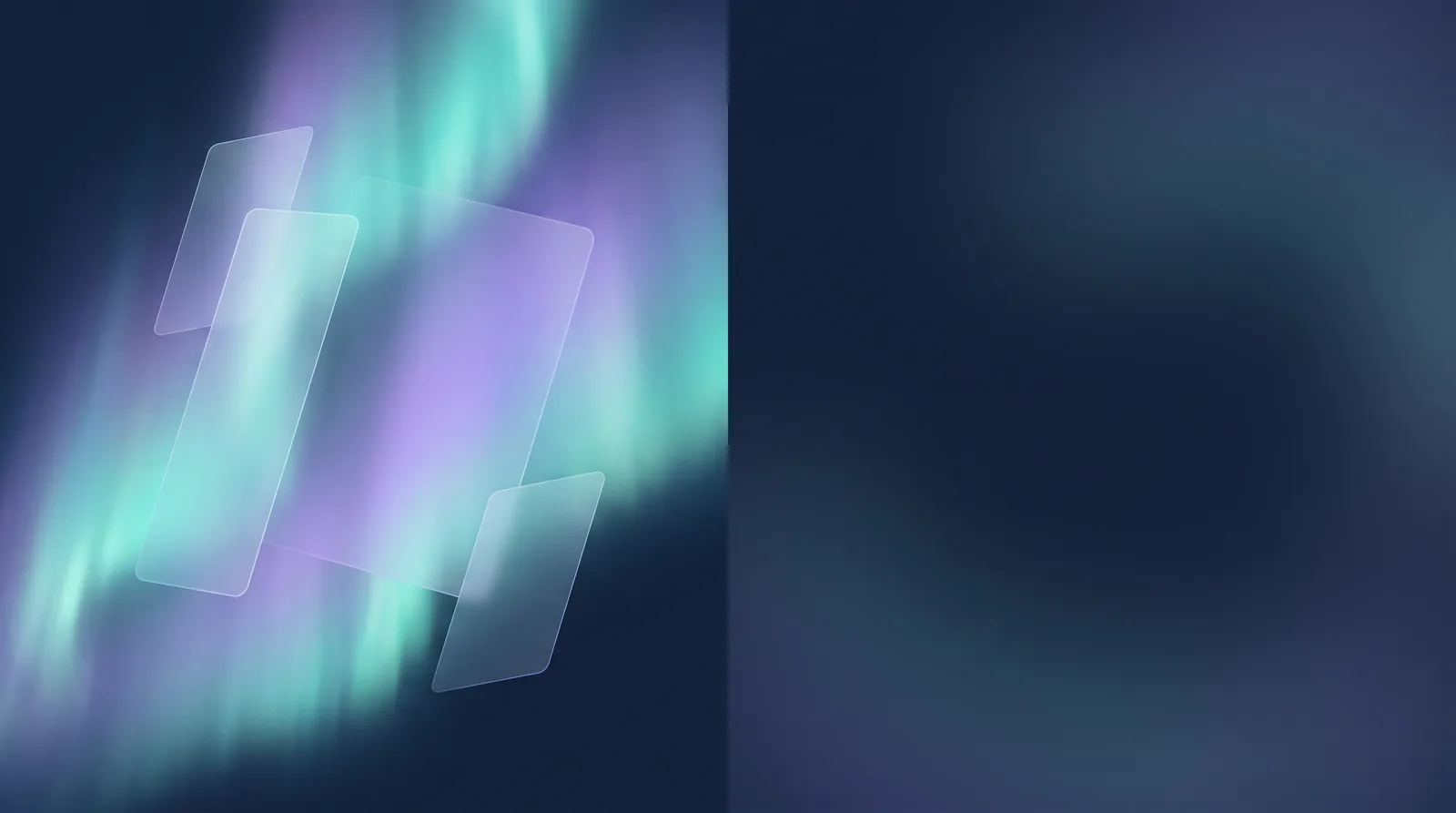 GlassmorphismAurora Pane