To give your Mac a Christmas look, describe it in DesignMyMac — for example “A cozy Christmas desktop: twinkling lights, pine and red velvet, ornament icons, a countdown to Christmas”. It researches the style, proposes three directions with a painted wallpaper and icon sample, and applies your choice to the wallpaper, app icons, folders, Dock, widgets and windows together. Every original is backed up and one click restores it.
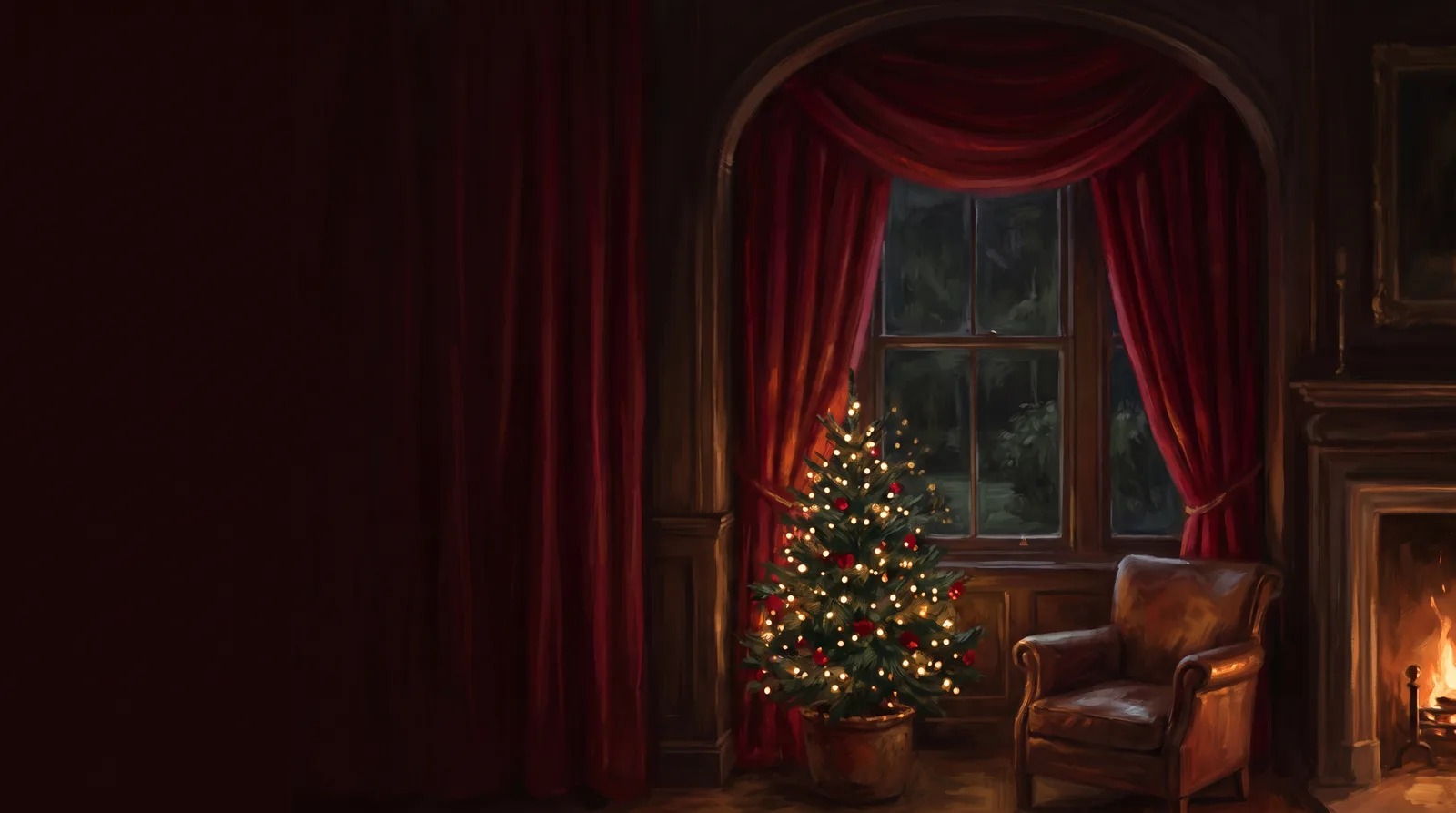
Velvet Parlour Hearth — painted by DesignMyMac from the prompt below.
Prompt
“A cozy Christmas desktop: twinkling lights, pine and red velvet, ornament icons, a countdown to Christmas”
You want a cozy Christmas desktop with twinkling lights, pine green and red velvet, ornament-style icons and a live countdown to Christmas. These three directions use different scenes and materials, and each one carries the countdown.
Three directions DesignMyMac proposed
Direction A
Velvet Parlour Hearth
A dim living room at night: red velvet drapes, a fire glowing, a tree strung with warm lights.
Grounded in: Victorian parlour Christmas, velvet and brass
Wallpaper
Painted parlour: deep red velvet drapes framing a window, a small pine tree with warm gold fairy lights at lower right, soft firelight glow. Twinkling lights, left side left empty. Motion: twinkling lights.
App icons & Dock
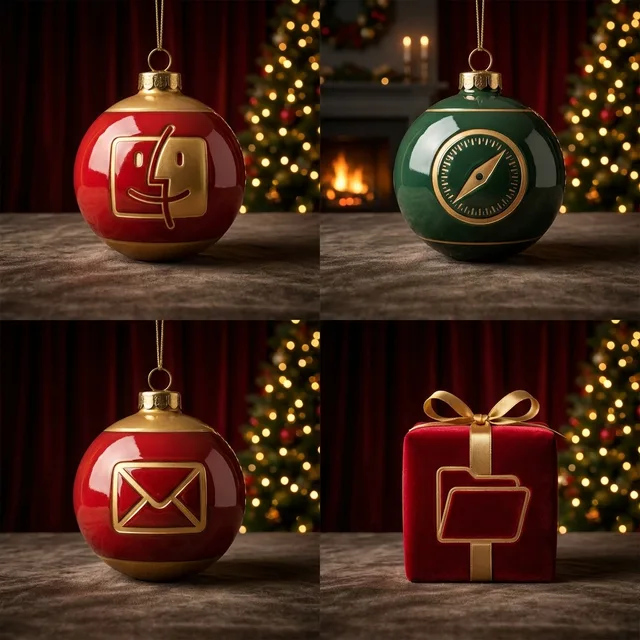
Glossy ceramic ornament baubles in red, gold and pine green, round silhouette with a brass cap and loop, each with a small glyph.
Folders
Folders as red velvet gift boxes with a gold ribbon band, in crimson #8c1427.
Widgets
One ceramic card on the right: large countdown to Christmas in serif, a day progress ring, a checklist for gift wrapping, and a weather block.
Windows
Editorial floating windows in solid deep burgundy, serif headers, thin brass outline selection.
Direction B
Pine Forest Snow Lodge
A quiet snowy pine forest at dusk with a lit cabin window and string lights between the trees.
Grounded in: Scandinavian woodland Christmas, cut paper and pine
Wallpaper
Layered paper-cut pine forest in deep green with falling snow, a cabin with a warm yellow window, a string of small gold lights draped across the trees. Open snowy sky on the upper left. Motion: snow.
App icons & Dock
Botanical icons as hanging ornaments: holly sprigs, pinecones, and berry sprigs on a cream circle, with a red thread loop.
Folders
Pine green folders with a sprig of holly and a red berry tab, in #2f6b4a.
Widgets
Paper cards in cream: a countdown to Christmas with a handwritten caption, a sunrise and sunset sky block, a quote and a short to-do list.
Windows
Native solid windows in warm cream with compact headers and filled selection in pine green.
Direction C
Pixel Tree Arcade Night
A playful retro Christmas: a pixel tree blinking with coloured bulbs on a dark midnight screen.
Grounded in: 8-bit holiday video game
Wallpaper
Dark navy pixel-art night with a big stepped pine tree in green, blinking red, yellow and blue bulbs, tiny pixel snow and a star on top. Tree set to the left, space on the right. Motion: stars.
App icons & Dock
Pixel ornaments: square-pixel baubles, candy canes, stockings and gift boxes in red, green and gold with hard shadows.
Folders
Pixel gift-box folders in green with a red ribbon, in #1d6b3a.
Widgets
One enamel card with a pixel frame: flip-style countdown to Christmas, a reminders list as a wish list, and a now playing block.
Windows
Glass floating windows tinted midnight navy, bright green selection.
What changes on your Mac
Wallpaper — an original painting for every display, with optional motion.
App icons & Dock — matching icons for your apps in the DesignMyMac Dock, in its own colour.
Folders — every folder in your home in the same style, and new ones as you make them.
Widgets — clocks, calendars, weather and more, designed to match.
Windows — the DesignMyMac Files and Apps windows in your palette.
Questions
How do I make my Mac look Christmas?
To give your Mac a Christmas look, describe it in DesignMyMac — for example “A cozy Christmas desktop: twinkling lights, pine and red velvet, ornament icons, a countdown to Christmas”. It researches the style, proposes three directions with a painted wallpaper and icon sample, and applies your choice to the wallpaper, app icons, folders, Dock, widgets and windows together. Every original is backed up and one click restores it.
What colours suit a Christmas Mac desktop?
A strong starting palette is #2a0a10, #7a0f1f, #c8102e, #e8b86a, #1f3a2a, led by the accent #c8102e. DesignMyMac uses it across your wallpaper, icons, folders, widgets and windows.
What widgets fit a Christmas setup?
One ceramic card on the right: large countdown to Christmas in serif, a day progress ring, a checklist for gift wrapping, and a weather block.
Is DesignMyMac free?
You can start for free. Designing with AI has a daily limit per account.
Which Macs does it work on?
Apple silicon and Intel Macs running macOS 14 Sonoma or later. Download it free at designmymac.com/download.
Does it change my files?
No. DesignMyMac only changes how things look — wallpaper, icons, folders' appearance, the Dock, widgets and window styling.
 Coffee ShopLatte Pour Overhead
 Rainy DayNight Bus Window
 AutumnCable-Knit Hearth
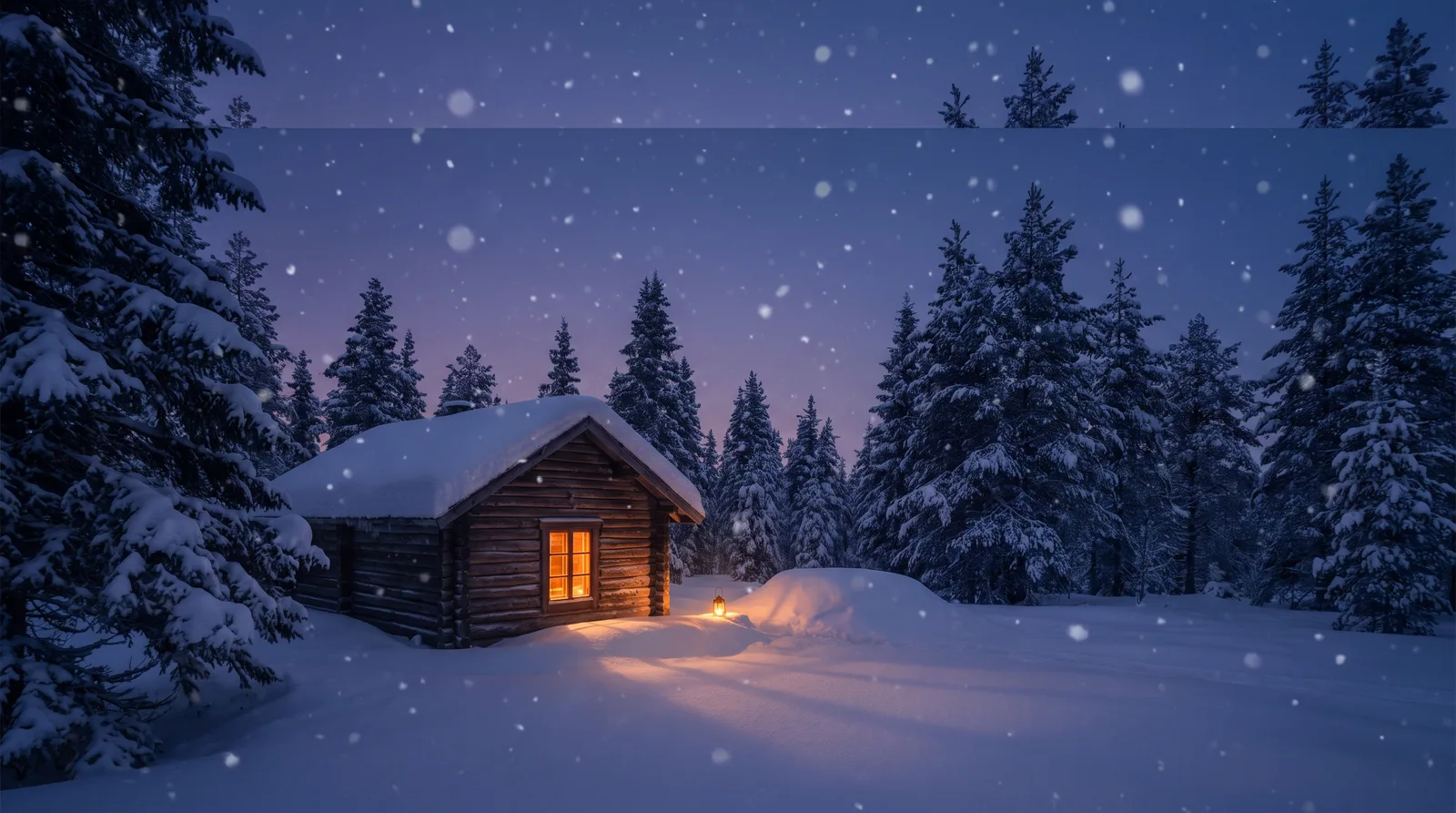 WinterLantern in the Drift
 Spring BlossomHanami Riverbank
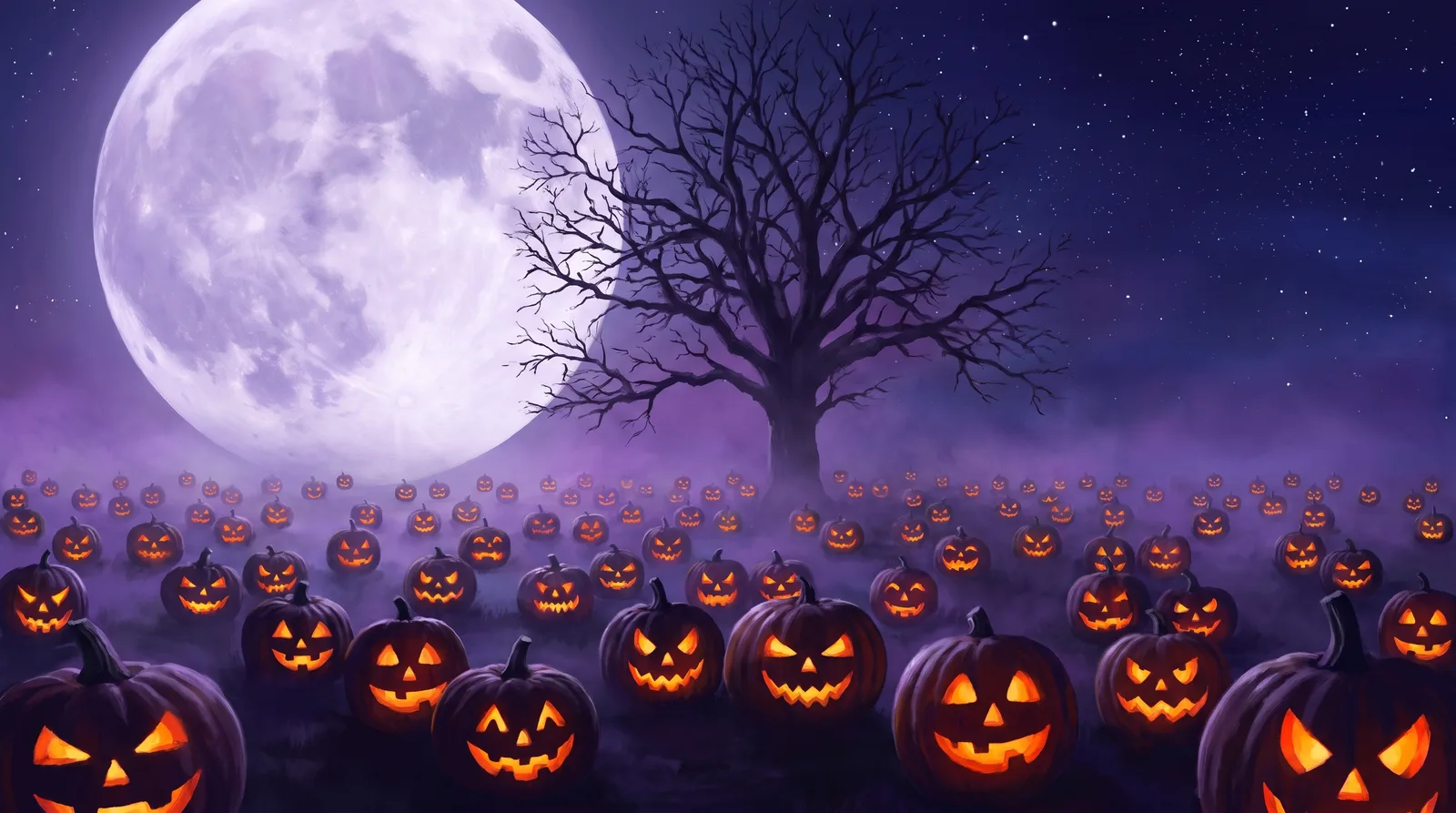 HalloweenMoonlit Pumpkin Patch