To give your Mac a Rainy Day look, describe it in DesignMyMac — for example “A rainy day desktop: rain on glass, blue-grey city lights, soft frosted icons and calm widgets”. It researches the style, proposes three directions with a painted wallpaper and icon sample, and applies your choice to the wallpaper, app icons, folders, Dock, widgets and windows together. Every original is backed up and one click restores it.
Night Bus Window — painted by DesignMyMac from the prompt below.
Prompt
“A rainy day desktop: rain on glass, blue-grey city lights, soft frosted icons and calm widgets”
You want a calm rainy-day desktop: water on glass, blue-grey city lights, frosted icons and quiet widgets. Here are three different ways to get that mood, each led by a different layer.
Three directions DesignMyMac proposed
Direction A
Night Bus Window
Late ride home, fogged glass, bokeh streetlights, quiet and private.
Grounded in: Rain-streaked bus window photography
Wallpaper
Close view through a fogged bus window: large raindrops with trails, out-of-focus city bokeh in blue-grey with a few amber streetlight dots, dark lower third.
App icons & Dock
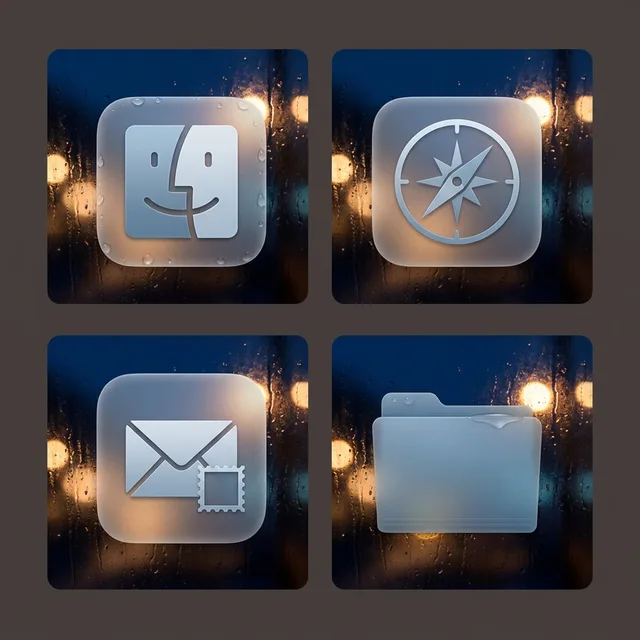
Frosted glass rounded squares, pale steel-blue glyphs, soft condensation edge highlight, no hard outlines.
Folders
Translucent frosted blue-grey folders with a faint water-bead sheen on the tab.
Widgets
One glass card on the right: weather forecast for the city, clock in thin digital, next events, and a calm nowPlaying block.
Windows
Floating frosted glass windows tinted deep slate, compact header, filled soft-blue selection.
Direction B
Hiroshige Downpour
Woodblock rain over a bridge, ink-calm and unhurried.
Grounded in: Hiroshige ukiyo-e rain prints
Wallpaper
Hiroshige-style diagonal rain lines in Prussian blue and slate over a wooden bridge and distant rooftops, pale grey-cream sky gradient, open space top left.
App icons & Dock
Washi paper tiles with printed ink glyphs in Prussian blue, slight woodblock misregistration, rounded corners.
Folders
Folded grey-blue paper folders with a small ink seal mark on the tab.
Widgets
Printed paper cards in serif: date with caption, month calendar, a daily quote, and a day progress bar.
Wet asphalt at dusk, city glow doubled in puddles, still and cinematic.
Grounded in: Cinematic wet-street night photography
Wallpaper
Empty wet city street at dusk, low camera at puddle level, cyan and violet signs reflected in asphalt, thin rain streaks, deep charcoal sky, dark centre for icons.
App icons & Dock
Matte stencil-cut dark tiles with thin cyan line glyphs and a faint reflected glow under each.
Folders
Flat charcoal folders with a cyan edge line and a soft violet reflection beneath.
Widgets
Solid dark card on the left: sky sunset and moon, system stats, reminders and a small habit row in mono type.
Wallpaper — an original painting for every display, with optional motion.
App icons & Dock — matching icons for your apps in the DesignMyMac Dock, in its own colour.
Folders — every folder in your home in the same style, and new ones as you make them.
Widgets — clocks, calendars, weather and more, designed to match.
Windows — the DesignMyMac Files and Apps windows in your palette.
Questions
How do I make my Mac look Rainy Day?
To give your Mac a Rainy Day look, describe it in DesignMyMac — for example “A rainy day desktop: rain on glass, blue-grey city lights, soft frosted icons and calm widgets”. It researches the style, proposes three directions with a painted wallpaper and icon sample, and applies your choice to the wallpaper, app icons, folders, Dock, widgets and windows together. Every original is backed up and one click restores it.
What colours suit a Rainy Day Mac desktop?
A strong starting palette is #1b2733, #2f4558, #8fc3d9, #e8b87a, led by the accent #8fc3d9. DesignMyMac uses it across your wallpaper, icons, folders, widgets and windows.
What widgets fit a Rainy Day setup?
One glass card on the right: weather forecast for the city, clock in thin digital, next events, and a calm nowPlaying block.
Is DesignMyMac free?
You can start for free. Designing with AI has a daily limit per account.
Which Macs does it work on?
Apple silicon and Intel Macs running macOS 14 Sonoma or later. Download it free at designmymac.com/download.
Does it change my files?
No. DesignMyMac only changes how things look — wallpaper, icons, folders' appearance, the Dock, widgets and window styling.

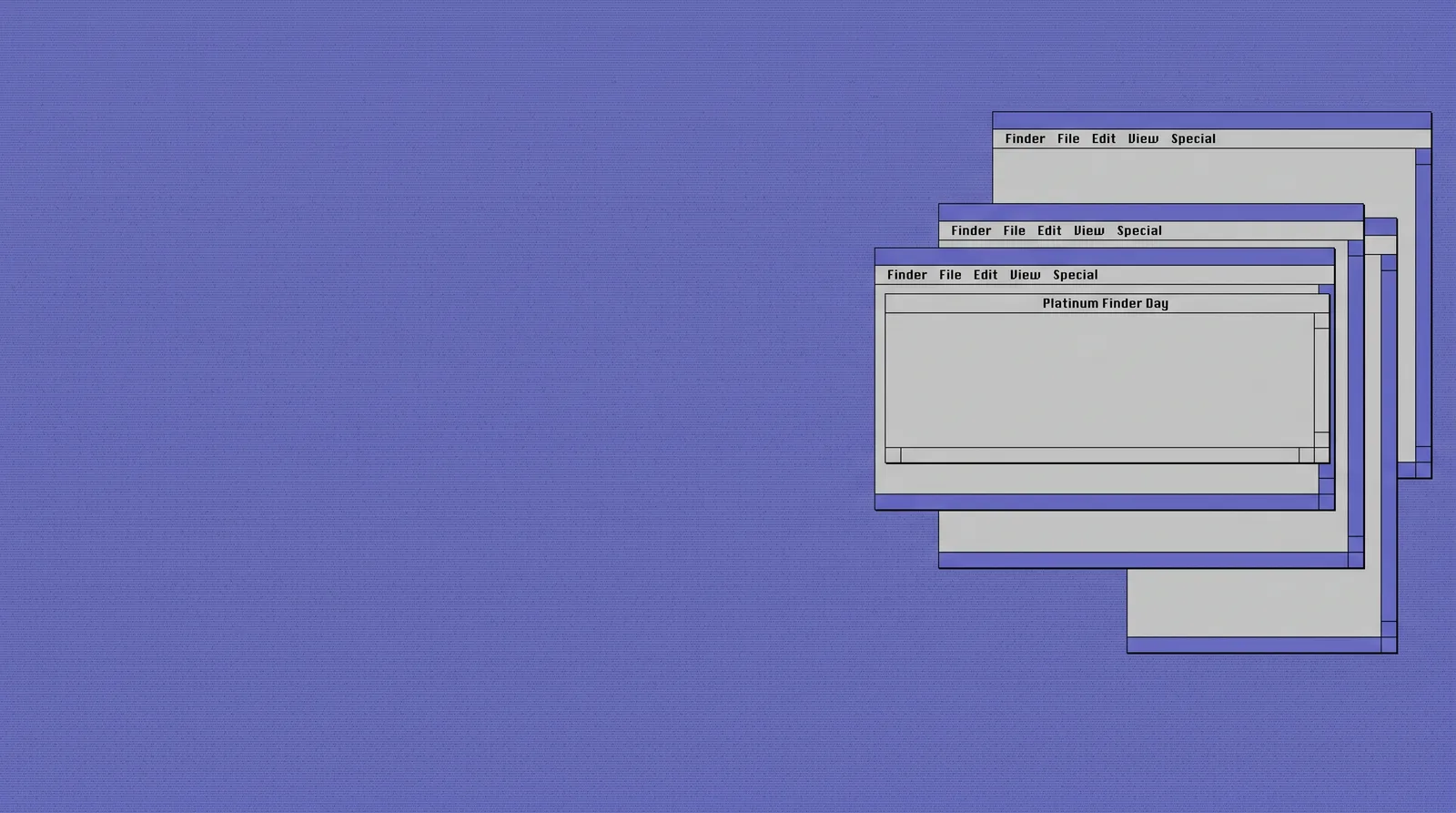 Classic Mac OSPlatinum Finder Day
 Pixel ArtCartridge Valley
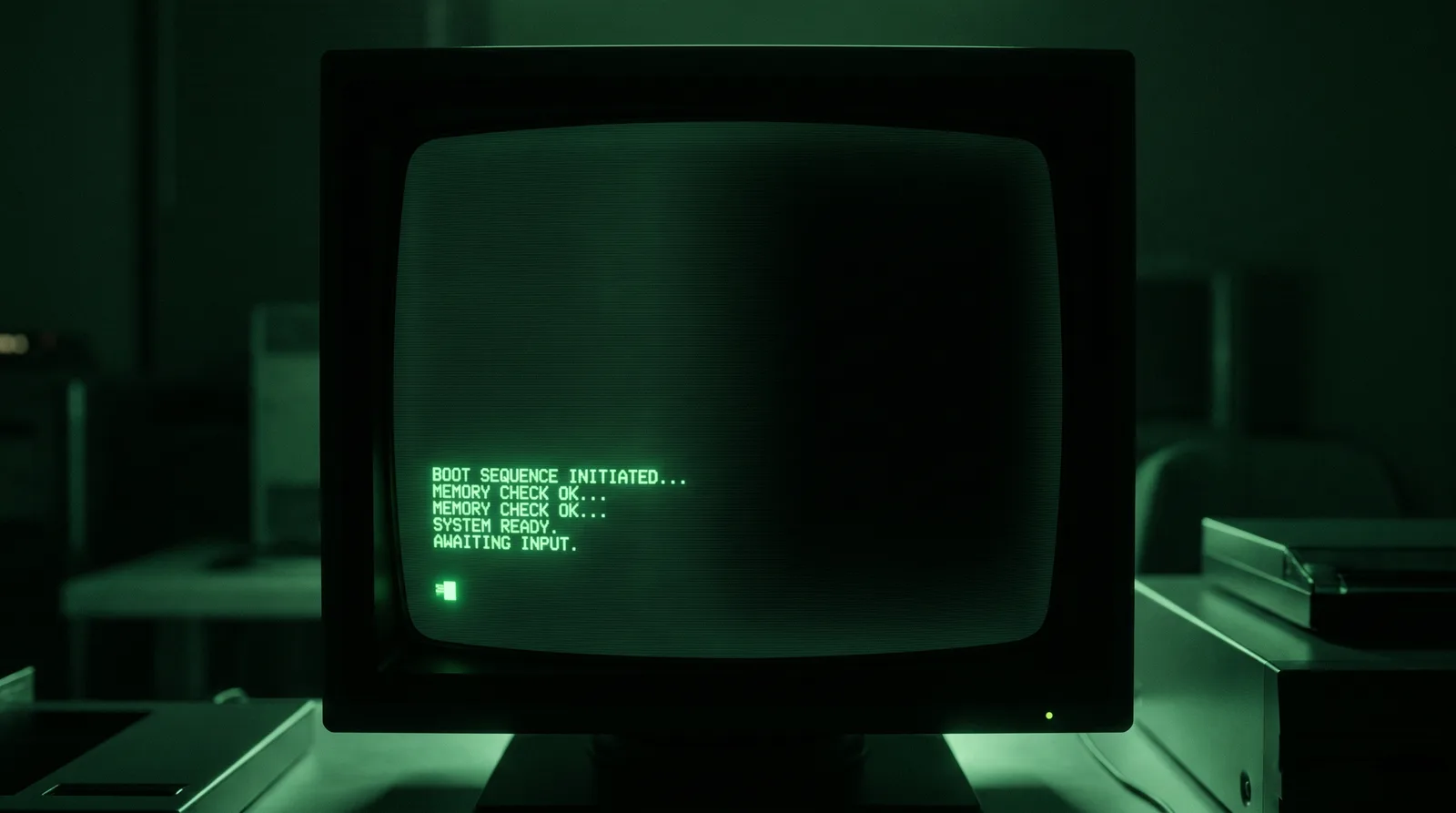 Hacker TerminalPhosphor Bunker
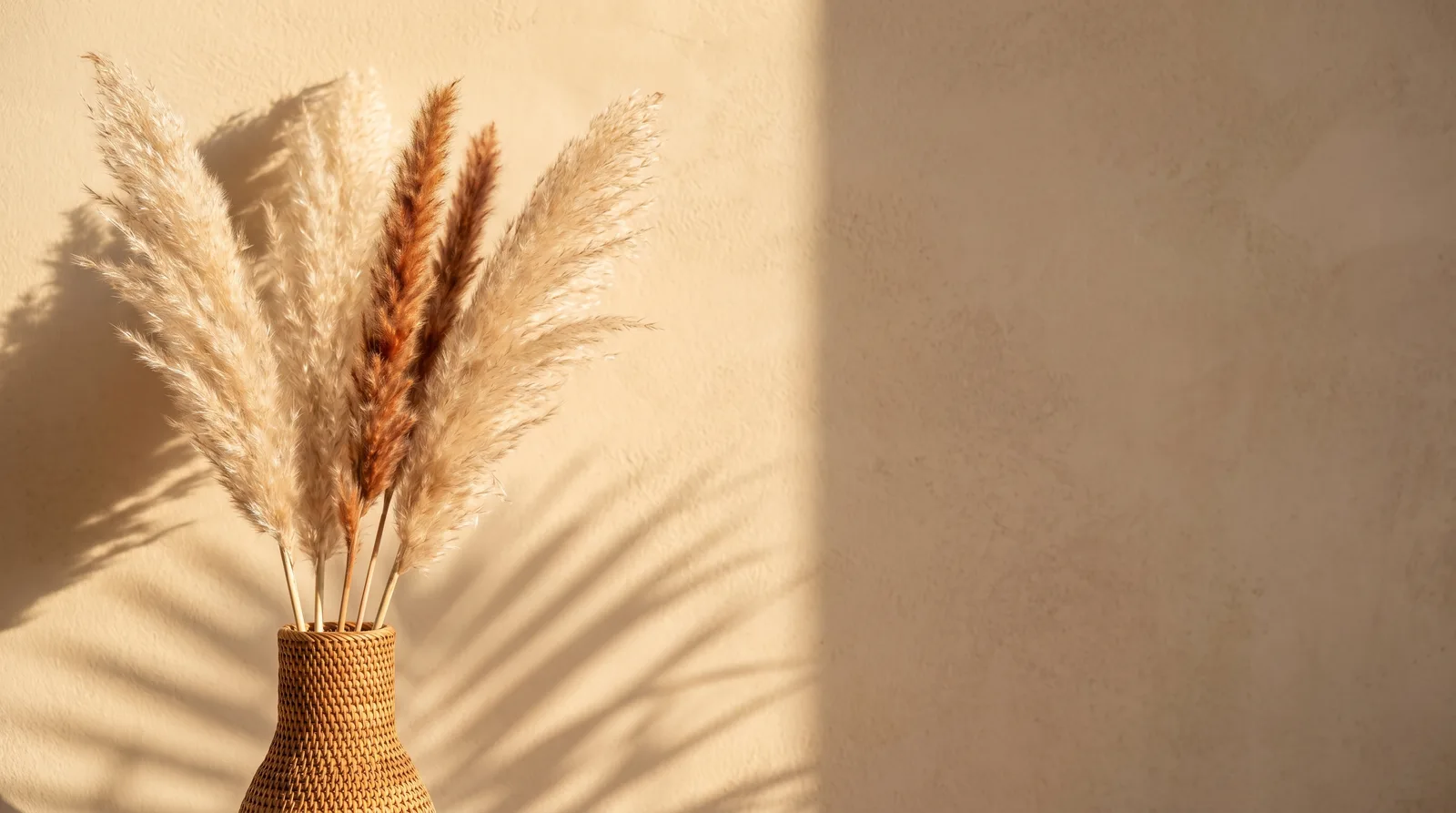 BohoPampas at Golden Hour
 MatchaChawan Glaze
 Desert DunesRipple Hour