To give your Mac a Matcha look, describe it in DesignMyMac — for example “A matcha desktop: soft matcha greens and cream, ceramic tea textures, calm rounded icons”. It researches the style, proposes three directions with a painted wallpaper and icon sample, and applies your choice to the wallpaper, app icons, folders, Dock, widgets and windows together. Every original is backed up and one click restores it.
Chawan Glaze — painted by DesignMyMac from the prompt below.
You want a calm matcha desktop: soft greens, cream, ceramic tea textures and rounded icons. I'm offering three different ways into it: a tea-bowl glaze scene, a tea-room paper scene, and a toy-like tea set.
Three directions DesignMyMac proposed
Direction A
Chawan Glaze
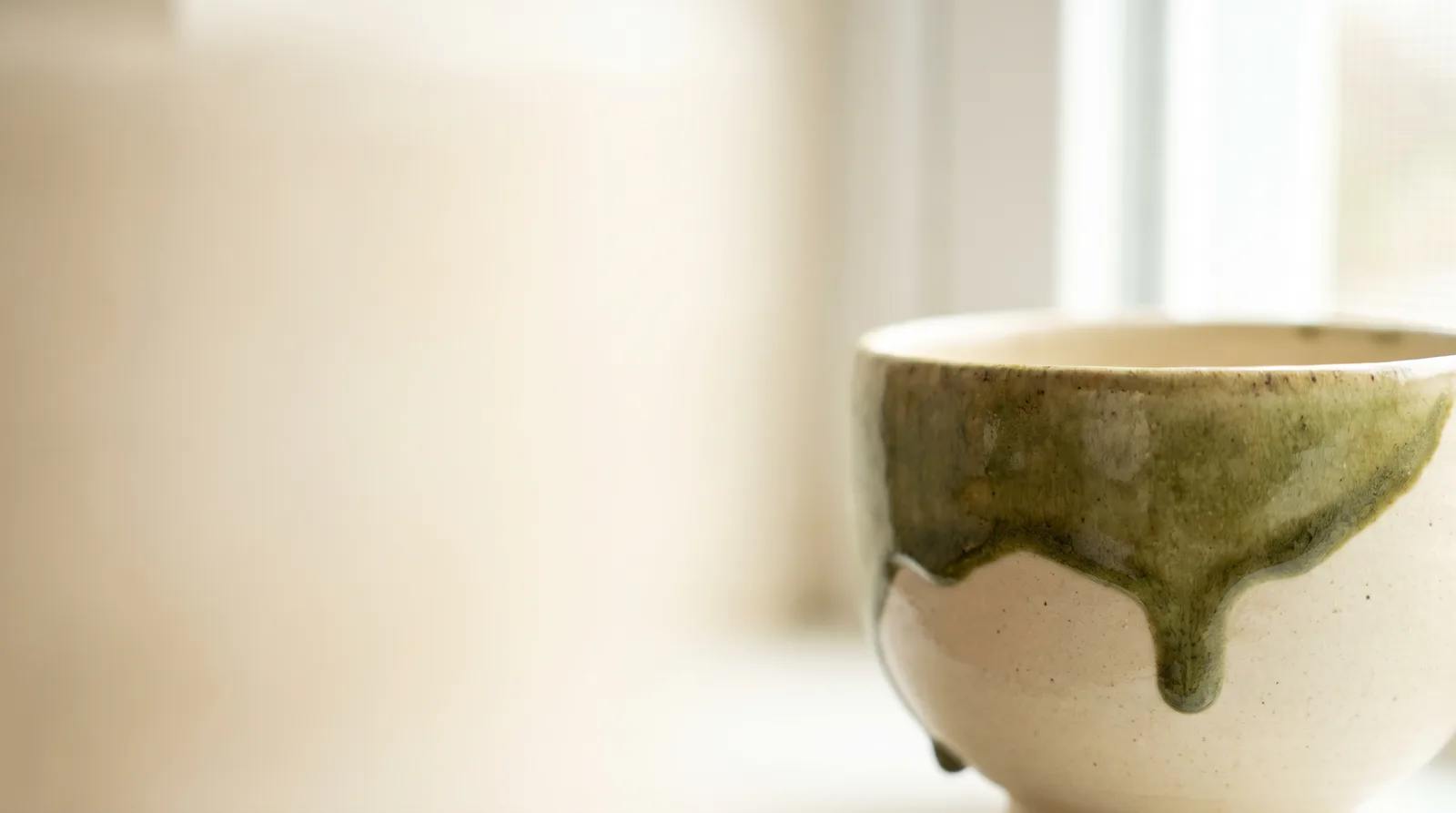
A close view of a hand-thrown tea bowl, with the glaze pooling in matcha green over cream clay.
Grounded in: Wallpaper-led: Japanese chawan ceramics, celadon and ash glaze
Wallpaper
Macro of a chawan tea bowl with an ash-glaze drip in matcha green over cream stoneware, soft window light, empty cream space on the left.
App icons & Dock
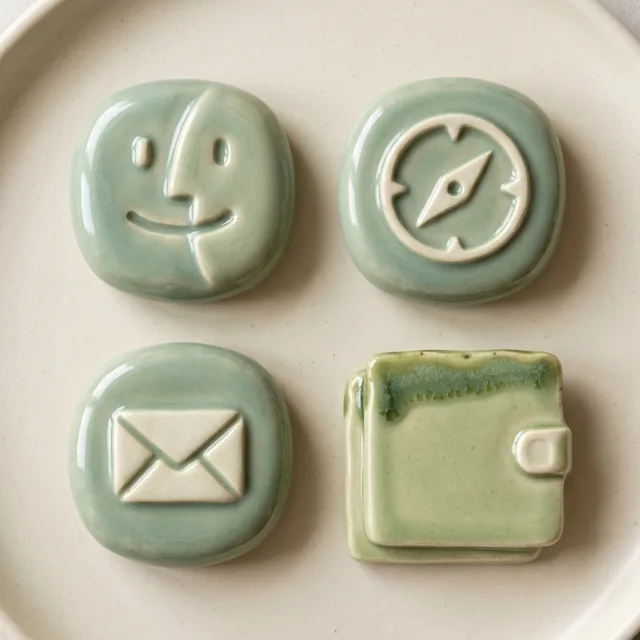
Rounded squish icons shaped like glazed ceramic pebbles, with a glossy celadon finish and cream glyphs.
Folders
Thick glazed ceramic tiles in pale matcha with a darker green drip along the top edge and a small cream tab.
Widgets
Ceramic cards in cream with green glaze rims: a clock, a weather block, a 3-habit tracker for water, stretching and reading, and a daily counter for cups of tea.
Windows
Native windows in solid cream with a quiet header and a soft green selection fill.
Direction B
Tatami Tea Room
A quiet morning in a tea room, with paper screens, straw mats and one whisk on a tray.
Grounded in: Icon-led: washi paper and tatami interior, sumi ink details
Wallpaper
A tatami tea room in early light, with a shoji screen in cream, a bamboo whisk (chasen) and a green bowl on a low tray, and calm empty mat space on the right.
App icons & Dock
Soft-cornered washi paper tiles with a subtle fibre texture, each glyph drawn in thin sumi-ink lines on a matcha or cream ground.
Folders
Folded washi paper folders in straw beige, tied with a thin green cord and a small ink-stamp label.
Widgets
Paper cards in a serif font: a word clock, a calendar month, a quote block with a daily tea proverb, and a sunrise and moon card from the sky block.
Windows
Editorial windows in cream paper with a serif header and an outline selection in moss green.
Direction C
Matcha Latte Bar
A bright cafe counter in soft green and milk white, as playful as a latte-art menu.
Top-down latte art in a cream cup, with a fern-leaf swirl in matcha foam on a pale green marble counter, plus scattered tea-leaf cut-outs and wide soft margins.
App icons & Dock
Rounded botanical icons, each a cut-out tea leaf or bud in layered greens on a milk-white circle.
Folders
Cut-paper leaf folders in light matcha with a cream inner sleeve and a small oat-brown label.
Widgets
Collage menu card in rounded type with a leaf-cutout image, a countdown to the weekend, a progress ring for the day, a to-do checklist and a weather forecast.
Windows
Glass windows tinted milky green, floating, with a compact header and a filled leaf-green selection.
What changes on your Mac
Wallpaper — an original painting for every display, with optional motion.
App icons & Dock — matching icons for your apps in the DesignMyMac Dock, in its own colour.
Folders — every folder in your home in the same style, and new ones as you make them.
Widgets — clocks, calendars, weather and more, designed to match.
Windows — the DesignMyMac Files and Apps windows in your palette.
Questions
How do I make my Mac look Matcha?
To give your Mac a Matcha look, describe it in DesignMyMac — for example “A matcha desktop: soft matcha greens and cream, ceramic tea textures, calm rounded icons”. It researches the style, proposes three directions with a painted wallpaper and icon sample, and applies your choice to the wallpaper, app icons, folders, Dock, widgets and windows together. Every original is backed up and one click restores it.
What colours suit a Matcha Mac desktop?
A strong starting palette is #f1ead7, #c9d6a3, #8fae5a, #4f6b3a, #d8c9a3, led by the accent #8fae5a. DesignMyMac uses it across your wallpaper, icons, folders, widgets and windows.
What widgets fit a Matcha setup?
Ceramic cards in cream with green glaze rims: a clock, a weather block, a 3-habit tracker for water, stretching and reading, and a daily counter for cups of tea.
Is DesignMyMac free?
You can start for free. Designing with AI has a daily limit per account.
Which Macs does it work on?
Apple silicon and Intel Macs running macOS 14 Sonoma or later. Download it free at designmymac.com/download.
Does it change my files?
No. DesignMyMac only changes how things look — wallpaper, icons, folders' appearance, the Dock, widgets and window styling.
 ChristmasVelvet Parlour Hearth
 Neon NoirKowloon Downpour
 MonochromeSumi Brushwork
 GlassmorphismAurora Pane
 Classic Mac OSPlatinum Finder Day
 Pixel ArtCartridge Valley