A Mac desktop designed for streamers & creators
DesignMyMac designs a whole Mac desktop for streamers & creators from one sentence — wallpaper, icons, folders, Dock, widgets and windows — for example: “A creator's desktop: bold neon, a now-playing widget, a stream countdown and app launcher buttons”.
“A creator's desktop: bold neon, a now-playing widget, a stream countdown and app launcher buttons”
Download for MacBroadcast Booth
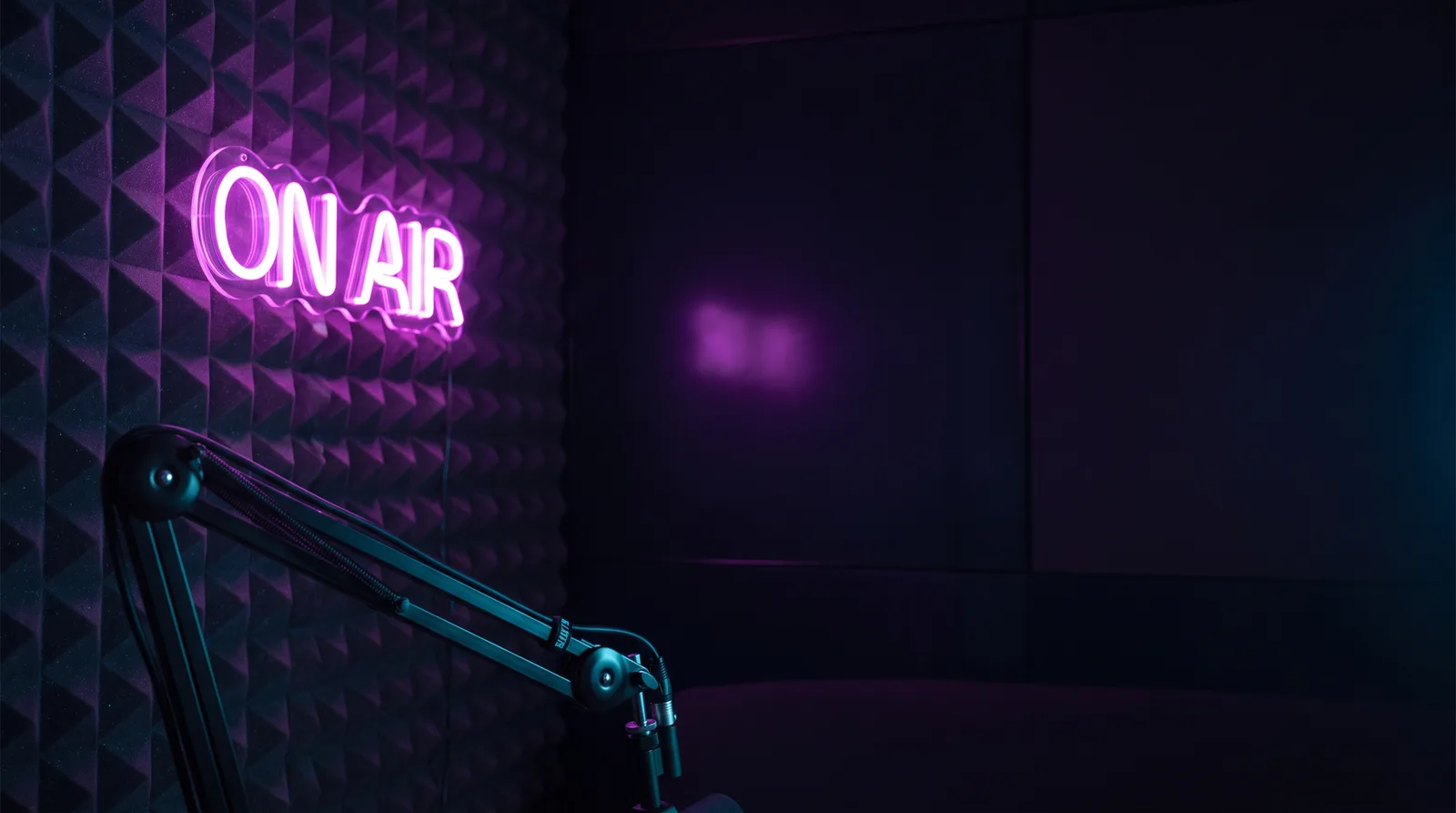
Dark soundproofed studio lit by one hot magenta ON AIR sign. Tight, tactile, ready to go live.
- Wallpaper
- Wallpaper-led: acoustic foam wall in charcoal violet, a glowing magenta neon ON AIR tube sign off-centre left, a cyan rim light on a boom mic arm, empty dark space on the right.
- App icons & Dock
- Black chrome rounded squares with thin magenta edge glow and polished silver glyphs, like studio hardware buttons.
- Folders
- Dark violet folders with a magenta neon outline and a small cyan cable-tab label.
- Widgets
- One right-aligned frosted glass stack: nowPlaying with bars visualizer, a large countdown to the stream start, and a links row of app launcher buttons (OBS, Music, Discord).
- Windows
- Floating dark glass windows, compact header, magenta selection highlight.
Widgets worth adding
Questions
Is DesignMyMac free?
You can start for free. Designing with AI has a daily limit per account.
Which Macs does it work on?
Apple silicon and Intel Macs running macOS 14 Sonoma or later. Download it free at designmymac.com/download.
Does it change my files?
No. DesignMyMac only changes how things look — wallpaper, icons, folders' appearance, the Dock, widgets and window styling.
Can I undo everything?
Yes. You approve every change, originals are backed up first, and ⇧⌘R restores your previous look.