To give your Mac a Coffee Shop look, describe it in DesignMyMac — for example “A cozy coffee shop desktop: espresso browns and cream, latte-art textures, warm serif widgets”. It researches the style, proposes three directions with a painted wallpaper and icon sample, and applies your choice to the wallpaper, app icons, folders, Dock, widgets and windows together. Every original is backed up and one click restores it.
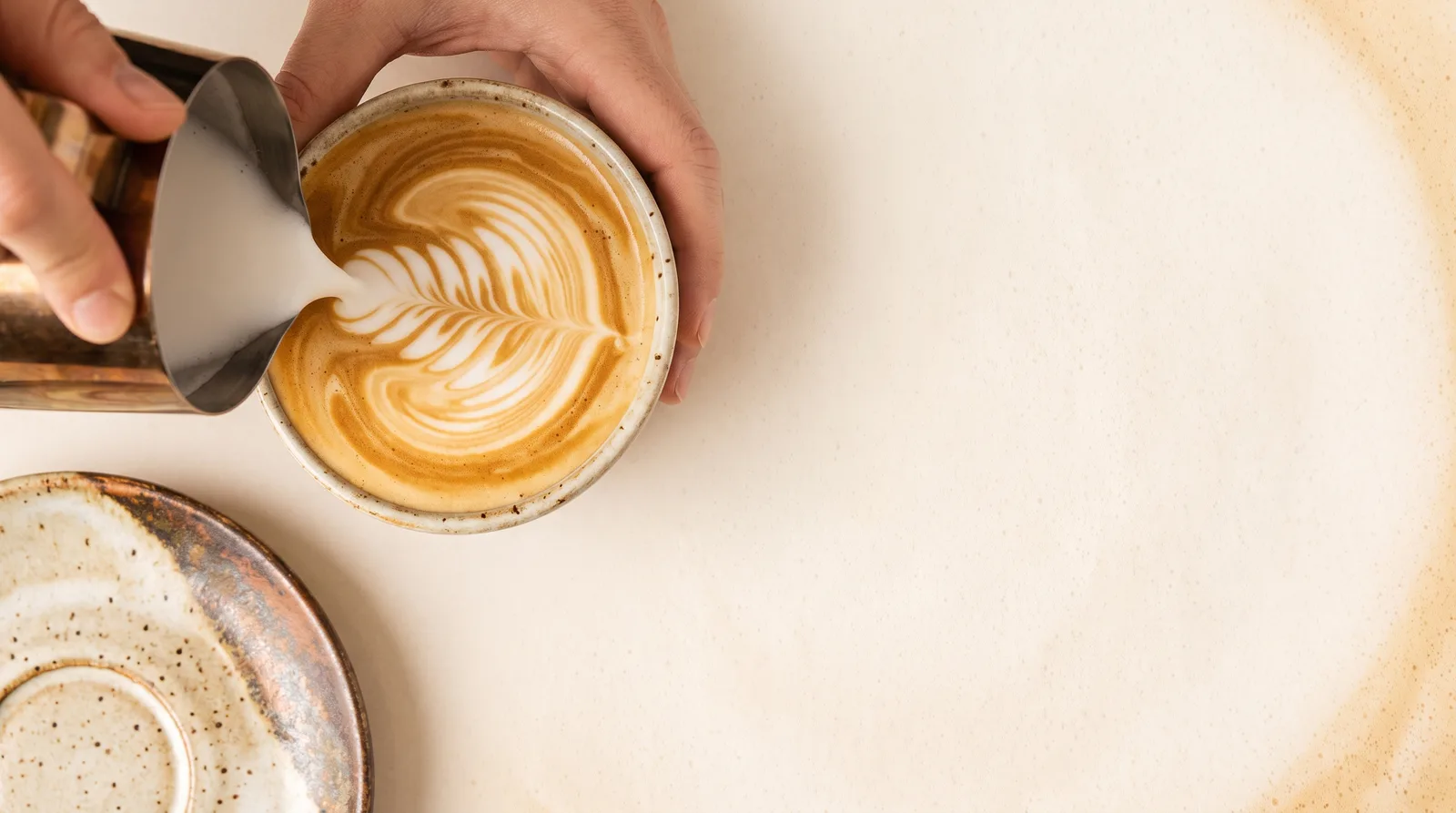
Latte Pour Overhead — painted by DesignMyMac from the prompt below.
You want a warm coffee shop feel: espresso browns, cream, latte-art texture and serif widgets. I'm offering three different scenes, each led by a different layer, rather than three browns of the same idea.
Three directions DesignMyMac proposed
Direction A
Latte Pour Overhead
Looking down at a cup as milk is poured, soft and creamy.
Grounded in: Overhead latte-art photography
Wallpaper
Overhead view of a cream-and-espresso latte with a rosetta pour, caramel crema swirls, and a ceramic saucer edge in the corner. Empty foam on the right for widgets.
App icons & Dock
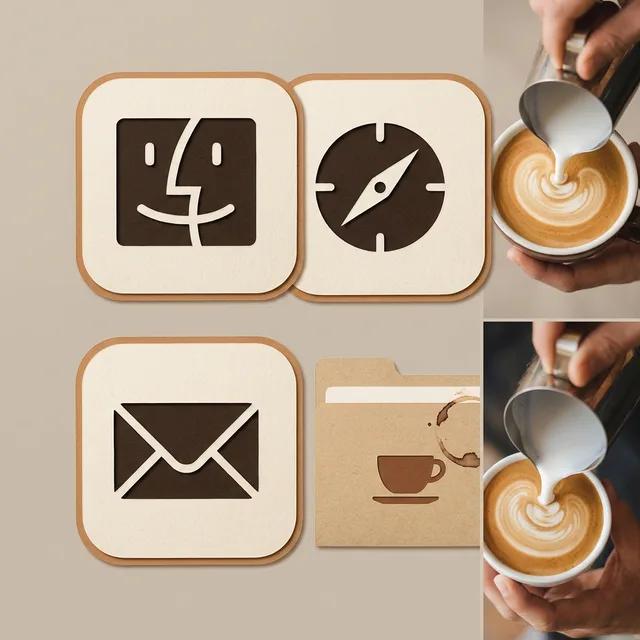
Paper-cut icons in cream card stock with espresso-brown glyphs and a thin caramel edge. Rounded-square silhouette, subtle paper grain.
Folders
Kraft-paper folders in latte tan with a cream label tab and a small brown coffee-ring stain.
Widgets
Cream paper cards with warm serif type (clock, date, weather, checklist), espresso text and a caramel progress bar.
Windows
Editorial floating windows in cream with an espresso serif header and outline selection in caramel.
Direction B
Chalkboard Menu Wall
A corner café at closing time: dark board, handwritten specials, warm bulbs.
Grounded in: Café chalkboard menu signage
Wallpaper
Espresso-brown chalkboard wall with cream chalk doodles of beans, steam curls and a cup, plus a string of warm Edison bulbs across the top. Dark open area in the center.
App icons & Dock
Stencil icons in cream chalk-white on enamel espresso tiles, with a stamped coffee-sack look and bold simple silhouettes.
Folders
Dark walnut enamel folders with a cream chalk-line label and a small bean mark.
Widgets
Enamel cards in dark brown with cream serif text and amber accents (clock, calendar, quote, countdown), with a chalk-outline border.
Windows
Native solid windows in deep espresso with a compact header and amber filled selection.
Direction C
Burlap & Bean Sacks
Roastery warehouse: sacks, stamps and twine, earthy and tactile.
Grounded in: Roastery burlap sack printing
Wallpaper
Close-up of woven burlap with a faded brown stenciled sack stamp, scattered roasted beans in the lower left, and a twine knot at the edge. Light tan weave with open space on the right.
App icons & Dock
Botanical icons showing coffee branch, cherry and leaf motifs in stitched cloth patches on burlap squares, in cream and brown.
Folders
Burlap-wrapped folders tied with twine in tan, with a stamped brown label.
Widgets
Collage cards of torn cream paper over burlap, warm serif text, with a habit tracker, water counter, weather and sunrise blocks.
Windows
Light frosted floating windows tinted tan, with an espresso title and soft rounded corners.
What changes on your Mac
Wallpaper — an original painting for every display, with optional motion.
App icons & Dock — matching icons for your apps in the DesignMyMac Dock, in its own colour.
Folders — every folder in your home in the same style, and new ones as you make them.
Widgets — clocks, calendars, weather and more, designed to match.
Windows — the DesignMyMac Files and Apps windows in your palette.
Questions
How do I make my Mac look Coffee Shop?
To give your Mac a Coffee Shop look, describe it in DesignMyMac — for example “A cozy coffee shop desktop: espresso browns and cream, latte-art textures, warm serif widgets”. It researches the style, proposes three directions with a painted wallpaper and icon sample, and applies your choice to the wallpaper, app icons, folders, Dock, widgets and windows together. Every original is backed up and one click restores it.
What colours suit a Coffee Shop Mac desktop?
A strong starting palette is #f3e6d3, #3b2418, #c68b59, #e8d2b0, #7a4a2e, led by the accent #c68b59. DesignMyMac uses it across your wallpaper, icons, folders, widgets and windows.
What widgets fit a Coffee Shop setup?
Cream paper cards with warm serif type (clock, date, weather, checklist), espresso text and a caramel progress bar.
Is DesignMyMac free?
You can start for free. Designing with AI has a daily limit per account.
Which Macs does it work on?
Apple silicon and Intel Macs running macOS 14 Sonoma or later. Download it free at designmymac.com/download.
Does it change my files?
No. DesignMyMac only changes how things look — wallpaper, icons, folders' appearance, the Dock, widgets and window styling.
 HalloweenMoonlit Pumpkin Patch
 ChristmasVelvet Parlour Hearth
 Neon NoirKowloon Downpour
 MonochromeSumi Brushwork
 GlassmorphismAurora Pane
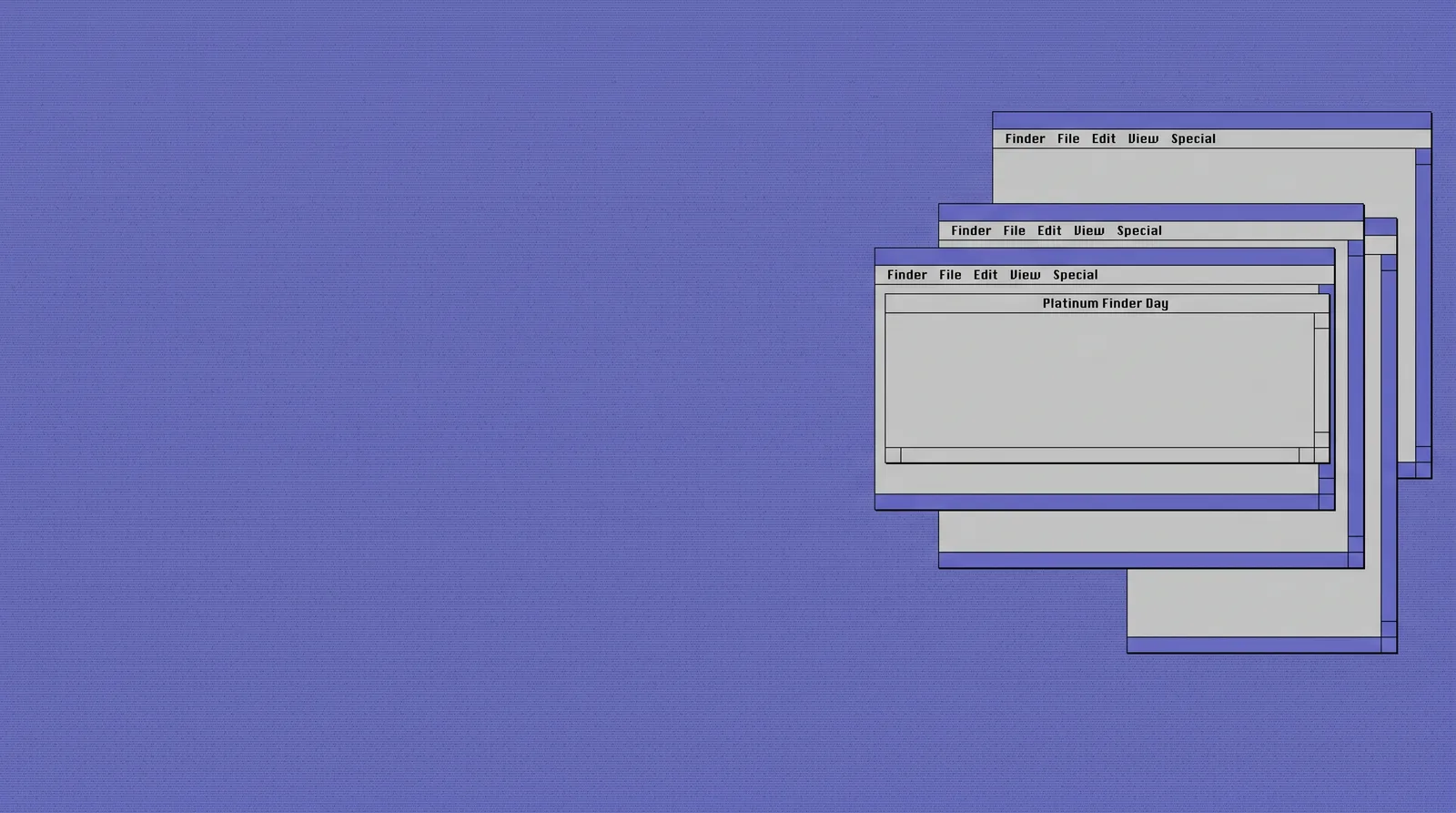 Classic Mac OSPlatinum Finder Day