To give your Mac a Winter look, describe it in DesignMyMac — for example “A snowy winter cabin desktop: frost blues and whites, falling snow, wooden icons, a cozy clock”. It researches the style, proposes three directions with a painted wallpaper and icon sample, and applies your choice to the wallpaper, app icons, folders, Dock, widgets and windows together. Every original is backed up and one click restores it.
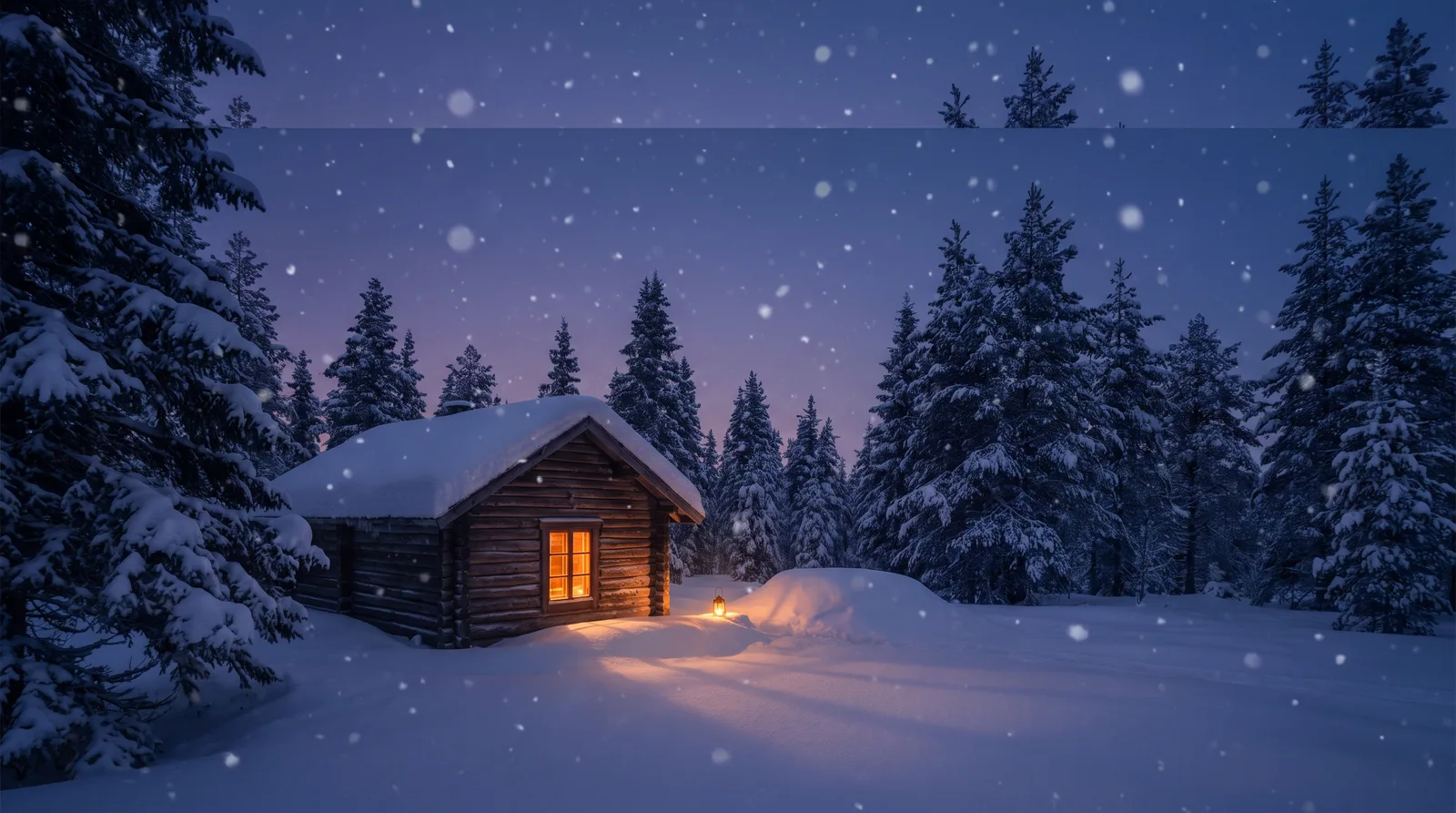
Lantern in the Drift — painted by DesignMyMac from the prompt below.
Prompt
“A snowy winter cabin desktop: frost blues and whites, falling snow, wooden icons, a cozy clock”
You want a snowy winter cabin in frost blues and whites, with falling snow, wooden icons and a cozy clock. These three directions treat it differently: a blue-hour night scene, a daylight woodblock print, and a warm fireside interior.
Three directions DesignMyMac proposed
Direction A
Lantern in the Drift
Blue dusk outside a cabin, one amber window glowing, snow falling softly.
Grounded in: Blue-hour winter cabin painting
Wallpaper
Log cabin at blue dusk, deep snowdrifts, one amber lit window, indigo pines, soft falling snow, empty sky at top for icons.
App icons & Dock
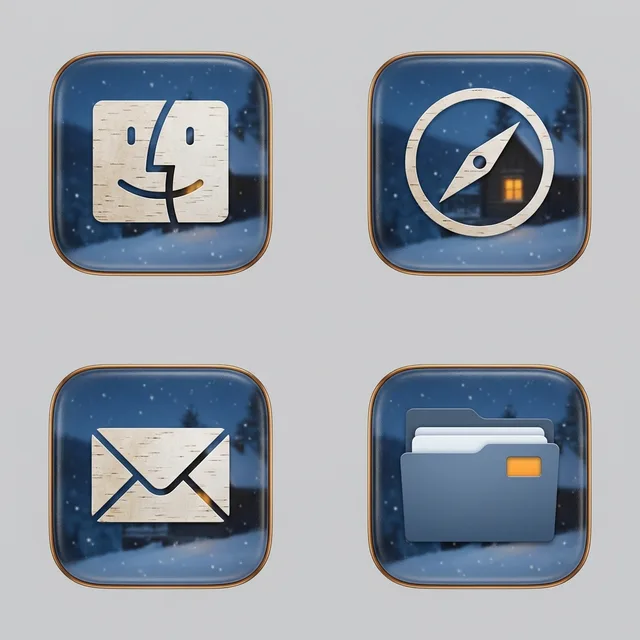
Frosted dark-glass rounded squares with pale birch-bark glyphs and a thin amber rim; silhouettes stay simple.
Folders
Slate-blue folders with frost-white edges and a small amber window cut-out on the tab.
Widgets
One right-side glass card: flip clock in warm amber, a date line, weather for Oslo, and a sky block with sunset time.
Windows
Floating frosted glass in deep night blue with thin pale borders and a soft shadow.
Direction B
Pine Woodcut Morning
Crisp daylight, a printed woodcut of a cabin among pines, white and ice blue.
Grounded in: Japanese-style woodblock winter print, ice blue ink
Wallpaper
Woodblock-print cabin under heavy snow, carved pine rows in ice-blue ink, bare birch lines, large pale paper-white sky.
App icons & Dock
Wooden plaque icons in pale pine with visible grain and burned-in dark brown glyphs, square with notched corners.
Folders
Cut-pine folders with grain lines and a blue ink stamp on the tab.
Widgets
Printed paper card in serif: word clock, a month calendar, a quote of the day, and a checklist titled Firewood.
Warm indoor cabin: wool, cocoa and firelight, with snow seen through a frosted window.
Grounded in: Cozy hygge interior with knitted textures
Wallpaper
Cabin interior, stone fireplace glowing orange, chunky knit blanket, frosted window with falling snow, ice blue light on left.
App icons & Dock
Soft rounded wooden toy blocks in walnut and oak with a knit-stitch texture and cream glyphs.
Folders
Walnut wood folders with a cream wool stitched edge and a copper label tab.
Widgets
Ceramic card in rounded type: large analog clock like a mantel clock, a battery block, a habit tracker for tea and reading.
Windows
Native solid windows in dark cocoa with compact headers and an ember-orange filled selection.
What changes on your Mac
Wallpaper — an original painting for every display, with optional motion.
App icons & Dock — matching icons for your apps in the DesignMyMac Dock, in its own colour.
Folders — every folder in your home in the same style, and new ones as you make them.
Widgets — clocks, calendars, weather and more, designed to match.
Windows — the DesignMyMac Files and Apps windows in your palette.
Questions
How do I make my Mac look Winter?
To give your Mac a Winter look, describe it in DesignMyMac — for example “A snowy winter cabin desktop: frost blues and whites, falling snow, wooden icons, a cozy clock”. It researches the style, proposes three directions with a painted wallpaper and icon sample, and applies your choice to the wallpaper, app icons, folders, Dock, widgets and windows together. Every original is backed up and one click restores it.
What colours suit a Winter Mac desktop?
A strong starting palette is #0f1b2e, #2c4a6e, #a9cbe8, #f4f8fc, #f2b35e, led by the accent #f2b35e. DesignMyMac uses it across your wallpaper, icons, folders, widgets and windows.
What widgets fit a Winter setup?
One right-side glass card: flip clock in warm amber, a date line, weather for Oslo, and a sky block with sunset time.
Is DesignMyMac free?
You can start for free. Designing with AI has a daily limit per account.
Which Macs does it work on?
Apple silicon and Intel Macs running macOS 14 Sonoma or later. Download it free at designmymac.com/download.
Does it change my files?
No. DesignMyMac only changes how things look — wallpaper, icons, folders' appearance, the Dock, widgets and window styling.
 Retro 80s SynthwaveHorizon Run
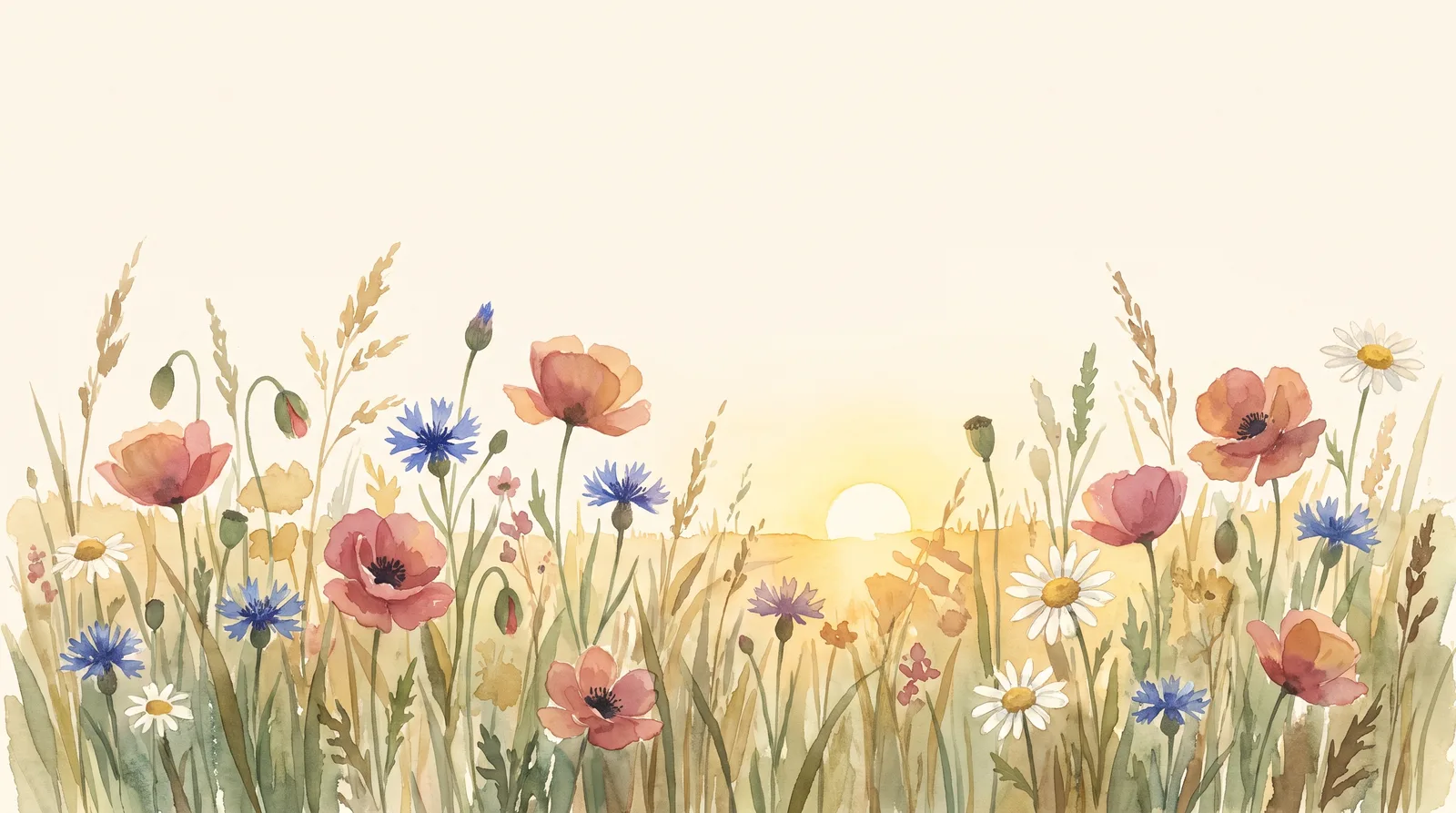 CottagecoreMeadow at Hay Time
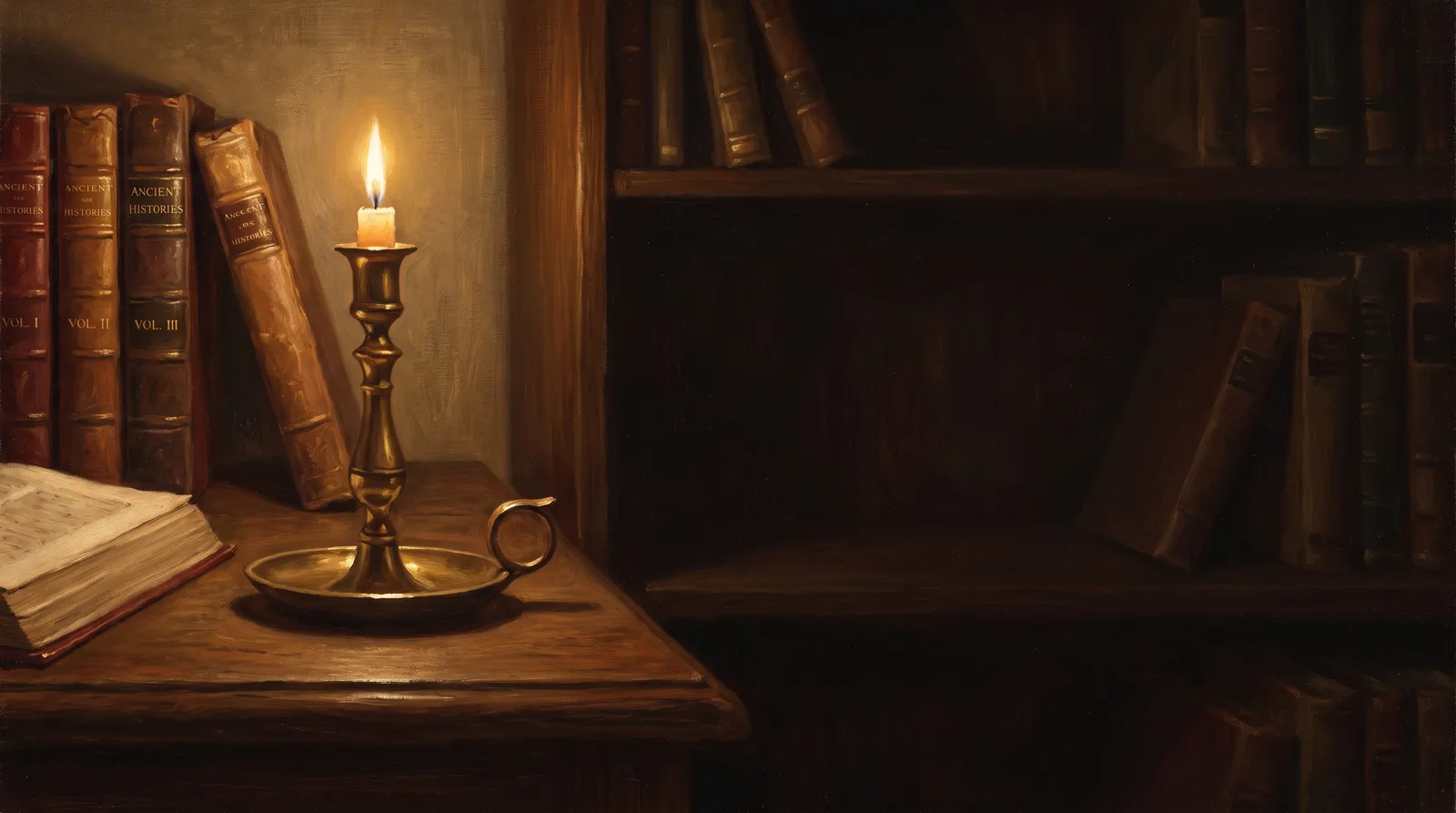 Dark AcademiaReading Room at Last Candle
 Pastel AestheticGelato Counter
 Lo-fi StudyRain on the Desk Window
 AnimeCumulonimbus Crossing