To give your Mac a Bauhaus look, describe it in DesignMyMac — for example “A Bauhaus desktop: primary red, yellow and blue geometry, bold sans type, circle and square icons”. It researches the style, proposes three directions with a painted wallpaper and icon sample, and applies your choice to the wallpaper, app icons, folders, Dock, widgets and windows together. Every original is backed up and one click restores it.
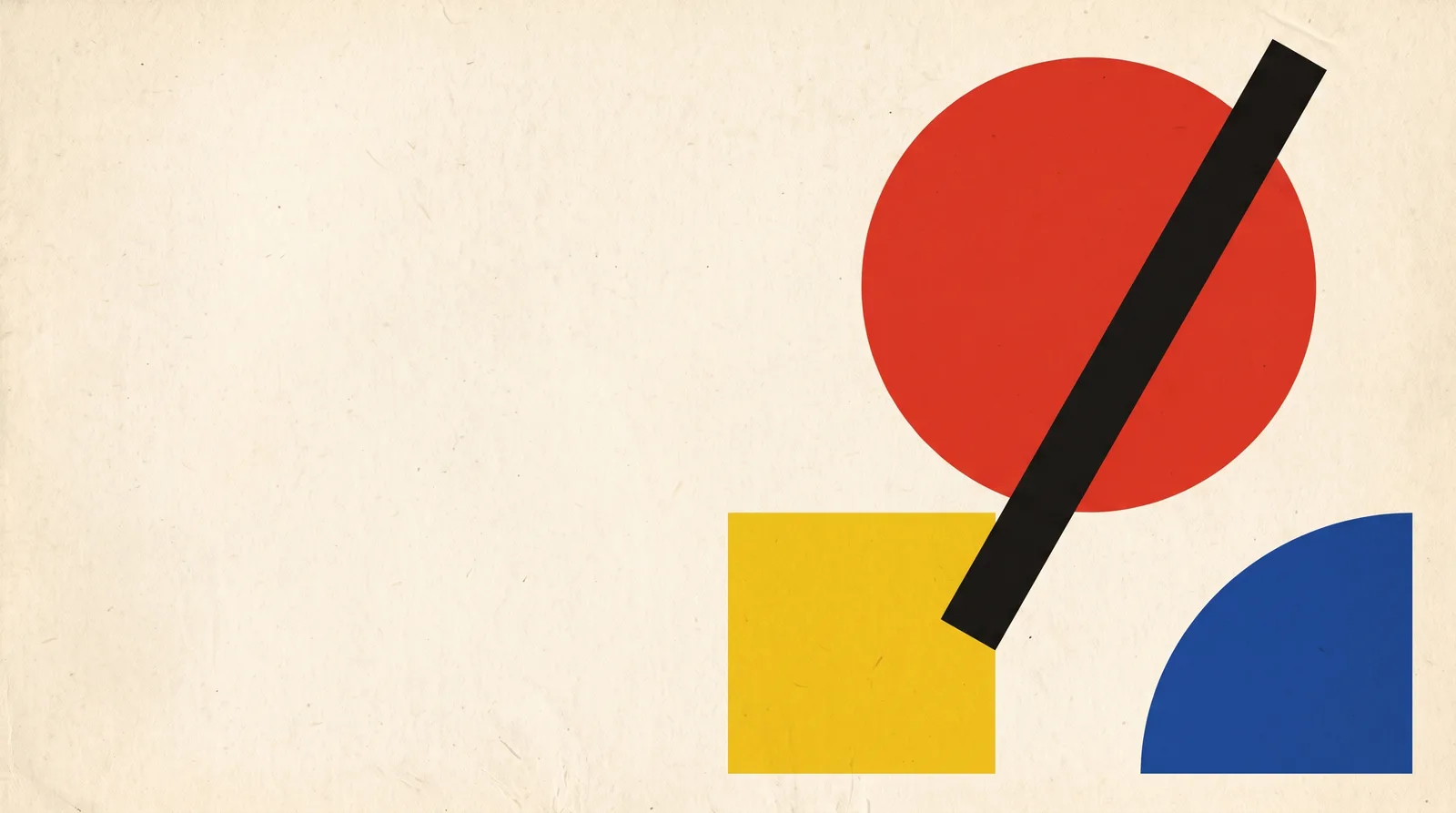
Dessau Poster — painted by DesignMyMac from the prompt below.
Prompt
“A Bauhaus desktop: primary red, yellow and blue geometry, bold sans type, circle and square icons”
You want a Bauhaus desktop: pure primary red, yellow and blue, geometric shapes, bold sans type, and icons built from circles and squares. I'm offering three different ways into it, each led by a different layer.
Three directions DesignMyMac proposed
Direction A
Dessau Poster
Flat primary shapes on warm paper, like a 1923 Bauhaus exhibition poster.
Grounded in: Bauhaus exhibition posters, Herbert Bayer and Joost Schmidt
Wallpaper
Wallpaper-led: off-white paper #f2ead8 with a big red circle, a blue quarter-circle in the corner, a yellow square and one thick black diagonal bar. Large empty space on the left.
App icons & Dock
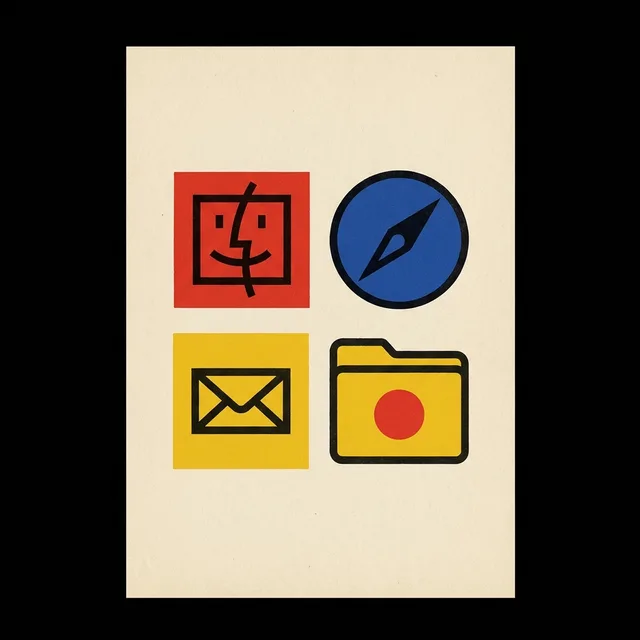
Stencil icons: every app is a solid circle or square in red, yellow or blue, with a black geometric glyph and no gradients.
Folders
Flat yellow folder shapes with a red circle or blue square stamped on the tab, thick black outline.
Widgets
One printed card on paper, with a heavy black grotesque clock, date, and a red progress bar. A small checklist sits beneath.
Windows
Editorial windows in cream with thick black rules, a bold sans title bar and outline selection in red.
Direction B
Blue Workshop
Deep Bauhaus blue with red and yellow used sparingly, like a stage design for a Schlemmer ballet.
Grounded in: Oskar Schlemmer Triadic Ballet stage geometry
Wallpaper
Dark blue stage floor in #13296b with concentric circles in lighter blue, a yellow sphere on a red cube and thin white construction lines in perspective.
App icons & Dock
Icon-led: polished circle and square tiles in blue, red and yellow with a clean white geometric glyph, slight metallic edge.
Folders
Red square folders with a yellow circle emblem and a thin cream outline.
Widgets
A solid navy card with a yellow flip clock, a cream calendar grid and a red ring progress for the day.
Windows
Glass windows tinted deep blue with square corners, cream bold sans titles, yellow selection.
Direction C
Block Toy Studio
Chunky wooden-toy Bauhaus: stacked red, yellow and blue blocks, playful and tactile.
Grounded in: Alma Buscher's Bauhaus wooden toys and nursery blocks
Wallpaper
Soft top-lit beech tabletop in #efe6d2 with a stacked red cube, yellow cylinder and blue half-sphere casting gentle shadows, set to the right.
App icons & Dock
Squish ceramic icons: glossy red circles, blue squares and yellow rounded triangles, each with a simple bold white mark.
Folders
Blue ceramic block folders with a red circle inlay and a visible glazed edge.
Widgets
Ceramic card with a large round word-style clock, a habit tracker in primary-colour ticks and a yellow counter for water.
Windows
Native solid windows in warm cream with compact bold sans headers and a blue filled selection.
What changes on your Mac
Wallpaper — an original painting for every display, with optional motion.
App icons & Dock — matching icons for your apps in the DesignMyMac Dock, in its own colour.
Folders — every folder in your home in the same style, and new ones as you make them.
Widgets — clocks, calendars, weather and more, designed to match.
Windows — the DesignMyMac Files and Apps windows in your palette.
Questions
How do I make my Mac look Bauhaus?
To give your Mac a Bauhaus look, describe it in DesignMyMac — for example “A Bauhaus desktop: primary red, yellow and blue geometry, bold sans type, circle and square icons”. It researches the style, proposes three directions with a painted wallpaper and icon sample, and applies your choice to the wallpaper, app icons, folders, Dock, widgets and windows together. Every original is backed up and one click restores it.
What colours suit a Bauhaus Mac desktop?
A strong starting palette is #f2ead8, #e63026, #f6c81c, #1f4aa8, #161616, led by the accent #e63026. DesignMyMac uses it across your wallpaper, icons, folders, widgets and windows.
What widgets fit a Bauhaus setup?
One printed card on paper, with a heavy black grotesque clock, date, and a red progress bar. A small checklist sits beneath.
Is DesignMyMac free?
You can start for free. Designing with AI has a daily limit per account.
Which Macs does it work on?
Apple silicon and Intel Macs running macOS 14 Sonoma or later. Download it free at designmymac.com/download.
Does it change my files?
No. DesignMyMac only changes how things look — wallpaper, icons, folders' appearance, the Dock, widgets and window styling.
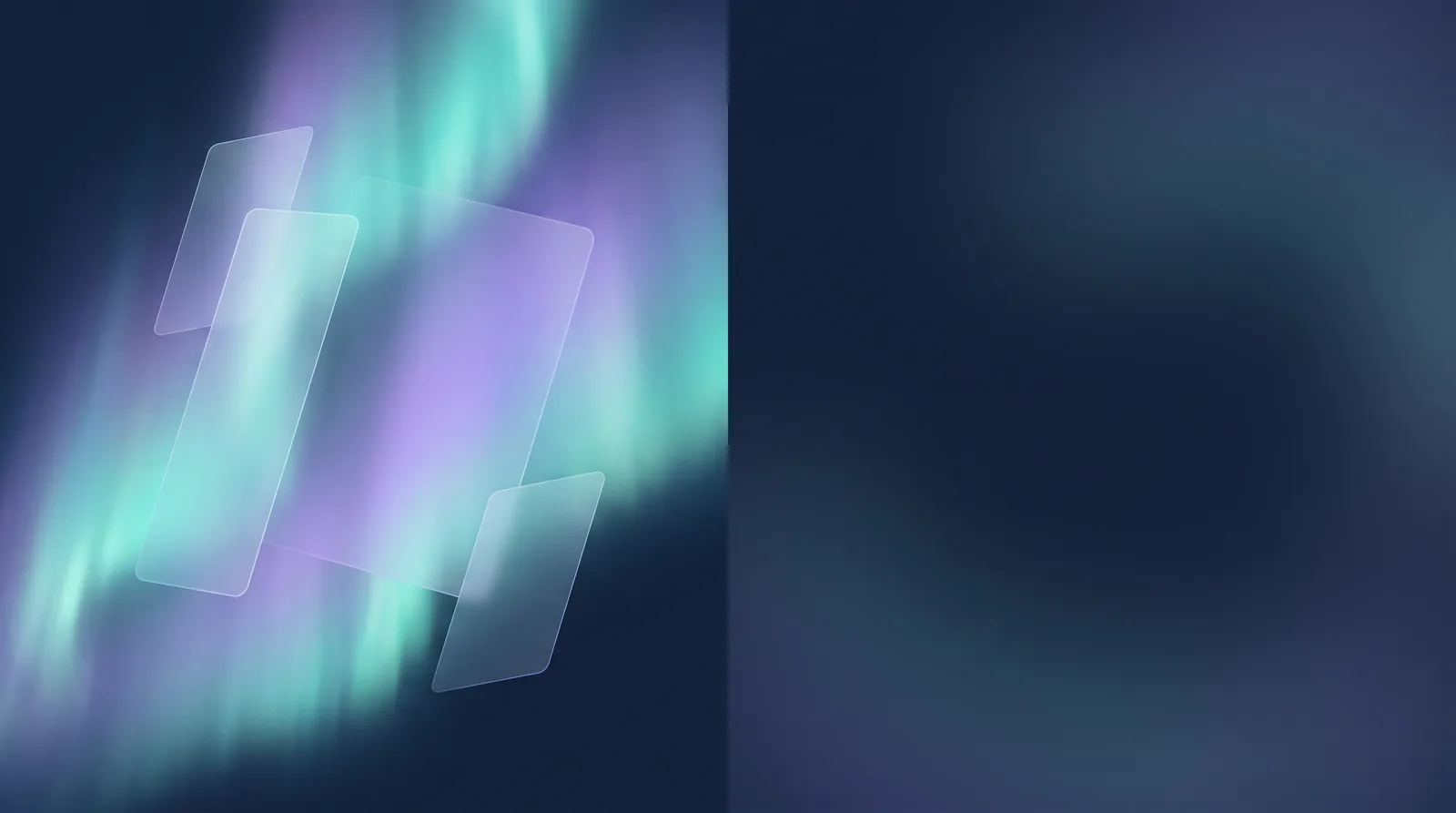 GlassmorphismAurora Pane
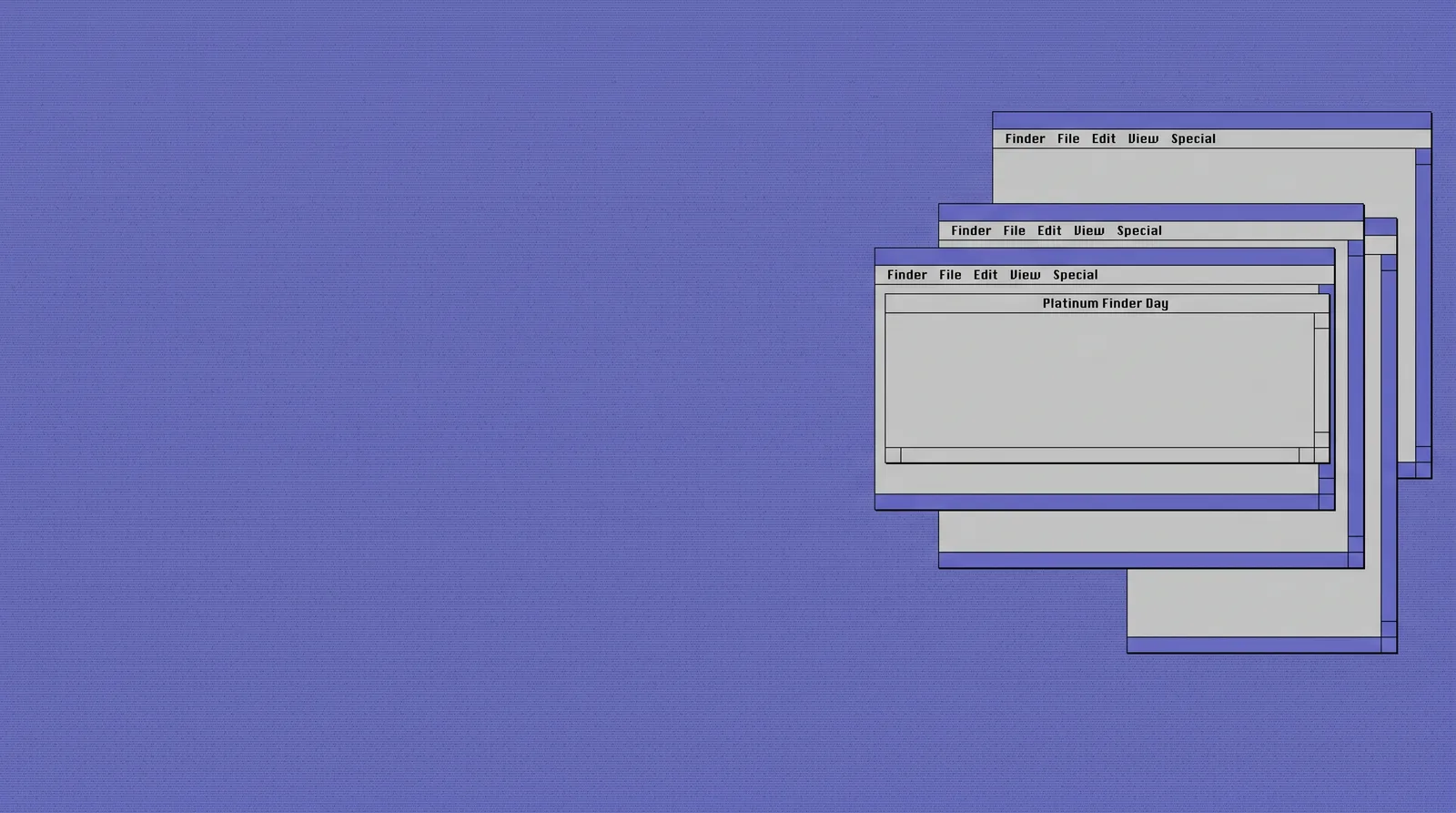 Classic Mac OSPlatinum Finder Day
 Pixel ArtCartridge Valley
 Hacker TerminalPhosphor Bunker
 BohoPampas at Golden Hour
 MatchaChawan Glaze