To give your Mac a Painterly Countryside look, describe it in DesignMyMac — for example “A painterly countryside desktop in the style of hand-painted animated films: rolling hills, big summer clouds, soft watercolour icons”. It researches the style, proposes three directions with a painted wallpaper and icon sample, and applies your choice to the wallpaper, app icons, folders, Dock, widgets and windows together. Every original is backed up and one click restores it.
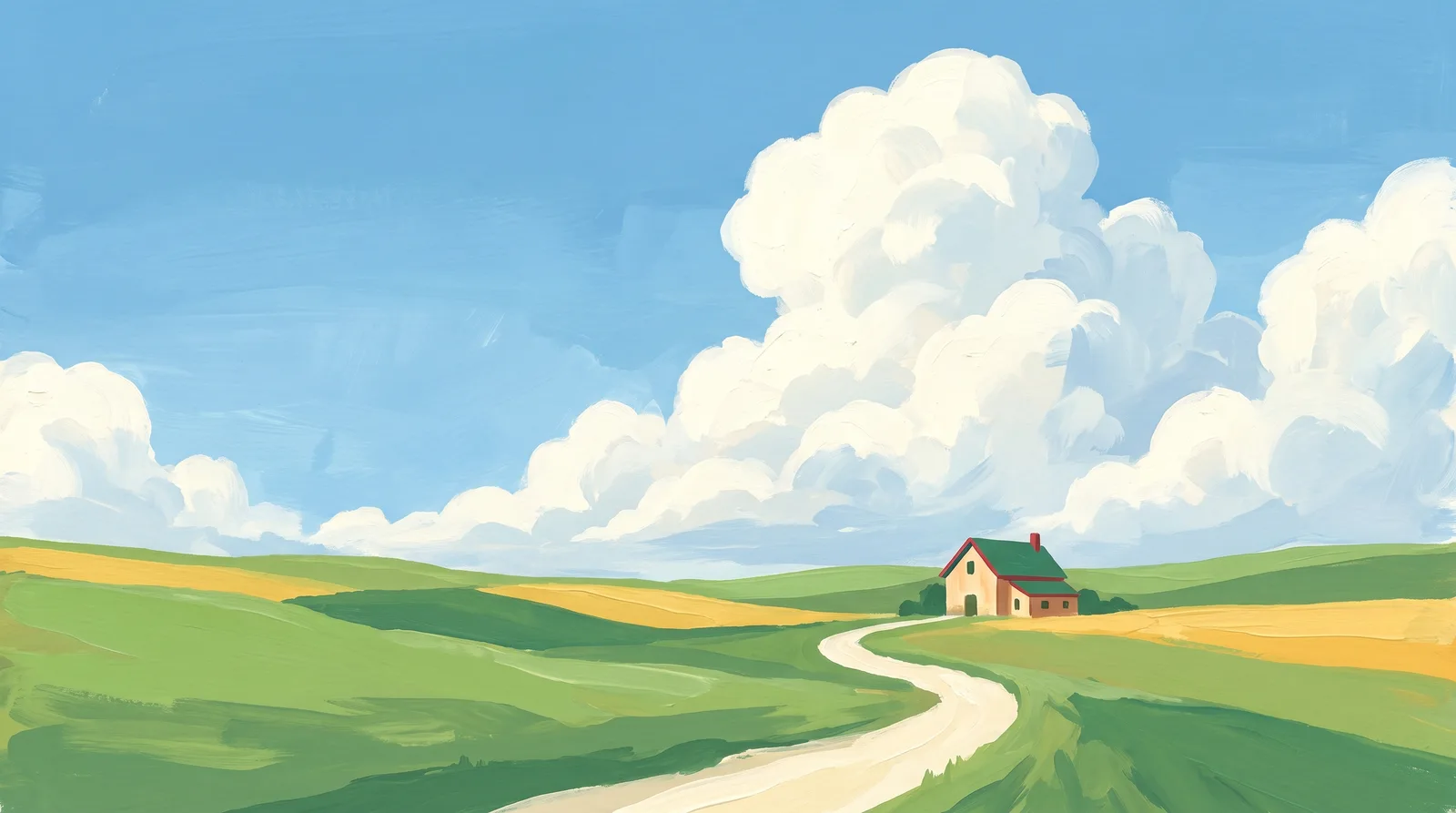
Hayfield Noon — painted by DesignMyMac from the prompt below.
Prompt
“A painterly countryside desktop in the style of hand-painted animated films: rolling hills, big summer clouds, soft watercolour icons”
You want a hand-painted animated-film countryside: rolling hills, tall summer clouds and soft watercolour icons. I'm offering three different scenes and ways to lead the desktop, not three versions of one valley.
Three directions DesignMyMac proposed
Direction A
Hayfield Noon
Bright high summer. Cumulus towers over green hills and the light feels warm and unhurried.
Grounded in: Gouache background painting from hand-painted animated films
Wallpaper
Gouache rolling hills in layered grass greens, a winding dirt lane, a lone farmhouse with a red roof, and towering white cumulus against cerulean sky. Open sky at top left for icons.
App icons & Dock
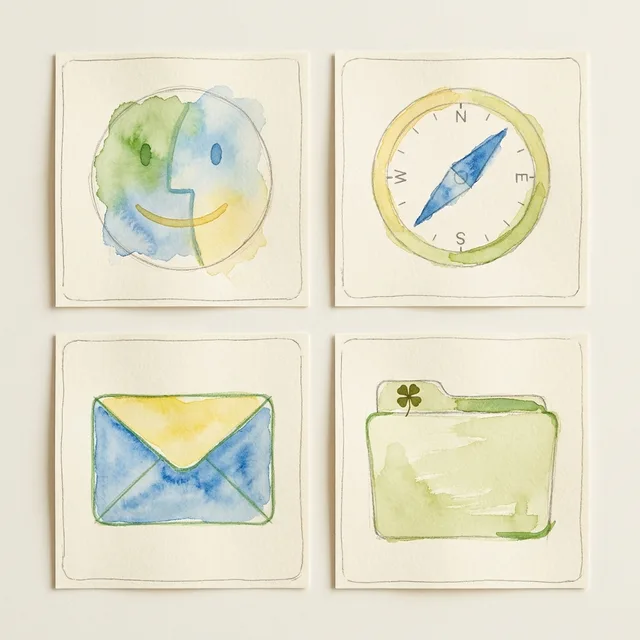
Soft watercolour icons on cream paper tiles, with wobbly pencil outlines and wet-edge blooms. Leaf green, sky blue and straw yellow washes.
Folders
Folders as pale watercolour-washed hay-green paper with a visible brush edge and a tiny pressed clover on the tab.
Widgets
One paper card with date, weather and a checklist in a serif font. Cream background with a faint paper grain and a hand-painted cloud edge.
Windows
Editorial windows in warm cream (#f8f5e4) with thin pencil-grey borders, serif headers and outline selection in leaf green.
Direction B
Cloud Bank Afternoon
Sky-led and dreamy. Huge sunlit clouds fill the frame above a thin strip of distant blue hills.
Grounded in: Soft watercolour sky studies with peach-lit clouds
Wallpaper
Wet-on-wet watercolour sky with huge billowing clouds lit peach on their undersides, over a thin strip of blue-violet hills and one tiny windmill. Two thirds sky, calm and empty.
App icons & Dock
Rounded paper-white icons with translucent watercolour glyphs in sky blue and peach, soft bleeding edges and no hard outlines.
Folders
Folders as pale sky-blue translucent washes with a white cloud-shaped highlight and a peach tab.
Widgets
Frosted glass cards with a sky widget, clock and weather in a rounded font. Sit on the right over the open sky.
Windows
Light floating glass windows tinted #eaf3fb, with a compact header and a filled peach selection.
Direction C
Evening Lane Home
Golden hour. Long shadows, warm haze and a path winding over the hills toward a lit window.
Dusk countryside painted in thick gouache: amber-lit hills, a footpath with fence posts and wildflowers, a small cottage with a glowing window, and violet-blue sky with pink-edged clouds.
App icons & Dock
Soft clay-like rounded icons with watercolour gradients in amber, moss green and brick red, with warm rim light.
Folders
Moss-green folders with a soft ceramic sheen, a sunlit top edge and a small amber window dot on the tab.
Widgets
A dark twilight card with sunrise and sunset times, a clock and a countdown. Amber text on deep blue with rounded type.
Windows
Native solid windows in dusk blue (#2f3e5c) with a compact header, amber filled selection and light text.
What changes on your Mac
Wallpaper — an original painting for every display, with optional motion.
App icons & Dock — matching icons for your apps in the DesignMyMac Dock, in its own colour.
Folders — every folder in your home in the same style, and new ones as you make them.
Widgets — clocks, calendars, weather and more, designed to match.
Windows — the DesignMyMac Files and Apps windows in your palette.
Questions
How do I make my Mac look Painterly Countryside?
To give your Mac a Painterly Countryside look, describe it in DesignMyMac — for example “A painterly countryside desktop in the style of hand-painted animated films: rolling hills, big summer clouds, soft watercolour icons”. It researches the style, proposes three directions with a painted wallpaper and icon sample, and applies your choice to the wallpaper, app icons, folders, Dock, widgets and windows together. Every original is backed up and one click restores it.
What colours suit a Painterly Countryside Mac desktop?
A strong starting palette is #f4f1dc, #8cc66f, #4f9d5d, #7fb8e6, #f2c94c, led by the accent #4f9d5d. DesignMyMac uses it across your wallpaper, icons, folders, widgets and windows.
What widgets fit a Painterly Countryside setup?
One paper card with date, weather and a checklist in a serif font. Cream background with a faint paper grain and a hand-painted cloud edge.
Is DesignMyMac free?
You can start for free. Designing with AI has a daily limit per account.
Which Macs does it work on?
Apple silicon and Intel Macs running macOS 14 Sonoma or later. Download it free at designmymac.com/download.
Does it change my files?
No. DesignMyMac only changes how things look — wallpaper, icons, folders' appearance, the Dock, widgets and window styling.
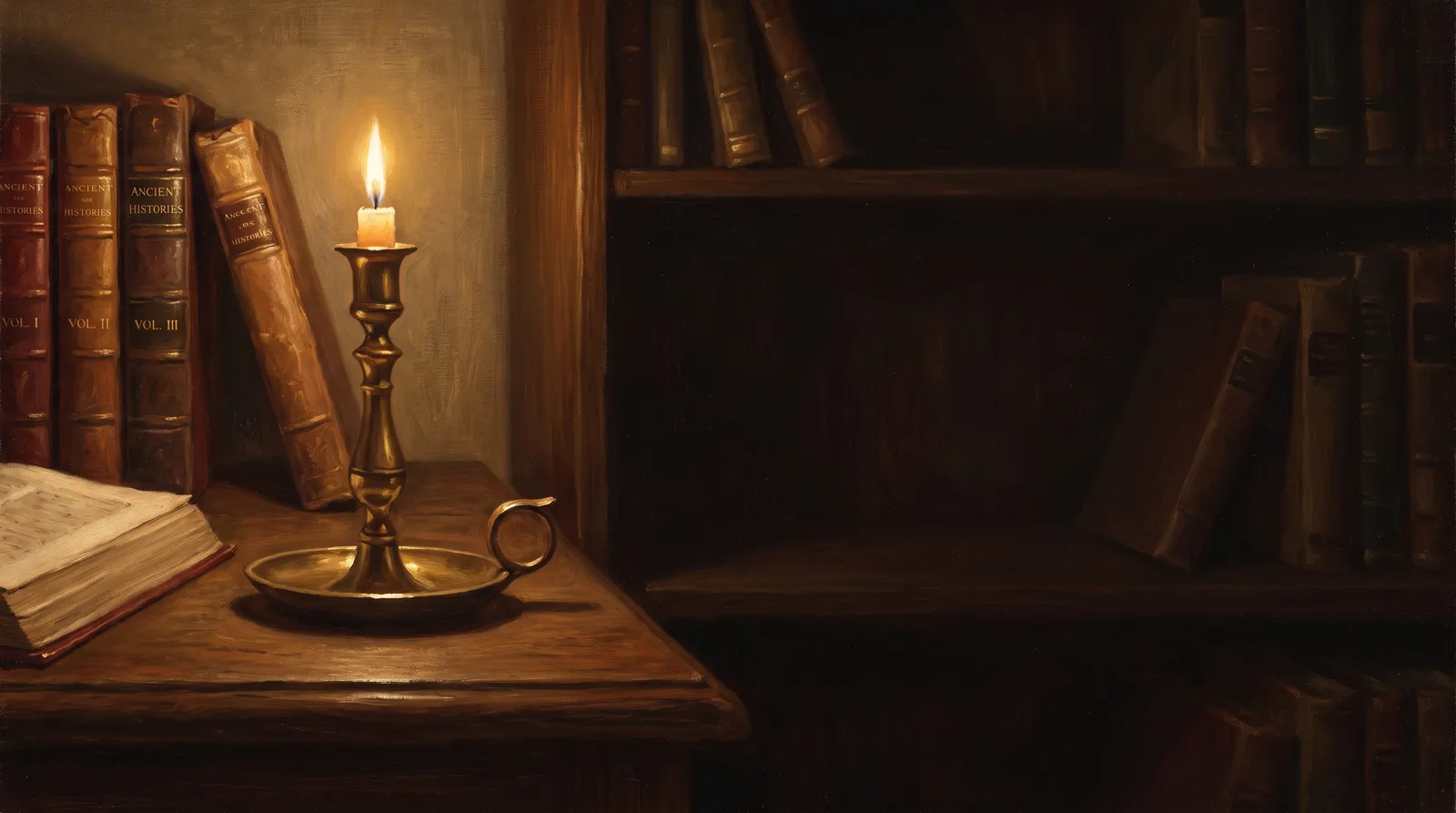 Dark AcademiaReading Room at Last Candle
 Pastel AestheticGelato Counter
 Lo-fi StudyRain on the Desk Window
 AnimeCumulonimbus Crossing
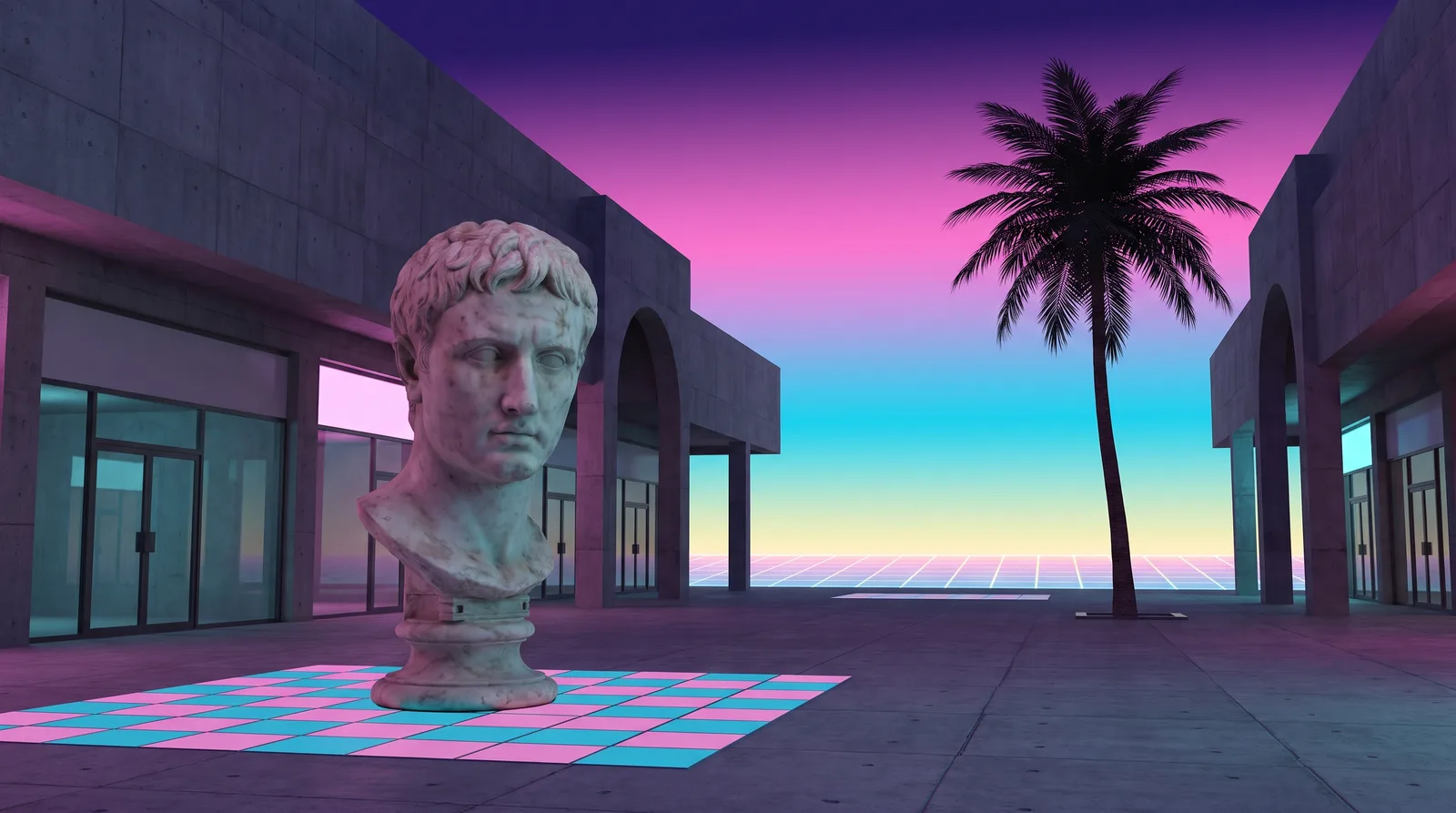 VaporwavePlaza of Dead Malls
 BrutalistPoured Slab