To give your Mac a Solarpunk look, describe it in DesignMyMac — for example “A solarpunk desktop: lush green city with solar glass, hopeful sunlit greens and golds, organic icons”. It researches the style, proposes three directions with a painted wallpaper and icon sample, and applies your choice to the wallpaper, app icons, folders, Dock, widgets and windows together. Every original is backed up and one click restores it.
Canopy Terraces — painted by DesignMyMac from the prompt below.
Prompt
“A solarpunk desktop: lush green city with solar glass, hopeful sunlit greens and golds, organic icons”
You want a hopeful solarpunk desktop: a green city with solar glass, sunlit greens and golds, and organic icons. I'll offer three directions that differ in scene, material and which layer leads.
Three directions DesignMyMac proposed
Direction A
Canopy Terraces
Morning sun over stepped garden towers, dewy and generous.
Grounded in: Solarpunk garden-city illustration
Wallpaper
Paint stepped white towers with hanging vines and roof orchards in leaf green, lit by a low gold sun, with wide pale-cream sky space on the left.
App icons & Dock
Botanical family: each app is a pressed leaf or seed pod in layered green and gold paper cut shapes, with soft rounded silhouettes.
Folders
Folders as folded leaf-green paper envelopes with a small gold seed sticker on the tab.
Widgets
One collage card with a cream paper background holding weather, sky for sunrise and sunset, and a habit tracker for watering plants.
Windows
Editorial floating windows in warm cream with thin leaf-green outlines and serif titles.
Direction B
Solar Glass Skyline
Bright, clean and futuristic, with sunlight streaming through glass towers.
Grounded in: Photovoltaic glass architecture
Wallpaper
Paint a dusk-to-dawn city of curved emerald glass towers with gold photovoltaic panel grids, sky bridges planted with trees, and a sunburst on the horizon, with open sky at the top.
App icons & Dock
Chrome family: translucent green glass tiles with gold solar-cell line grids and a polished rim, with squircle silhouettes.
Folders
Folders as frosted mint glass slabs with a thin gold solar-grid pattern across the front.
Widgets
A frosted glass card with a clock, battery, system stats and a sun-hours progress ring that follows the day.
Windows
Glass floating windows, tinted pale mint with a soft gold edge highlight.
Direction C
Seed Packet Commons
Handmade and communal, with a printed community garden poster look.
Grounded in: Vintage seed packet and WPA poster printing
Wallpaper
Paint a flat screen-printed city of rooftop farms, wind turbines and solar awnings in leaf green and sun gold, with a big orange sun disc and a halftone texture, with a clear cream band at the bottom.
App icons & Dock
Stencil family: bold one-colour sprout, sun and gear symbols on seed-packet rectangles in green, gold and tomato red.
Folders
Folders as sun-gold seed packets with a green stencilled sprout and a tomato-red label stripe.
Widgets
One printed card with a calendar, a water-glasses counter, a quote block and a month progress bar.
Windows
Native solid windows in cream paper with a compact header and filled green selection.
What changes on your Mac
Wallpaper — an original painting for every display, with optional motion.
App icons & Dock — matching icons for your apps in the DesignMyMac Dock, in its own colour.
Folders — every folder in your home in the same style, and new ones as you make them.
Widgets — clocks, calendars, weather and more, designed to match.
Windows — the DesignMyMac Files and Apps windows in your palette.
Questions
How do I make my Mac look Solarpunk?
To give your Mac a Solarpunk look, describe it in DesignMyMac — for example “A solarpunk desktop: lush green city with solar glass, hopeful sunlit greens and golds, organic icons”. It researches the style, proposes three directions with a painted wallpaper and icon sample, and applies your choice to the wallpaper, app icons, folders, Dock, widgets and windows together. Every original is backed up and one click restores it.
What colours suit a Solarpunk Mac desktop?
A strong starting palette is #eef3d6, #2f7d3a, #9ccc65, #f2b705, #1f4d2b, led by the accent #f2b705. DesignMyMac uses it across your wallpaper, icons, folders, widgets and windows.
What widgets fit a Solarpunk setup?
One collage card with a cream paper background holding weather, sky for sunrise and sunset, and a habit tracker for watering plants.
Is DesignMyMac free?
You can start for free. Designing with AI has a daily limit per account.
Which Macs does it work on?
Apple silicon and Intel Macs running macOS 14 Sonoma or later. Download it free at designmymac.com/download.
Does it change my files?
No. DesignMyMac only changes how things look — wallpaper, icons, folders' appearance, the Dock, widgets and window styling.


 Japanese Ukiyo-eGreat Wave Indigo
 MinimalBare Plaster Wall
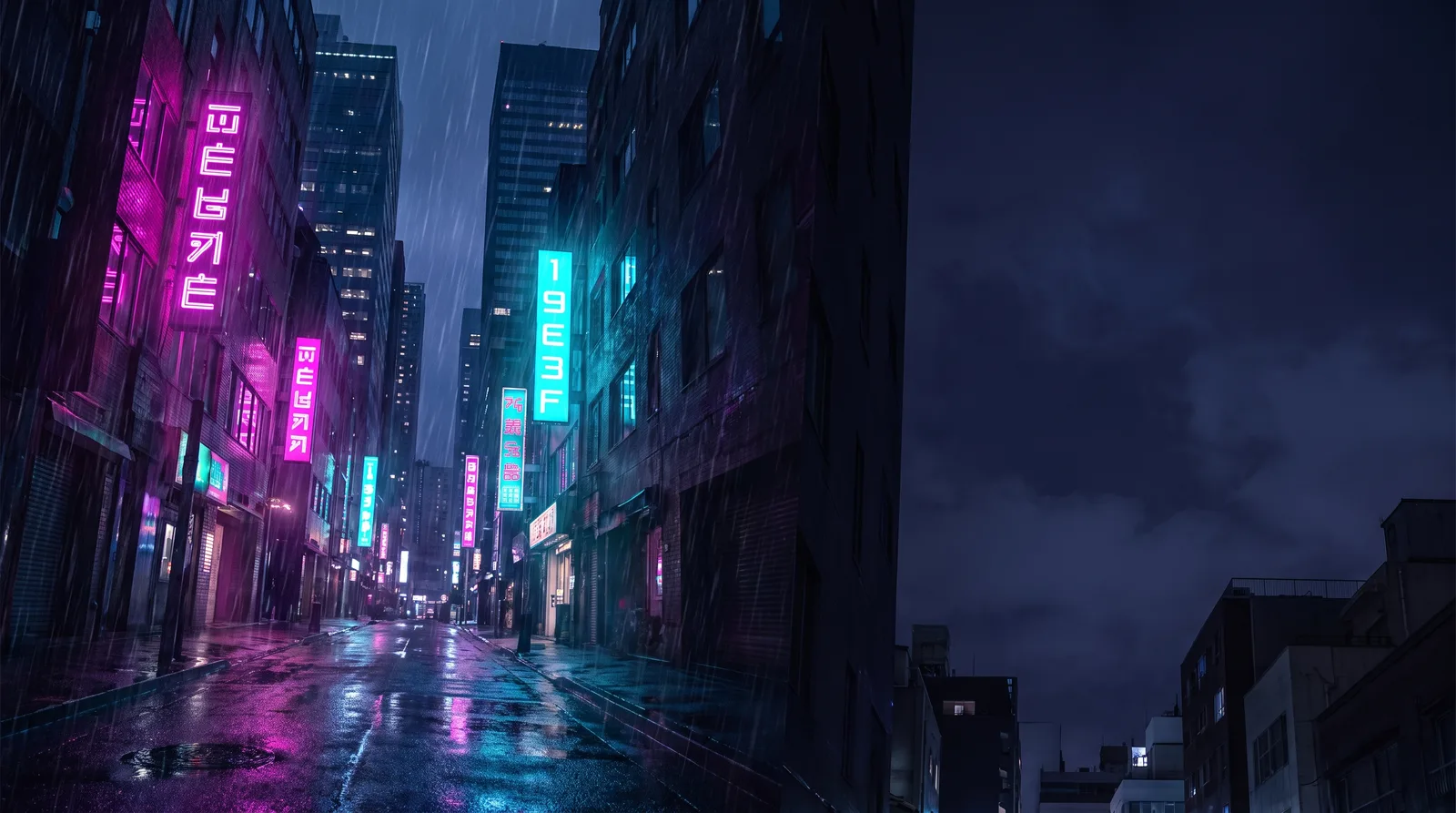 CyberpunkRain Alley 2049
 Retro 80s SynthwaveHorizon Run
 CottagecoreMeadow at Hay Time
 Dark AcademiaReading Room at Last Candle