Today
Thursday, October 22
Events
- Design review
- Lunch with Sam
- Ship the update
To add a daily planner widget to your Mac desktop, describe it in DesignMyMac — “A botanical journal daily planner: today's date, my events and three priorities on cream paper with serif type and an olive accent.” — and it designs the widget in any style, font and colour, then places it on your desktop behind your windows. You can resize it, move it, and edit it on its own later.
“A botanical journal daily planner: today's date, my events and three priorities on cream paper with serif type and an olive accent.”
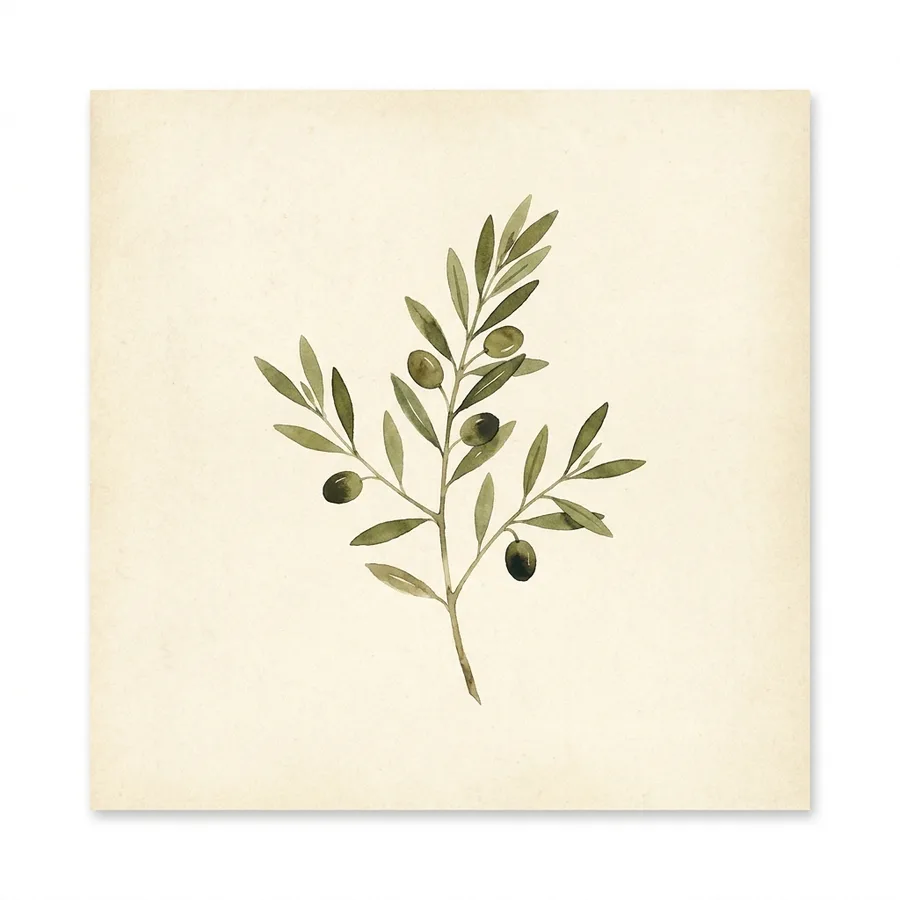
Download for MacA cream paper planner page with serif type and olive accents holds today's date, your upcoming events and three priorities. A small pressed-leaf illustration adds a botanical journal touch without crowding the writing.
To add a daily planner widget to your Mac desktop, describe it in DesignMyMac — “A botanical journal daily planner: today's date, my events and three priorities on cream paper with serif type and an olive accent.” — and it designs the widget in any style, font and colour, then places it on your desktop behind your windows. You can resize it, move it, and edit it on its own later.
Yes — any font (including pixel, handwritten and typewriter), colours, size, frame, glass effect and even painted artwork. Edit it by hand or ask the AI to restyle just that widget.
Yes. DesignMyMac widgets sit on your desktop next to any macOS widgets you use.
You can start for free. Designing with AI has a daily limit per account.
Apple silicon and Intel Macs running macOS 14 Sonoma or later. Download it free at designmymac.com/download.