To give your Mac a Mid-century Modern look, describe it in DesignMyMac — for example “A mid-century modern desktop: walnut wood, mustard and teal, atomic starbursts, rounded retro icons”. It researches the style, proposes three directions with a painted wallpaper and icon sample, and applies your choice to the wallpaper, app icons, folders, Dock, widgets and windows together. Every original is backed up and one click restores it.
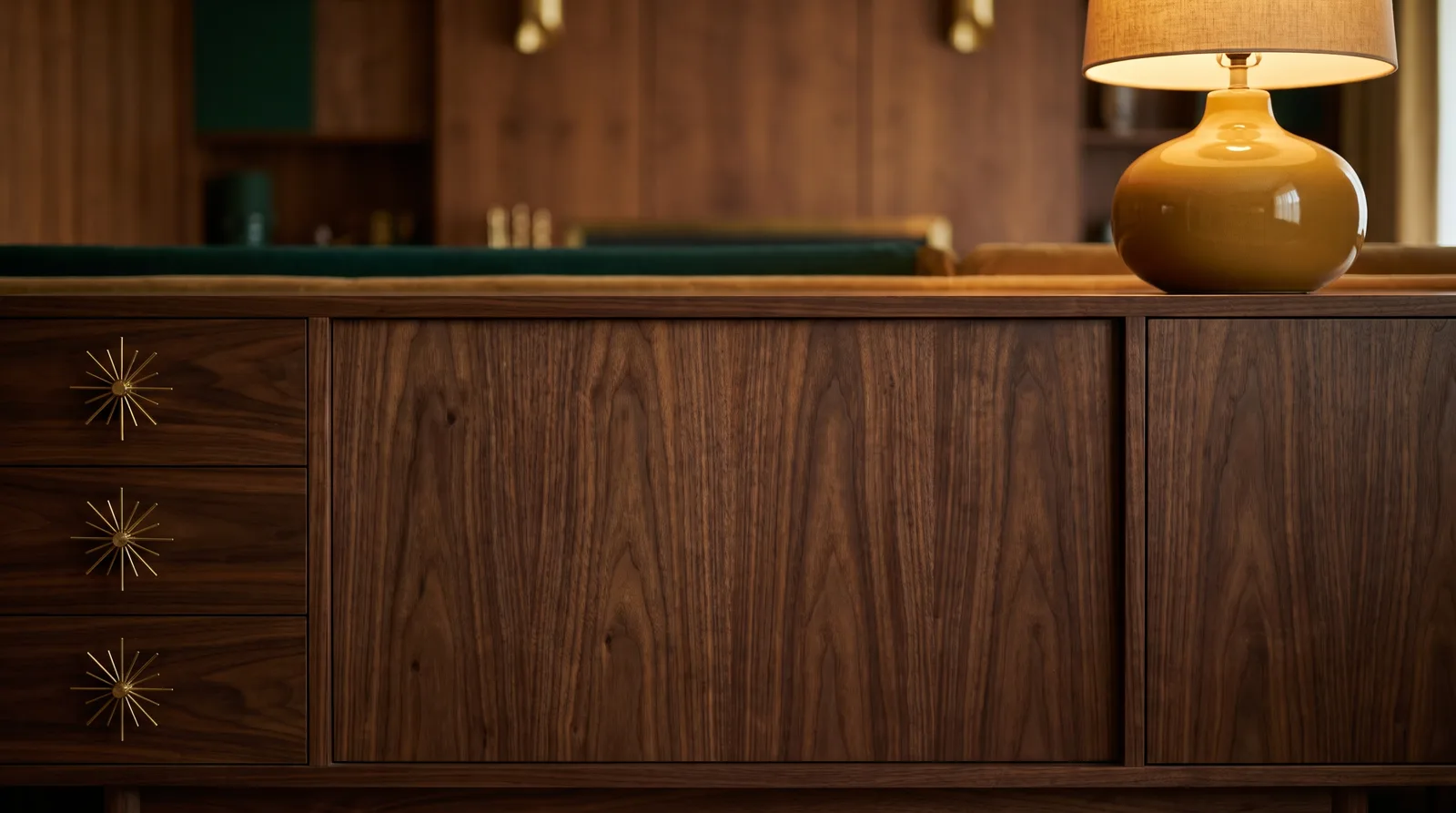
Walnut Credenza — painted by DesignMyMac from the prompt below.
Prompt
“A mid-century modern desktop: walnut wood, mustard and teal, atomic starbursts, rounded retro icons”
You want a mid-century modern Mac: walnut wood, mustard and teal, atomic starbursts and rounded retro icons. I'm offering three different ways to get there, each led by a different layer.
Three directions DesignMyMac proposed
Direction A
Walnut Credenza
Warm wood-paneled den with brass starburst pulls and a quiet, lived-in glow.
Grounded in: 1960s walnut furniture and teak sideboards
Wallpaper
Wallpaper-led: close-up of a walnut credenza with book-matched vertical grain, three brass atomic starburst drawer pulls, a mustard ceramic lamp in the corner, soft side light, wide empty wood at center.
App icons & Dock
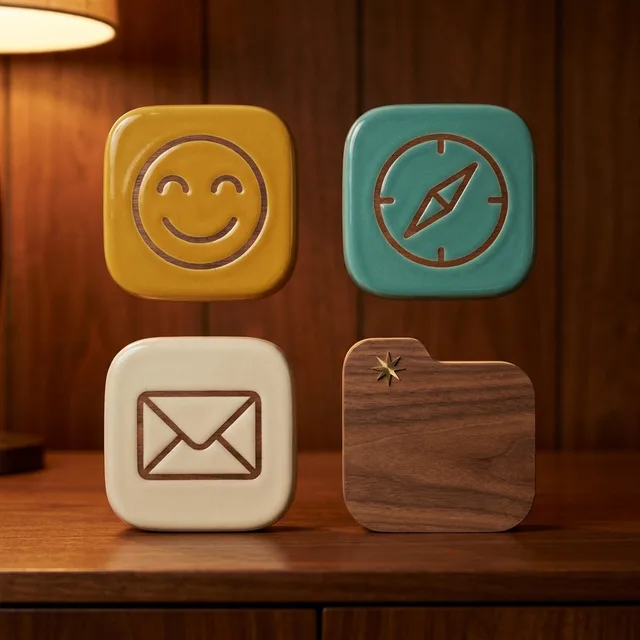
Rounded-square ceramic icons in mustard, teal and cream with a glossy glaze and thin walnut-brown glyphs.
Folders
Walnut-veneer folders with visible grain and a small brass starburst on the tab.
Widgets
Cream ceramic cards with serif type: clock, calendar and weather, each with a thin mustard rule.
Windows
Cream editorial windows with a walnut-brown title strip and outline selection in teal.
Direction B
Atomic Age Diner
Bright, playful Googie-era sign painting with boomerangs and starbursts on teal.
Grounded in: Googie roadside signage and 1950s diner enamel
Wallpaper
Flat teal sky with large mustard and cream atomic starbursts, a red boomerang sign post, small scattered diamond stars, flat vector shapes, clear space bottom left.
App icons & Dock
Chunky enamel-badge icons with rounded corners, mustard and teal with cream outlines, like diner sign tiles.
Folders
Mustard enamel folders with a cream starburst stamp and a rounded boomerang tab.
Widgets
Enamel pill cards in cream with teal borders: clock, date, now playing and a counter with a coffee-cup symbol.
Windows
Solid cream native windows with a compact header and a teal filled selection.
Direction C
Eames Living Room
Calm, airy modern interior with a teal wall, a mustard chair and a single starburst clock.
Grounded in: Eames-era interior illustration and screen-printed posters
Wallpaper
Screen-print illustration of a teal wall, a mustard molded chair on a walnut floor, and a large brass starburst wall clock above; grainy print texture, open wall on the right.
App icons & Dock
Icon-led: rounded-square stencil icons in flat printed colors, teal, mustard and walnut, with simple geometric glyphs and slight ink misregistration.
Folders
Flat teal folders with a walnut tab and a mustard starburst printed on the front.
Widgets
One three-column card of printed blocks on a cream background: clock, month calendar, progress ring for the day and a quote.
Windows
Frosted cream glass windows floating over the print, with a compact header and teal filled selection.
What changes on your Mac
Wallpaper — an original painting for every display, with optional motion.
App icons & Dock — matching icons for your apps in the DesignMyMac Dock, in its own colour.
Folders — every folder in your home in the same style, and new ones as you make them.
Widgets — clocks, calendars, weather and more, designed to match.
Windows — the DesignMyMac Files and Apps windows in your palette.
Questions
How do I make my Mac look Mid-century Modern?
To give your Mac a Mid-century Modern look, describe it in DesignMyMac — for example “A mid-century modern desktop: walnut wood, mustard and teal, atomic starbursts, rounded retro icons”. It researches the style, proposes three directions with a painted wallpaper and icon sample, and applies your choice to the wallpaper, app icons, folders, Dock, widgets and windows together. Every original is backed up and one click restores it.
What colours suit a Mid-century Modern Mac desktop?
A strong starting palette is #4a2f1e, #7a4a2b, #d9a21b, #1f6f73, #f1e4c8, led by the accent #d9a21b. DesignMyMac uses it across your wallpaper, icons, folders, widgets and windows.
What widgets fit a Mid-century Modern setup?
Cream ceramic cards with serif type: clock, calendar and weather, each with a thin mustard rule.
Is DesignMyMac free?
You can start for free. Designing with AI has a daily limit per account.
Which Macs does it work on?
Apple silicon and Intel Macs running macOS 14 Sonoma or later. Download it free at designmymac.com/download.
Does it change my files?
No. DesignMyMac only changes how things look — wallpaper, icons, folders' appearance, the Dock, widgets and window styling.
 Neon NoirKowloon Downpour
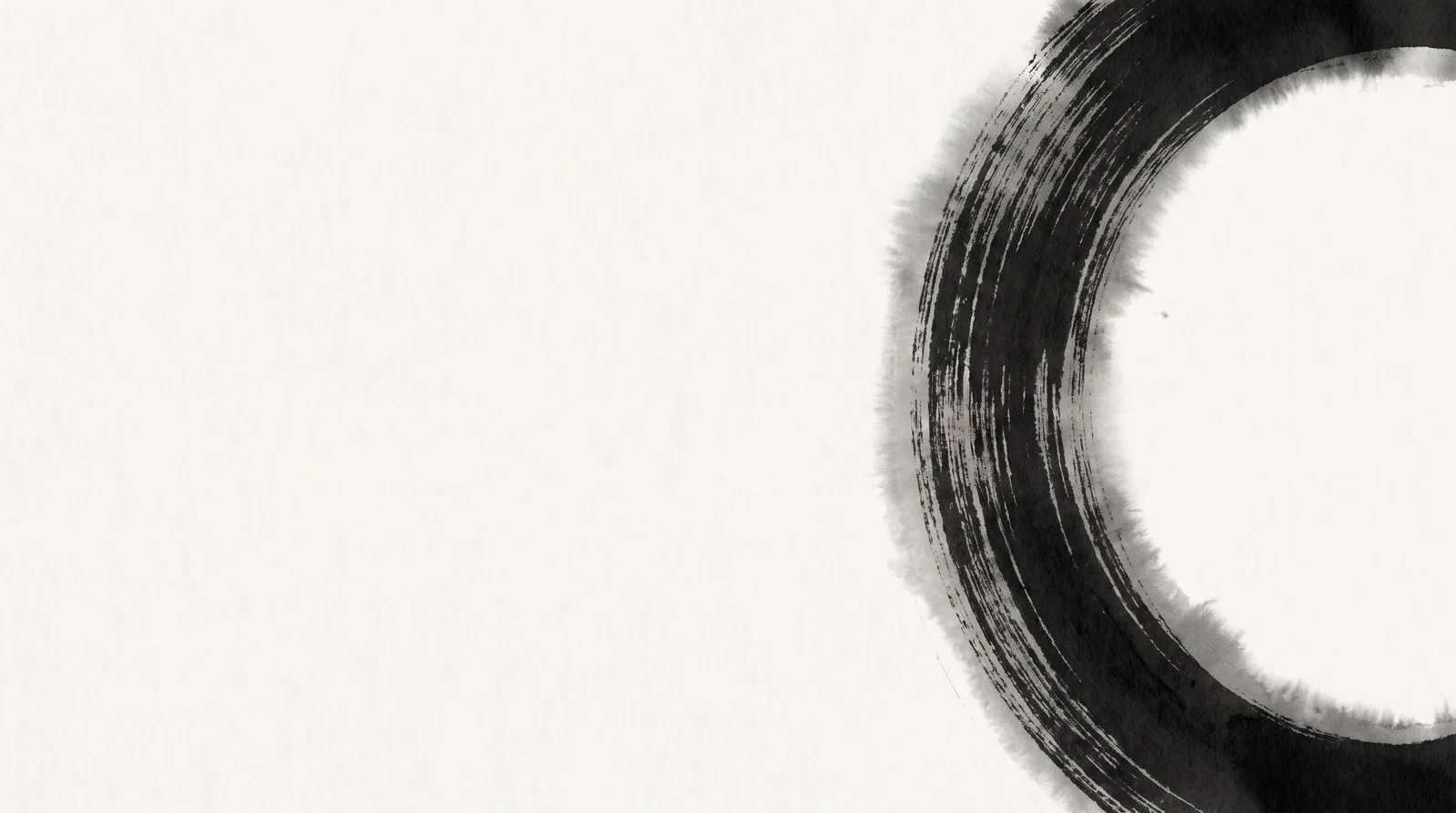 MonochromeSumi Brushwork
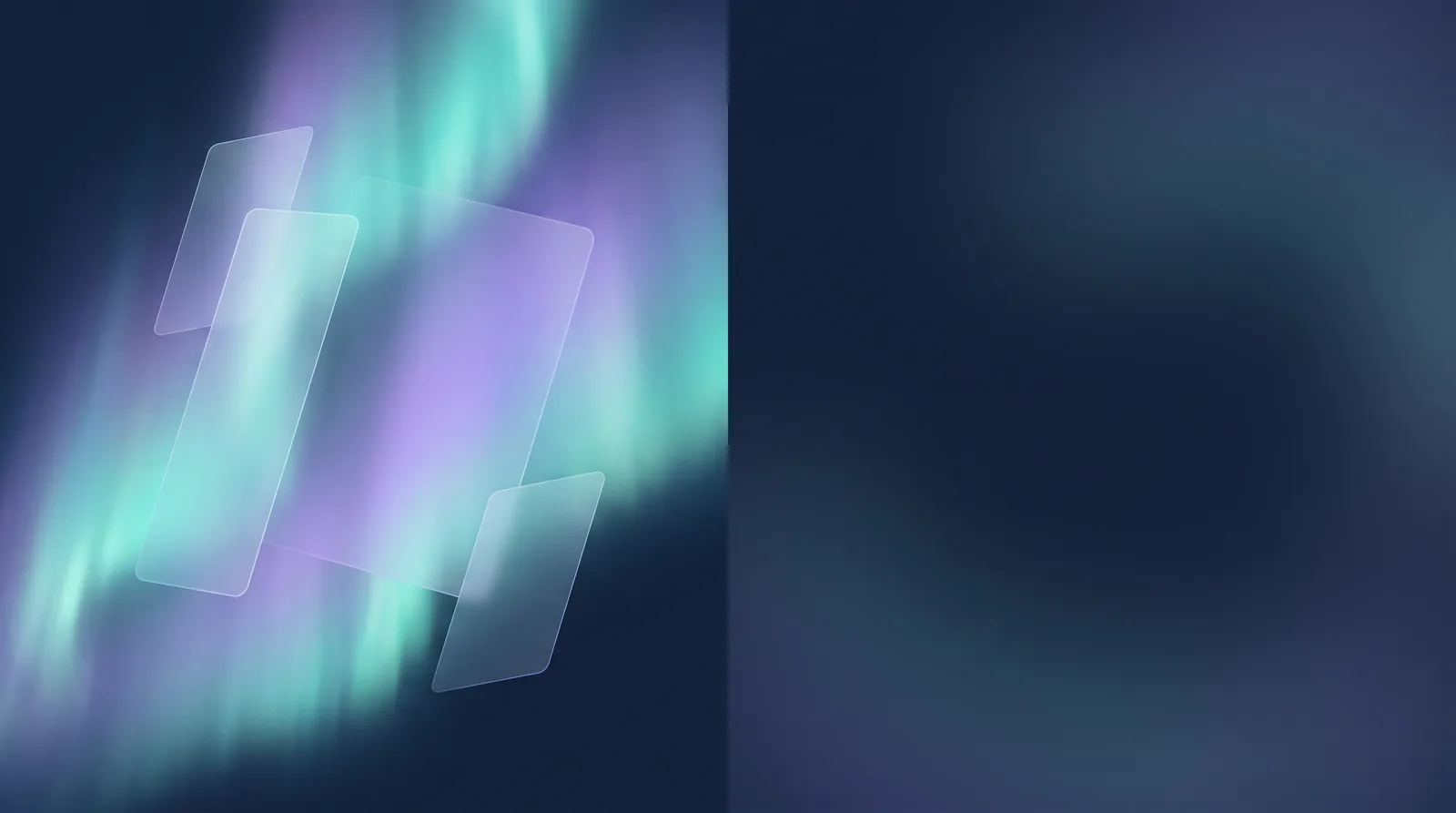 GlassmorphismAurora Pane
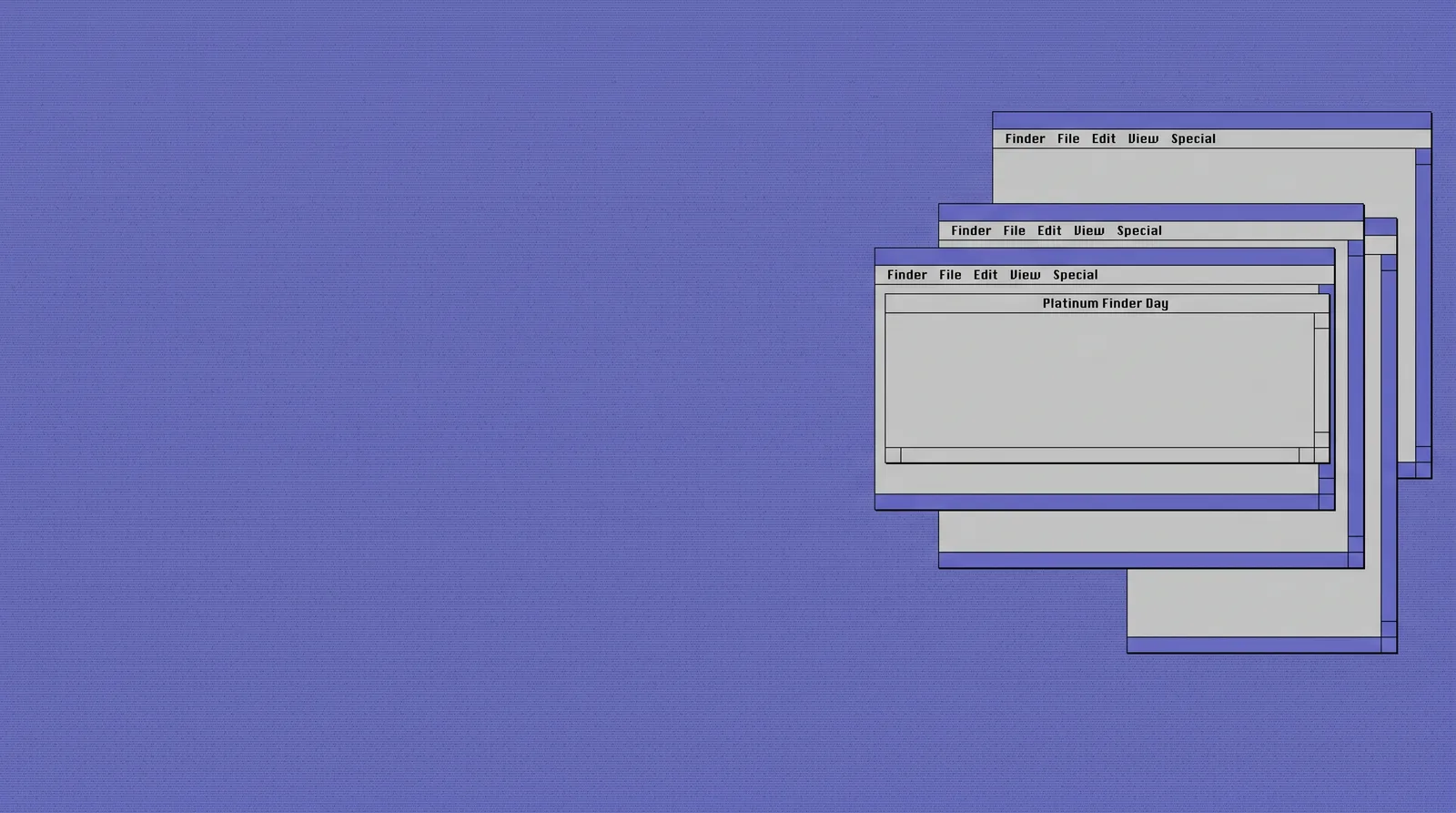 Classic Mac OSPlatinum Finder Day
 Pixel ArtCartridge Valley
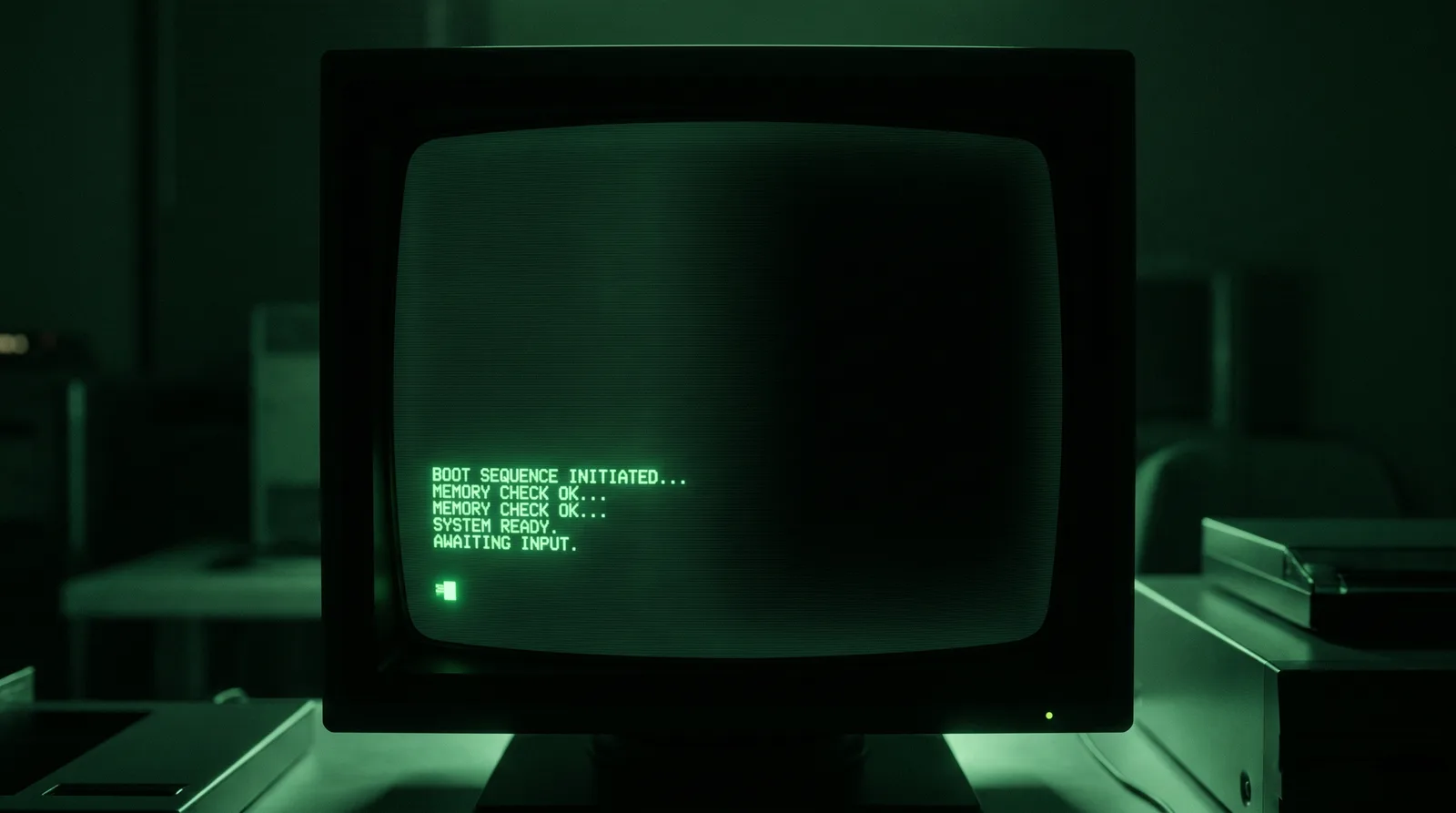 Hacker TerminalPhosphor Bunker